
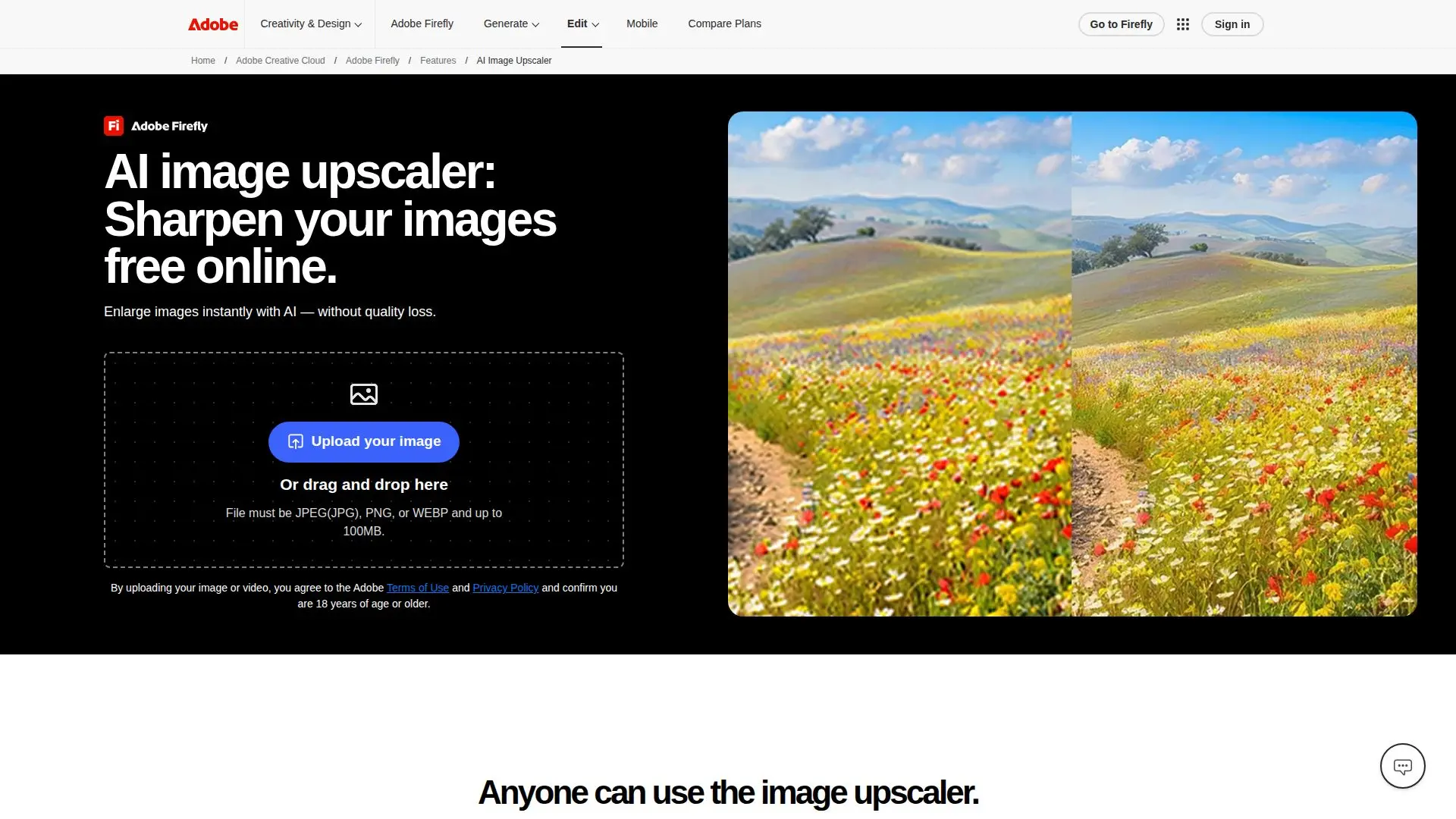
Description
Adobe Firefly provides a free online image upscaler that utilizes artificial intelligence to enhance images by improving their resolution, clarity, and sharpness while preserving essential details. This tool is perfect for various users, including creators, marketers, and everyday individuals looking to refine their visuals. With Firefly, users can upscale images by 2x or 4x with just a single click, making it an efficient solution for enhancing photos, logos, and other graphics.
Read More
To use the image upscaler, users can upload their images in JPEG, PNG, or WEBP formats, with a maximum file size of 100MB. The process is straightforward: users can drag and drop their images or browse their devices to select the files they want to enhance. Once uploaded, they can choose between different AI image models to upscale their images, resulting in a new document with the improved visuals. This feature is particularly beneficial for restoring old photos or scanned images, allowing users to breathe new life into their cherished memories by sharpening details that may have been lost over time.
Firefly's image upscaler is designed to deliver professional-quality results, ensuring that logos have clean edges and that the original look of images is preserved while enhancing details. This makes it an invaluable tool for marketing campaigns, where high-quality visuals are crucial for success. Users can also improve low-resolution logos or product photos without the need for costly redesigns or reshoots, making it a cost-effective solution for businesses.
In summary, Adobe Firefly's image upscaler is a powerful, intuitive tool that caters to the needs of various users, providing them with the ability to enhance their images effortlessly. Whether for personal use or professional projects, Firefly ensures that users can achieve polished, high-quality visuals that meet their creative standards.
- CategoryAI Image Upscalers
- Pricing ModelFreemium
- DeploymentCloud
- PlatformsWeb
Free Online Image Upscaler's Core Features
AI-powered image enhancement
Upscale images by 2x or 4x
Supports JPEG, PNG, WEBP formats
Maximum file size of 100MB
Single-click upscaling
Restores old photos and scanned images
Preserves original look while enhancing details
Ideal for marketing and creative projects
How to use Free Online Image Upscaler?
Upload your image: Drag and drop or browse your device to select the image.
Choose AI model: Select between different AI image models for upscaling.
Select upscale factor: Decide whether to upscale your image by 2x or 4x.
Generate new document: A separate upscaled image will be created in a new document.
Free Online Image Upscaler's Use Cases
- Marketing Campaigns
- Logo Improvement
- Photo Restoration
- Creative Projects
- Social Media Content