
Description
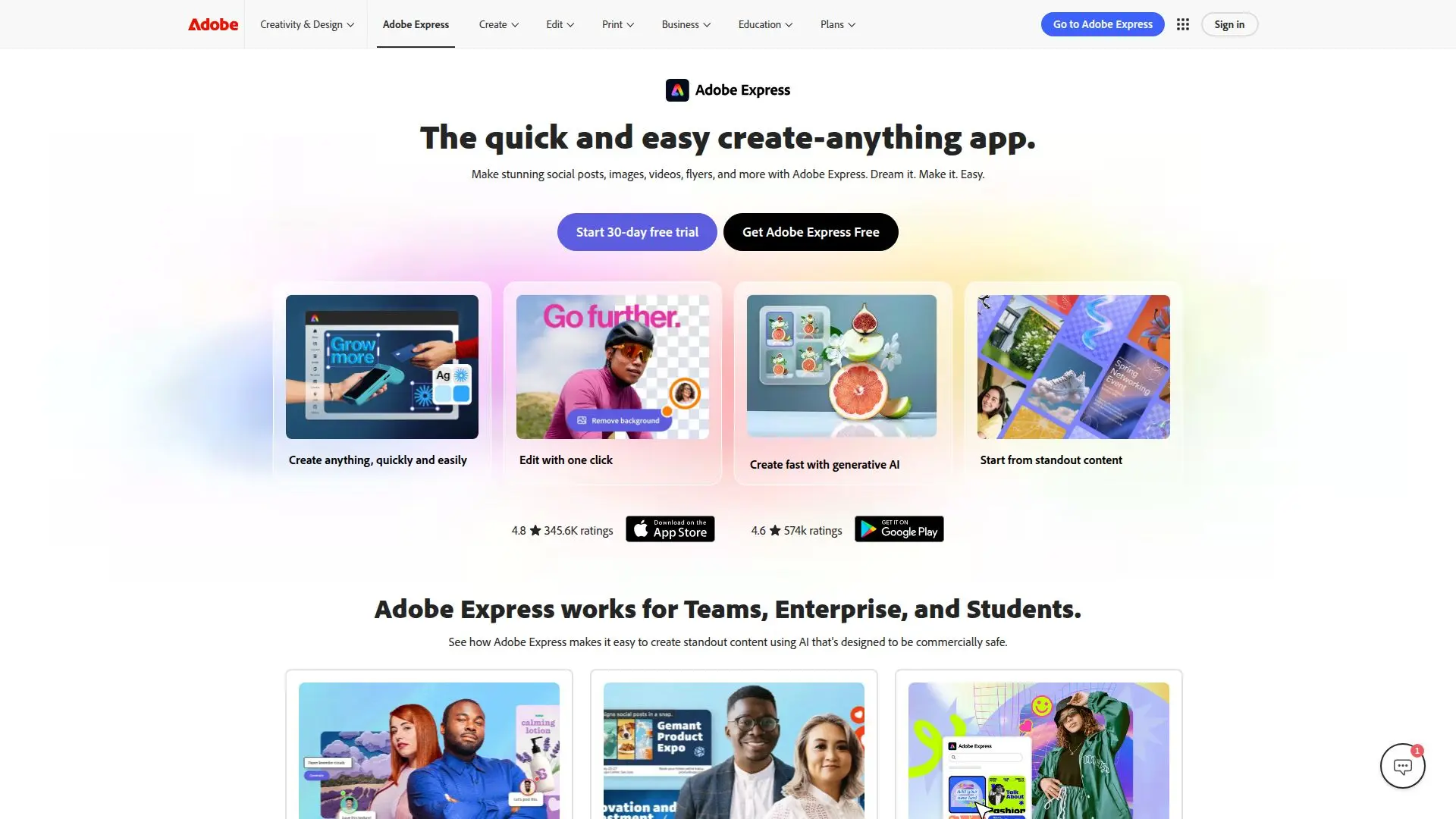
Adobe Express is a versatile design, photo, and video tool that streamlines the content creation process for users of all skill levels. Whether you are a student, a small business owner, or part of a large enterprise, Adobe Express provides the tools you need to create visually appealing content quickly and efficiently.
Read More
The app features an intuitive interface that allows users to create stunning social posts, images, videos, flyers, and more. With Adobe Express, you can easily transform your ideas into reality, making it the perfect solution for anyone looking to enhance their online presence. The platform is designed to work seamlessly across devices, enabling users to create content anytime, anywhere, with files that stay synced across desktop and mobile.
One of the standout features of Adobe Express is its all-new AI Assistant, which helps users prompt, create, and edit content effortlessly. This AI-driven tool allows for quick edits and refinements, ensuring that users can maintain the elements they love while enhancing their designs. Additionally, Adobe Express integrates with other Adobe products like Photoshop and Firefly, allowing for a cohesive workflow and easy access to brand assets.
For teams and enterprises, Adobe Express offers advanced collaboration features that keep projects on-brand and streamline workflows. With real-time collaboration and security features, large organizations can create on-brand content efficiently. Students can also benefit from professional templates and generative AI tools that help elevate their projects from basic to bold.
Adobe Express offers a free tier with basic content creation tools, while the premium plan provides access to millions of assets and additional AI credits. This flexibility makes it accessible for individuals and organizations alike, ensuring that everyone can create high-quality content without the need for extensive design experience.
- CategoryAI Graphic Design Tools
- Pricing ModelFreemium
- DeploymentCloud
- PlatformsWeb, Mobile
Adobe Express's Core Features
All-in-one design tool
AI Assistant for content creation
Real-time collaboration
Integration with Adobe Creative Cloud
Mobile and desktop compatibility
Brand kits for consistent branding
Video editing capabilities
One-click resizing for social media
Professional templates for various projects
Generative AI tools for enhanced creativity
How to use Adobe Express?
Create an account: Sign up for Adobe Express to access the tools.
Choose a template: Select from a variety of professional templates to start your project.
Customize your design: Use the AI Assistant to edit and refine your content.
Add assets: Integrate images, videos, and logos from your brand kit or Adobe Creative Cloud.
Resize for platforms: Use the one-click resizing feature to adapt your design for different social media channels.
Export your content: Download your finished design or publish directly to social media.
Collaborate with your team: Share your project with team members for feedback and real-time edits.
Adobe Express's Use Cases
- Social Media Marketing
- Educational Projects
- Business Branding
- Event Promotion
- Content Creation for Teams