Description
Microsoft Designer is an innovative AI-powered graphic design application designed to help individuals and businesses create stunning visual content with ease. Whether you need to design social media posts, invitations, digital postcards, or other graphics, Designer streamlines the creative process. The tool leverages artificial intelligence to transform your ideas into polished, professional-quality designs in a flash.
Read More
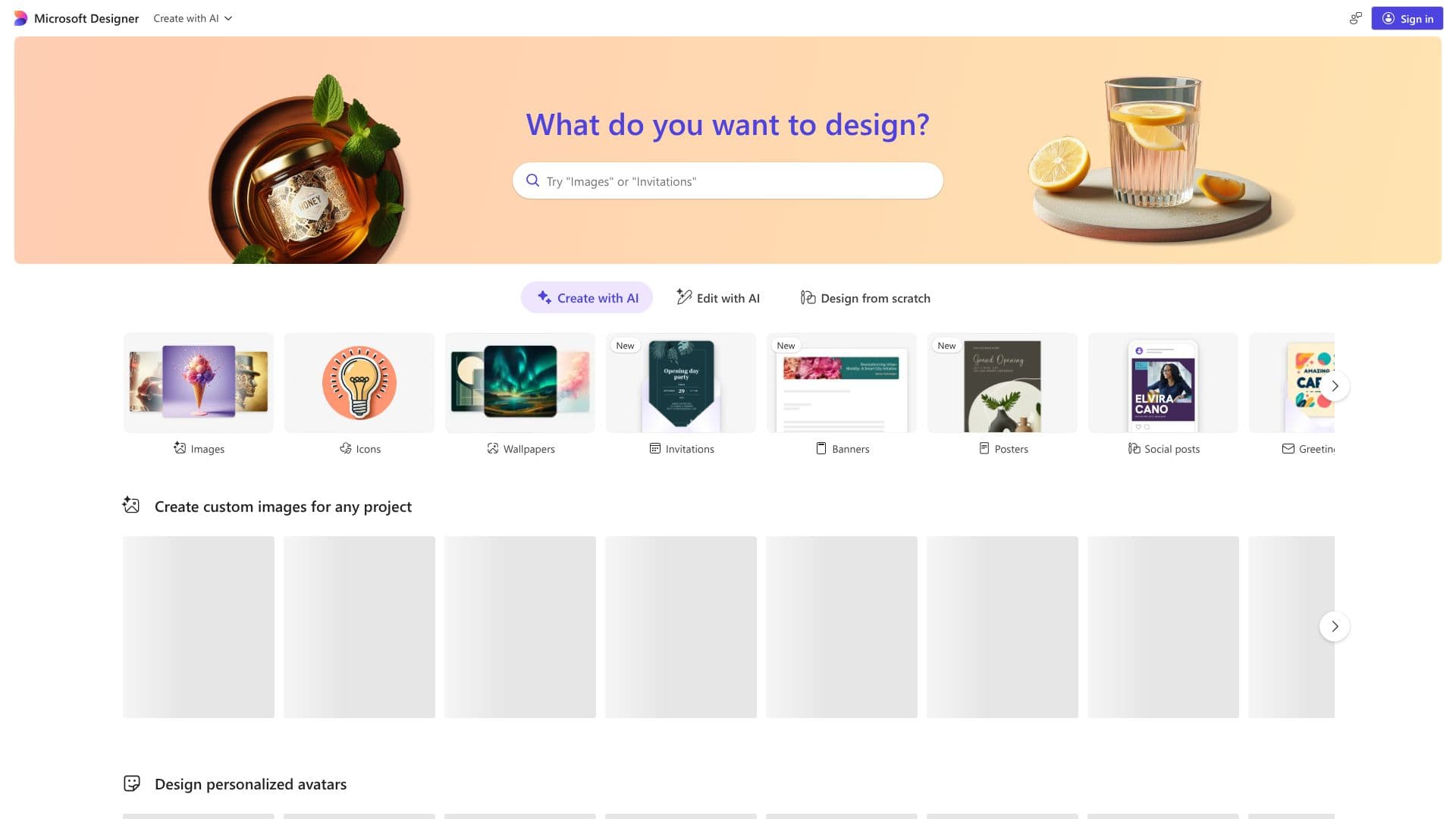
At its core, Microsoft Designer functions by allowing users to input their concepts or ideas, and the AI then generates a range of design options. This generative capability significantly reduces the time and effort typically associated with graphic design. Users can also edit existing images, remove backgrounds, and utilize generative erase features to refine their creations. The platform offers a vast library of templates and design elements, making it accessible even for those without prior design experience.
The application supports a wide array of design outputs, including Instagram posts and stories, Facebook ads and stories, LinkedIn posts, Pinterest pins, Twitter headers, brochures, email signatures, flyers, and various invitation formats. It also caters to different aspect ratios and orientations, such as A4, A5, US letter, and square formats, ensuring versatility for diverse project needs. The integration of AI extends to features like creating avatars and generating unique backgrounds, further enhancing the creative possibilities.
Microsoft Designer is targeted at a broad audience, from social media managers and small business owners to individuals looking to create personalized digital communications. Its intuitive interface and AI assistance democratize design, making professional-looking graphics achievable for everyone. The value proposition lies in its speed, ease of use, and the ability to produce unique, AI-generated content that stands out.
Key capabilities include AI-driven design generation, image editing tools such as background removal and generative erase, and a comprehensive selection of customizable templates for various platforms and purposes. The platform aims to empower users to express their creativity and achieve their design goals efficiently, making it a powerful tool for modern digital communication.
- CategoryAI Graphic Design Tools
- Pricing ModelFreemium
- DeploymentCloud
- PlatformsWeb
Microsoft Designer's Core Features
AI-powered design generation from text prompts
Image editing capabilities including background removal
Generative erase tool for refining images
Creation of avatars and unique backgrounds
Extensive library of templates for social media, invitations, and more
Support for various design formats and aspect ratios (e.g., Instagram, Facebook, A4)
Design from scratch functionality
Quick creation of professional-quality graphics
Intuitive user interface for ease of use
Ability to create collages and coloring book pages
Generation of clip art and emojis
How to use Microsoft Designer?
Start: Input your idea or prompt into the AI.
Generate: Let Microsoft Designer create initial design options.
Customize: Edit generated designs, remove backgrounds, or use generative erase.
Refine: Add text, adjust elements, and personalize the design.
Export: Download your finished graphic in the desired format.
Share: Post your design directly to social media or other platforms.
Microsoft Designer's Use Cases
- Social Media Graphics
- Invitations and Greetings
- Marketing Materials
- Digital Postcards
- Personalized Graphics
- Content Creation