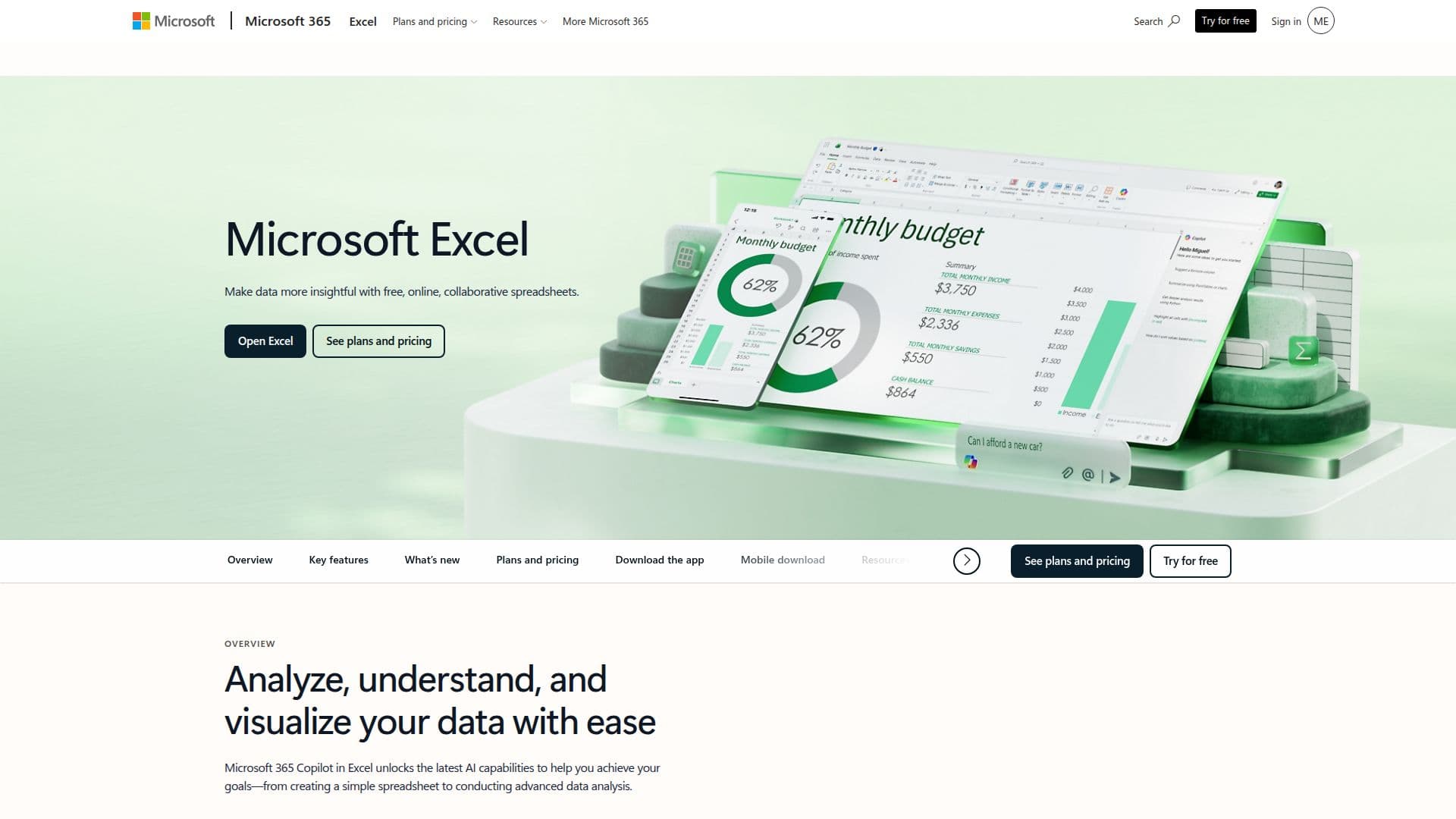
Description
Microsoft Excel is a powerful spreadsheet application that enables users to analyze, understand, and visualize their data with ease. As part of Microsoft 365, Excel offers advanced features that enhance productivity and collaboration. Users can leverage Copilot, an AI-powered assistant, to help with tasks such as editing formulas, formatting tables, and generating insights from data. Copilot allows users to maintain control while simplifying complex data manipulation, making it easier to create easy-to-read spreadsheets.
Read More
Excel is accessible on various platforms, including web, iOS, and Android, ensuring that users can work from anywhere. The application supports real-time collaboration, allowing multiple users to edit and comment on spreadsheets simultaneously. This feature is particularly beneficial for teams working on shared projects, as it reduces the need for email attachments and streamlines feedback processes.
For those who require additional functionality, Microsoft 365 Personal and Family subscriptions provide enhanced features, including 1 TB of secure cloud storage and the ability to use Excel across multiple devices. The subscription also unlocks advanced Copilot features, which are designed to assist users in achieving more with their data. Excel's integration with OneDrive ensures that files are automatically saved and accessible from any device, enhancing the overall user experience.
Whether you are managing personal finances, conducting business analysis, or collaborating on group projects, Microsoft Excel offers the tools and features necessary to turn data into actionable insights. With its user-friendly interface and robust capabilities, Excel remains a top choice for individuals and organizations looking to simplify their data management tasks.
- CategoryAI Spreadsheet Tools
- Pricing ModelFreemium
- DeploymentCloud
- PlatformsWeb, iOS, Android
Microsoft Excel's Core Features
Real-time collaboration
AI-powered Copilot assistance
Cross-platform availability
1 TB cloud storage with subscription
Custom templates for quick setup
Automatic calculations and updates
Detailed version history
Supports multiple languages
How to use Microsoft Excel?
Access Excel online: Open your web browser and navigate to the Excel website.
Create a new spreadsheet: Choose a template or start with a blank document.
Use Copilot: Ask Copilot for help with formulas or data analysis.
Collaborate in real-time: Share your spreadsheet link with team members to edit together.
Format your data: Use built-in tools to highlight key information and organize your data.
Save your work: Ensure your file is saved to OneDrive for automatic updates.
Review changes: Check the version history to see edits made by collaborators.
Export or share: Download your spreadsheet or share it directly via email.
Microsoft Excel's Use Cases
- Budgeting
- Data Analysis
- Project Management
- Financial Reporting
- Collaboration