


Description
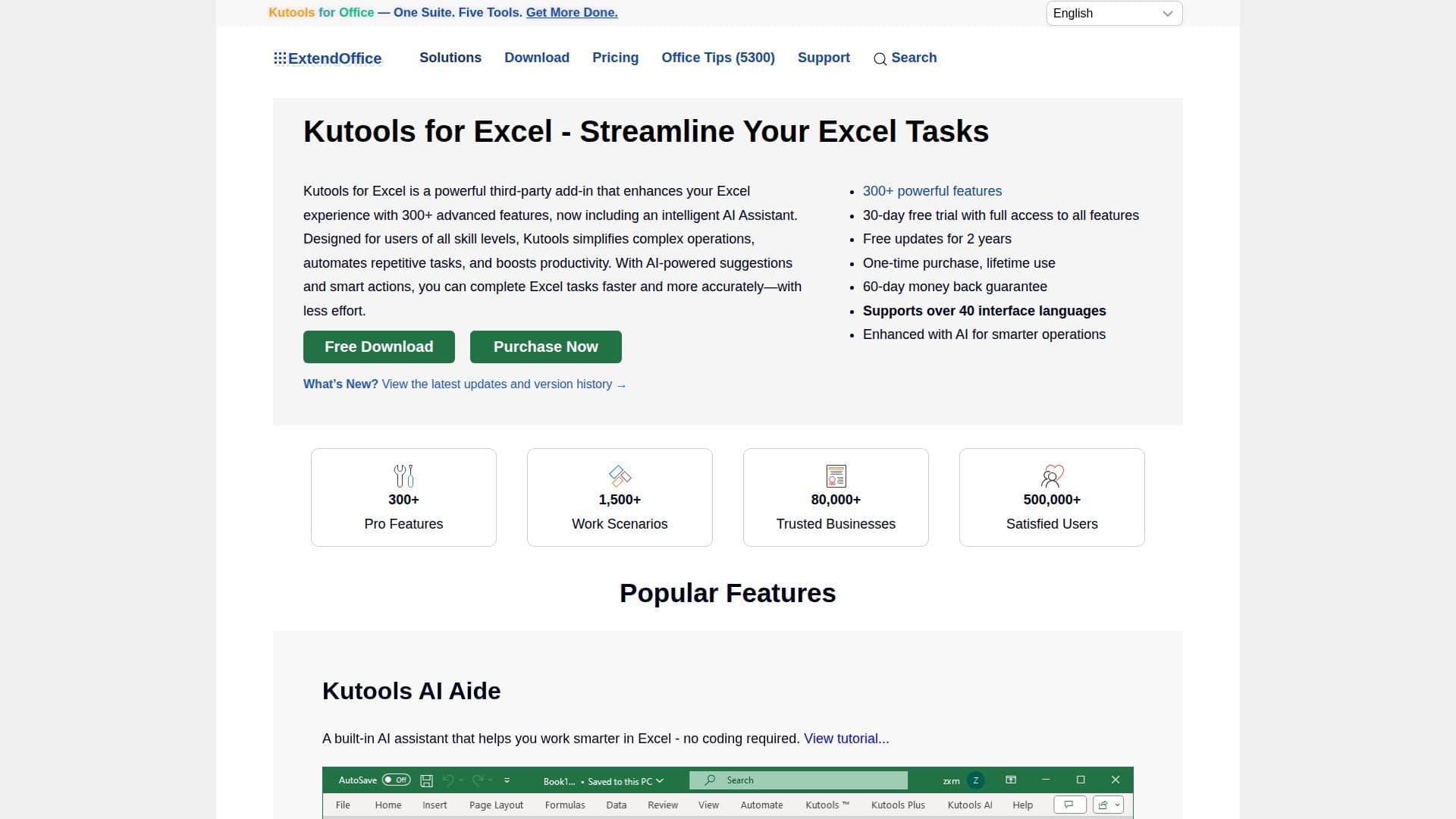
Kutools for Excel is a comprehensive add-in designed to enhance Microsoft Excel by providing over 300 advanced tools and AI-powered features. It simplifies complex tasks such as data processing, worksheet management, and workbook operations, making it an invaluable tool for Excel users. With features like AI Aide, AI Data Analysis, and AI Formula Generation, Kutools for Excel allows users to perform tasks more efficiently without the need for coding.
The add-in supports Microsoft Excel and Microsoft 365 on Windows, making it accessible to a wide range of users. It offers a fully functional free trial, allowing users to explore all features before making a purchase. The one-time purchase price of USD 49.00 includes free updates for two years and a 60-day money-back guarantee.
Popular features of Kutools for Excel include the ability to find duplicates, batch insert checkboxes, and manage workbooks and worksheets with ease. The AI-powered tools provide intelligent assistance in generating custom formulas, analyzing data, and translating text, enhancing productivity and saving valuable time.
Kutools for Excel is trusted by over 500,000 users worldwide, including more than 80,000 businesses. It is designed for both individual users and enterprises, offering powerful, easy-to-use, and reliable features with excellent support. The add-in is available in over 40 interface languages, making it accessible to a global audience. Whether you're a student, engineer, or business professional, Kutools for Excel can help streamline your Excel tasks and boost your productivity.
Kutools for Excel's Core Features
Over 300 advanced Excel tools
AI-powered data analysis
AI formula generation
Worksheet and workbook management
Batch operations and automation
Text and chart tools
Merge and split tools
Supports Excel 365 and 2007+ versions
How to use Kutools for Excel?
Install: Download and install Kutools for Excel
Explore: Access the Kutools tab in Excel
Utilize: Use tools for data processing and management
Optimize: Leverage AI features for enhanced productivity
Kutools for Excel's Use Cases
- Data Analysis
- Worksheet Management
- Formula Generation
- Text Processing
- Chart Tools