
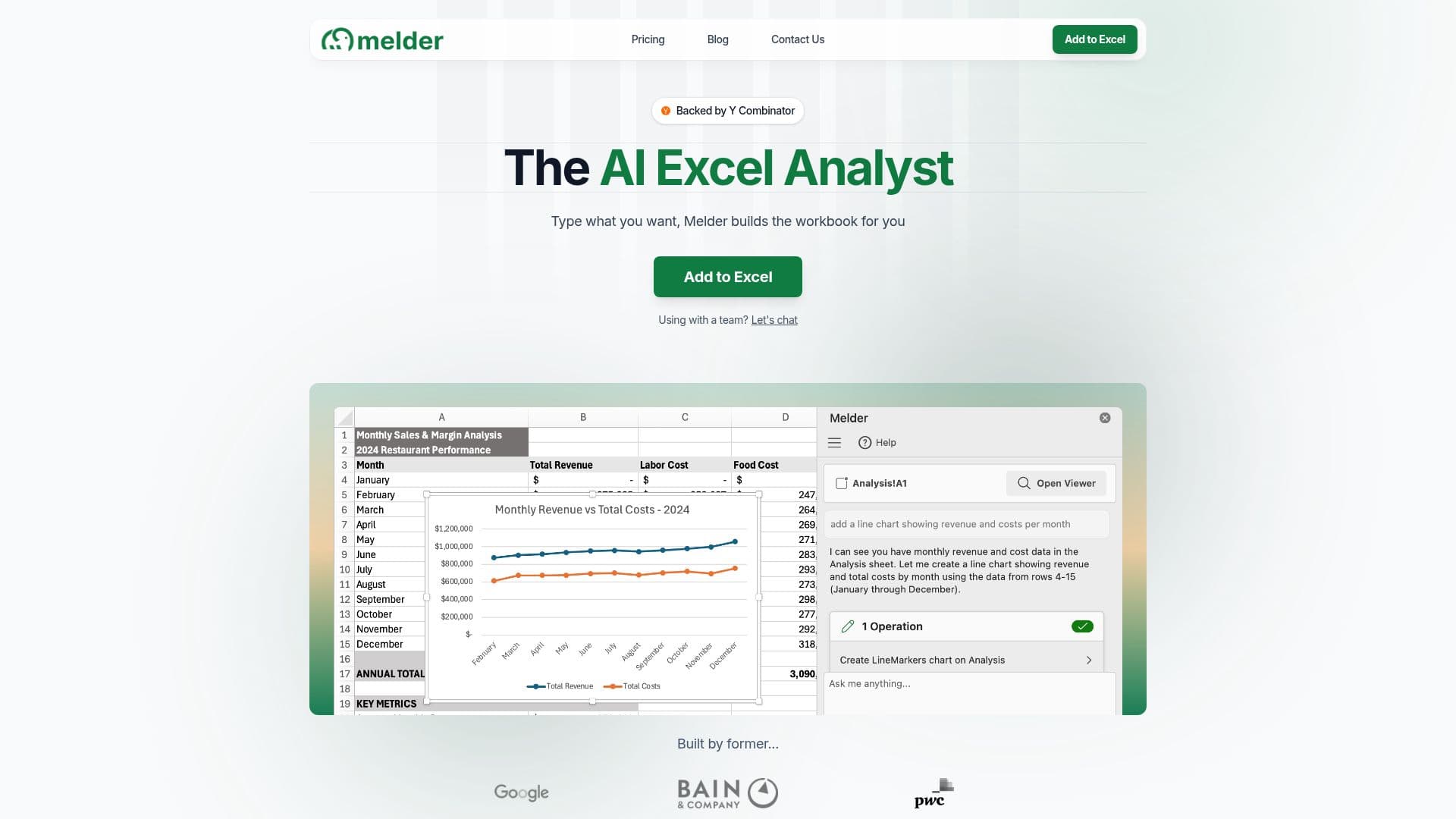
Description
Melder is an innovative AI add-in for Microsoft Excel, designed to streamline and enhance the capabilities of Excel spreadsheets. By integrating AI formulas, document analysis, and web scraping, Melder allows users to automate complex tasks without altering their existing workflows. This tool is particularly beneficial for finance and operations teams, enabling them to perform tasks such as financial analysis, sales dashboard creation, and accounting summaries with ease.
One of the standout features of Melder is its ability to handle formula requests almost instantly, eliminating the need for users to manually write complex formulas. Additionally, users can create professional charts and visualizations with simple commands, and clean, format, and standardize data automatically using AI-powered tools.
Melder also offers capabilities for document review, allowing users to extract, summarize, and categorize information from uploaded PDFs. This feature is particularly useful for extracting key terms from contracts and summarizing document contents. The tool supports various types of analysis, including financial, statistical, and data consolidation, making it a versatile addition to Excel.
The pricing model for Melder includes a 7-day free trial, allowing users to experience the full range of Pro features without a credit card. The Pro plan offers extended limits on operations, formula credits, and file uploads, while the Enterprise plan provides unlimited access and additional features such as file sharing, centralized billing, and priority support.
Melder is designed with enterprise-grade security in mind, ensuring that all data remains secure and private. Communication is secured with TLS encryption, and data is never shared with third parties. This makes Melder a reliable choice for professional and enterprise settings.
Melder's Core Features
AI formulas for Excel
Document analysis
Web scraping
Automated data cleaning
Instant chart creation
Financial analysis tools
Sales dashboard creation
Statistical analysis
How to use Melder?
Install: Add Melder from Microsoft add-in store
Configure: Set up AI formulas and preferences
Use: Automate tasks like data cleaning and chart creation
Optimize: Utilize advanced features for document analysis
Melder's Use Cases
- Financial Analysis
- Sales Dashboards
- Accounting Summaries
- Statistical Analysis
- Data Consolidation