
Description
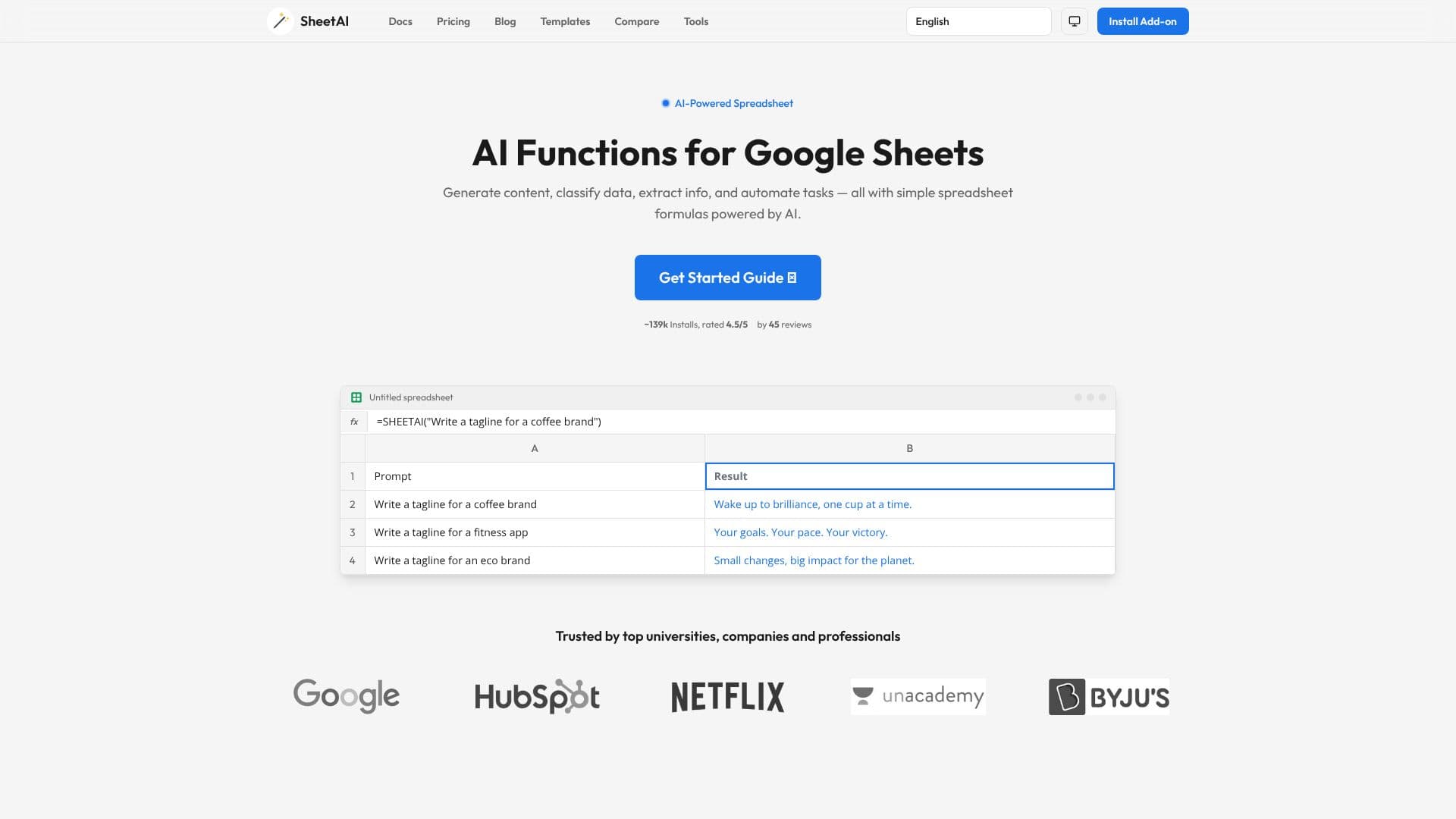
SheetAI brings the power of artificial intelligence directly into Google Sheets, enabling users to automate complex tasks and generate content with simple, intuitive spreadsheet formulas. This add-on transforms a standard spreadsheet into an AI-powered workspace, accessible to professionals across various fields.
Read More
With SheetAI, users can leverage AI functions like =SHEETAI() to generate any form of text, from product descriptions and taglines to email content, directly within a cell. The =SHEETAI_LIST() function is designed to instantly produce structured lists, ideal for brainstorming blog post ideas, feature bullet points, or other brainstormed items. For data extraction, =SHEETAI_EXTRACT() can pull specific information like company names or numbers from unstructured text, streamlining data organization.
Classification and categorization are made effortless with =SHEETAI_CLASSIFY(), which can sort text into predefined categories such as sentiment (Positive, Negative, Neutral) or custom labels. The =SHEETAI_FILL() function offers smart auto-completion for columns, generating data like capitals, currencies, or categories based on existing information. Furthermore, =SHEETAI_SUMMARIZE() condenses lengthy documents, reports, or articles into concise summaries, saving valuable reading time.
SheetAI is built for diverse teams, including marketers who can generate ad copy and campaign ideas, data analysts who can clean and classify datasets without coding, content creators for brainstorming blog topics, researchers for summarizing papers, sales teams for drafting follow-up emails, and HR professionals for generating job descriptions. The add-on boasts approximately 139k installs and holds a 4.5/5 rating from 45 reviews, indicating strong user satisfaction and utility.
Getting started with SheetAI is straightforward. Users can install the add-on and immediately begin using its AI functions within their Google Sheets. The platform is designed to be user-friendly, requiring no complex setup or coding knowledge. It offers a free tier to get started, making AI-powered spreadsheet automation accessible to a wide range of users and organizations.
- CategoryAI Spreadsheet Tools
- Pricing ModelFreemium
- DeploymentCloud
- PlatformsWeb
SheetAI Google Sheets Add-on's Core Features
Generate content with =SHEETAI() function
Create structured lists with =SHEETAI_LIST()
Extract data from text using =SHEETAI_EXTRACT()
Classify and categorize data with =SHEETAI_CLASSIFY()
Smart auto-fill columns with =SHEETAI_FILL()
Summarize long text with =SHEETAI_SUMMARIZE()
Integrates directly into Google Sheets
Automates complex spreadsheet tasks
User-friendly interface with simple formulas
AI-powered content generation for various needs
Data analysis and organization capabilities
Suitable for marketing, sales, HR, and data analysis teams
How to use SheetAI Google Sheets Add-on?
Install: Add the SheetAI add-on from the Google Workspace Marketplace.
Configure: Open your Google Sheet and access SheetAI functions.
Use Formulas: Enter AI functions like =SHEETAI() directly into cells.
Generate Content: Input prompts to create text, lists, or summaries.
Extract Data: Use extraction functions to pull specific information.
Classify Data: Apply classification functions to categorize text entries.
Automate Tasks: Leverage auto-fill and other functions for efficiency.
Optimize Workflows: Integrate AI-generated data into your analysis and reporting.
SheetAI Google Sheets Add-on's Use Cases
- Content Generation
- Data Extraction
- Data Classification
- List Generation
- Text Summarization
- Smart Auto-Fill
- Automated Reporting
- Market Research