
Description
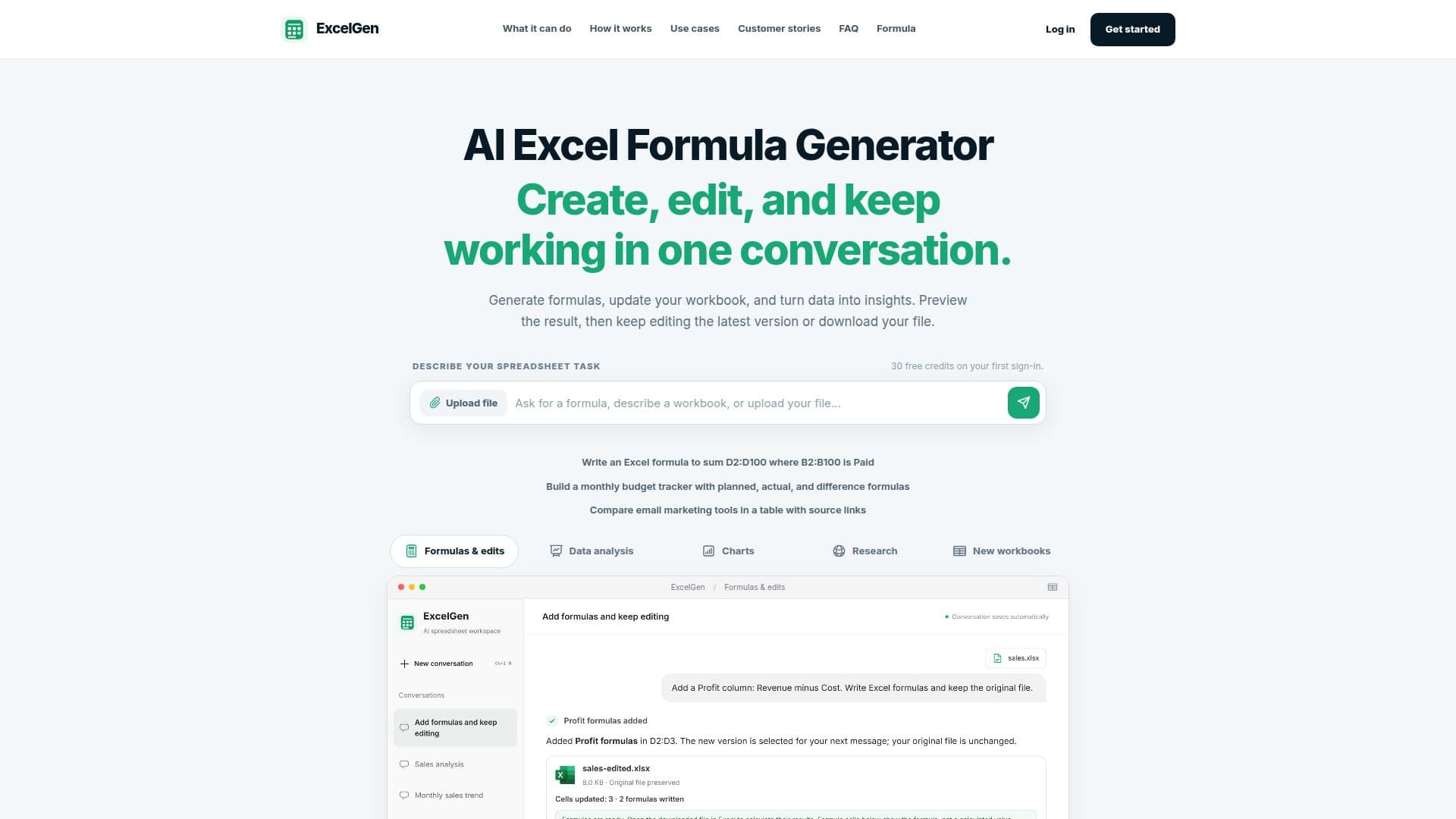
ExcelGen is an AI-driven application designed to simplify the process of generating and explaining Excel formulas. Users can describe their tasks in a chat interface, and ExcelGen will generate the necessary formulas, such as IF, SUMIFS, and XLOOKUP. The tool also allows users to insert these formulas into a supported workbook and save the results as a new version, ensuring that the original file remains unchanged. ExcelGen supports editing XLSX workbooks by updating cell values or writing new formulas, with the option to preview and download the updated version. Users can upload XLSX, XLS, and CSV files for analysis, with XLSX being the primary format for editing. The tool does not recalculate formulas on the server, so users need to open the downloaded file in Excel to see computed values.
ExcelGen offers a free Formula Bot for quick formula generation or explanation without requiring an account. This bot supports Microsoft Excel, Google Sheets, LibreOffice Calc, and Airtable, allowing users to choose their preferred spreadsheet app. The workspace requires sign-in and provides 30 one-time starter credits, with additional plans available for more extensive use. The Free plan includes basic features, while the Pro and Max plans offer more credits and larger file upload limits.
ExcelGen is ideal for users who need to generate formulas, update workbooks, and analyze data efficiently. It caters to various tasks, such as preparing monthly sales reviews, building adjustable budgets, applying commission rules, and turning project notes into trackers. The tool's ability to keep charts, analysis, and source workbooks together makes it easier for users to review and reuse their work. ExcelGen's pricing plans are designed to accommodate different workloads, with the Pro plan offering 1,200 monthly credits and the Max plan providing 4,000 monthly credits. Files are retained for varying durations based on the plan, ensuring users can access their work as needed.
ExcelGen's Core Features
AI Excel formula generation
Formula explanation
Workbook editing
Chart creation
Data analysis
File versioning
XLSX, XLS, CSV support
Free Formula Bot
How to use ExcelGen?
Describe task: input your calculation needs
Generate formula: receive AI-generated formulas
Edit workbook: insert formulas into your file
Download result: save the updated version
ExcelGen's Use Cases
- Monthly sales review
- Adjustable budget
- Commission rules
- Project tracker
- Invoice review