
Description
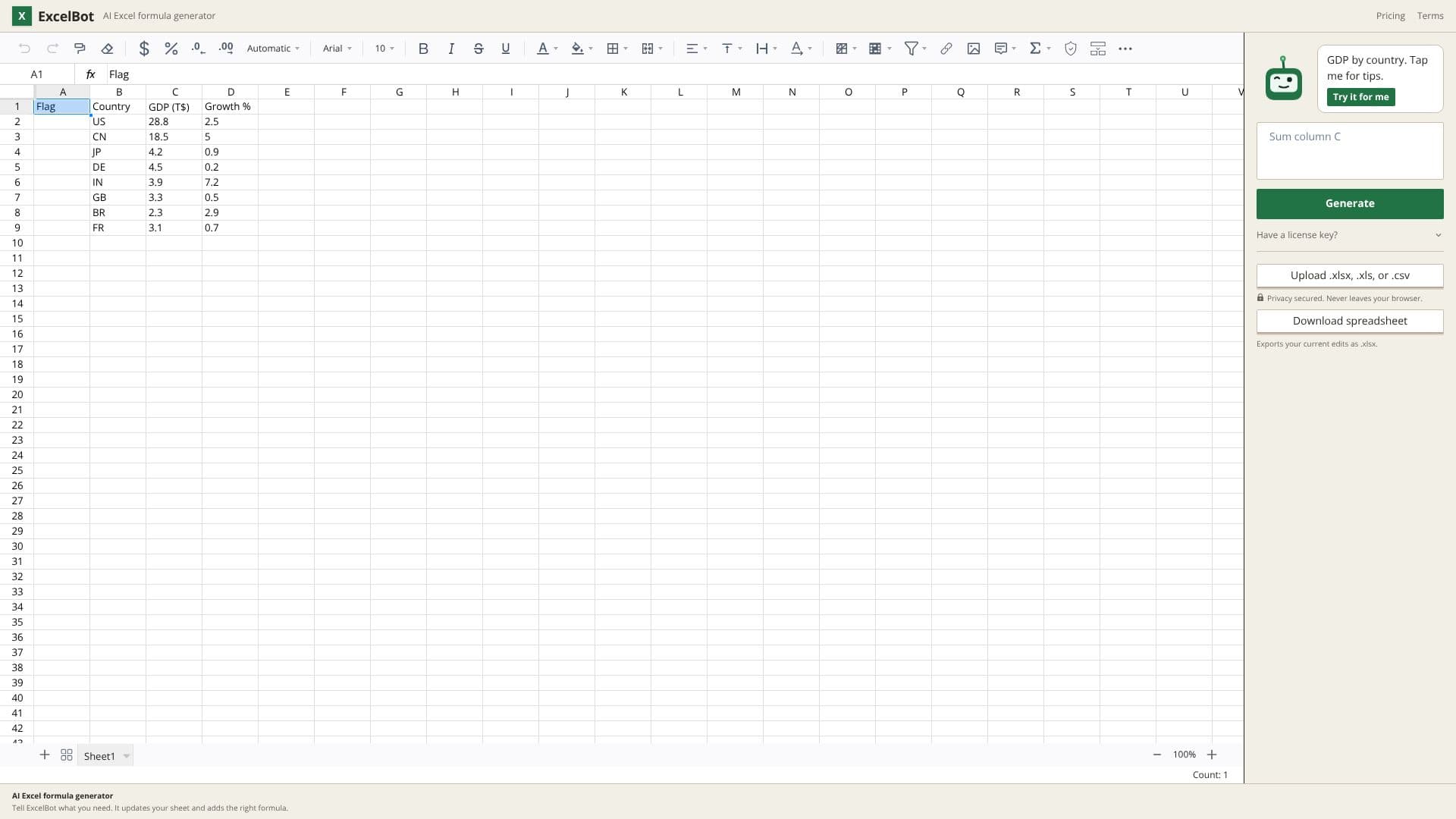
ExcelBot offers a seamless way to generate complex Excel formulas by simply describing your needs in plain English. This AI-powered tool integrates directly into a browser spreadsheet interface, eliminating the need to switch between applications. Users can type out requests such as "sum values in column B if column A says 'Sales'" and ExcelBot will translate this into the correct formula, for example, `=SUMIF(A:A, "Sales", B:B)`.
Read More
Key functions like SUMIF, VLOOKUP, and INDEX/MATCH are supported, making it easier for users of all skill levels to leverage advanced spreadsheet capabilities. The tool aims to demystify formula creation, allowing users to focus on data analysis rather than syntax. The interface is designed for efficiency, providing keyboard shortcuts for common spreadsheet actions like selecting ranges, auto-filling, bolding text, copying, pasting, undoing, and confirming cell edits.
Privacy is a core consideration, with ExcelBot assuring users that their data remains within their browser and is never uploaded or stored externally. This is particularly beneficial for sensitive financial or business data. Once formulas are generated and edits are made, users can easily download their work as an .xlsx file, ensuring compatibility with standard Excel applications. The platform also includes features for managing rows and provides tips to enhance user experience.
ExcelBot is ideal for anyone who works with spreadsheets and wants to speed up their workflow or reduce errors in formula creation. This includes data analysts, financial professionals, researchers, students, and business owners who regularly use Excel for reporting, analysis, and data management. The intuitive nature of the tool lowers the barrier to entry for advanced spreadsheet functions, empowering users to gain deeper insights from their data more efficiently.
- CategoryAI Spreadsheet Tools
- Pricing ModelFree
- DeploymentCloud
- PlatformsWeb
ExcelBot AI Formula Generator's Core Features
AI-powered Excel formula generation from natural language descriptions
Supports common Excel functions like SUMIF, VLOOKUP, and INDEX/MATCH
Browser-based spreadsheet interface
Formulas are placed directly onto the sheet
Privacy secured: data never leaves the user's browser
Export functionality to .xlsx files
Keyboard shortcuts for common spreadsheet actions
Sheet focus lock feature
Range selection and auto-fill capabilities
Cell editing confirmation and navigation shortcuts
Undo and redo functionality
How to use ExcelBot AI Formula Generator?
Describe your desired Excel formula in plain English
Click 'Generate' to have ExcelBot create the formula
Review the generated formula and its placement on the sheet
Use keyboard shortcuts for efficient spreadsheet navigation and editing
Download your edited spreadsheet as an .xlsx file
ExcelBot AI Formula Generator's Use Cases
- Generate SUMIF formulas
- Create VLOOKUPs easily
- Build INDEX/MATCH queries
- Automate spreadsheet tasks
- Learn Excel functions
- Data analysis acceleration
- Reduce formula errors