


Description
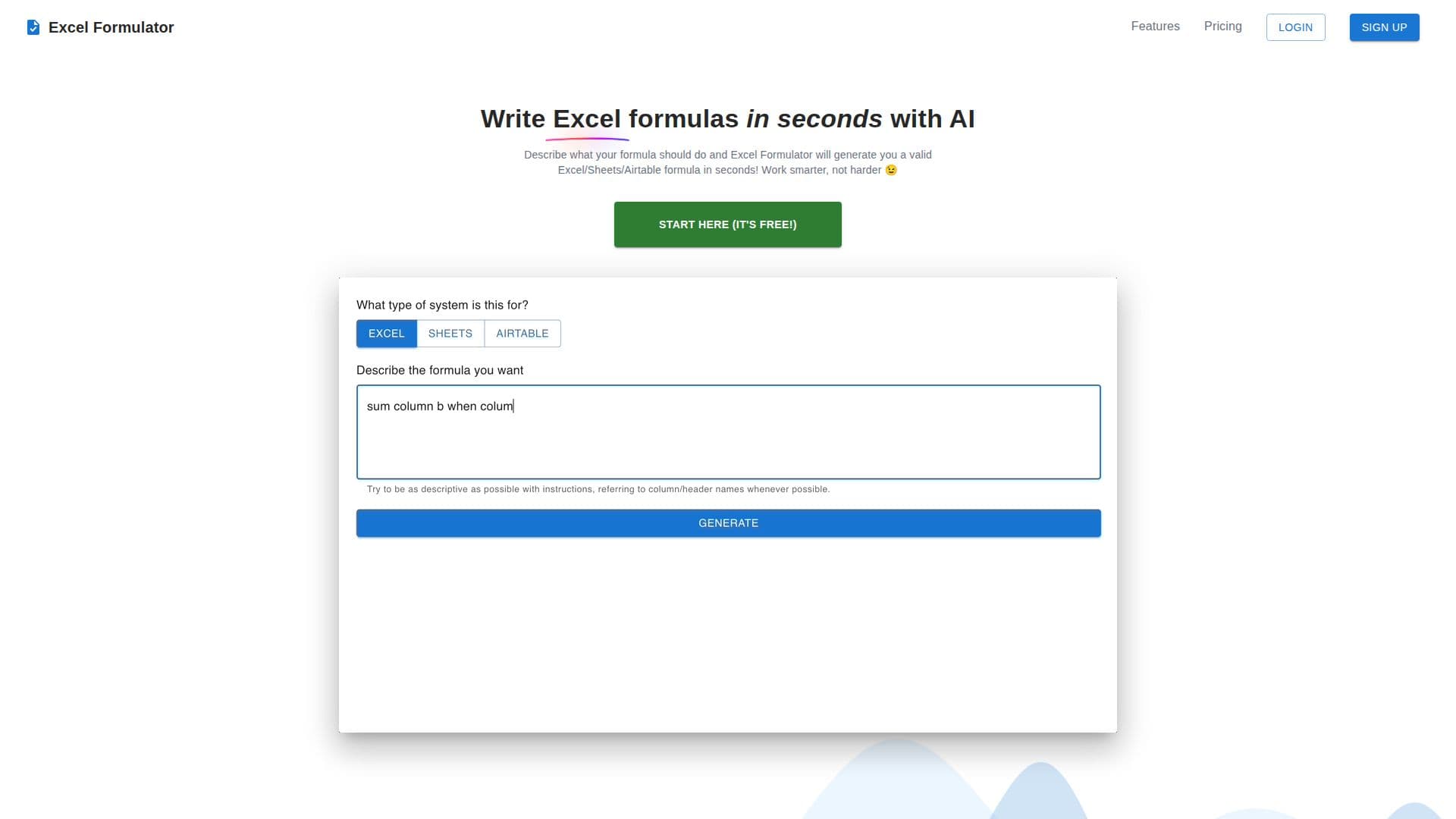
Excel Formulator is an innovative AI-powered tool designed to streamline the process of creating and understanding formulas in Excel, Google Sheets, and Airtable. By converting simple text prompts into valid formulas, it allows users to work more efficiently without the need for extensive formula knowledge. Users can describe the desired outcome in any language, and Excel Formulator will generate the appropriate formula in seconds. This feature is particularly beneficial for those who need to create complex formulas but lack the expertise to do so manually.
In addition to formula generation, Excel Formulator offers the ability to explain existing formulas in plain English. This feature helps users understand complex formulas, eliminating the guesswork and enhancing their ability to work with spreadsheets effectively. The tool is optimized for use across multiple platforms, including Microsoft Excel, Google Sheets, and Airtable, ensuring versatility and broad applicability.
Excel Formulator offers different pricing tiers, including a basic plan with seven formulas per month and basic email support, as well as a premium plan with unlimited formulas, priority email support, and early access to new features. This pricing structure allows users to choose the plan that best suits their needs and budget.
Overall, Excel Formulator is an invaluable tool for anyone who regularly works with spreadsheets, from business professionals to data analysts. Its ability to simplify formula creation and explanation makes it an essential resource for improving productivity and accuracy in spreadsheet tasks.
Excel Formulator's Core Features
AI-powered formula generation
Supports Excel, Sheets, and Airtable
Text prompt to formula conversion
Explains existing formulas
Optimized for multiple platforms
Basic and premium pricing plans
Priority email support for premium users
Early access to new features for premium users
How to use Excel Formulator?
Describe: Enter your formula requirements
Generate: Click to create the formula
Explain: Use the tool to understand formulas
Optimize: Choose the right plan for your needs
Excel Formulator's Use Cases
- Business Analysis
- Education
- Financial Modeling
- Data Management
- Project Management