


Description
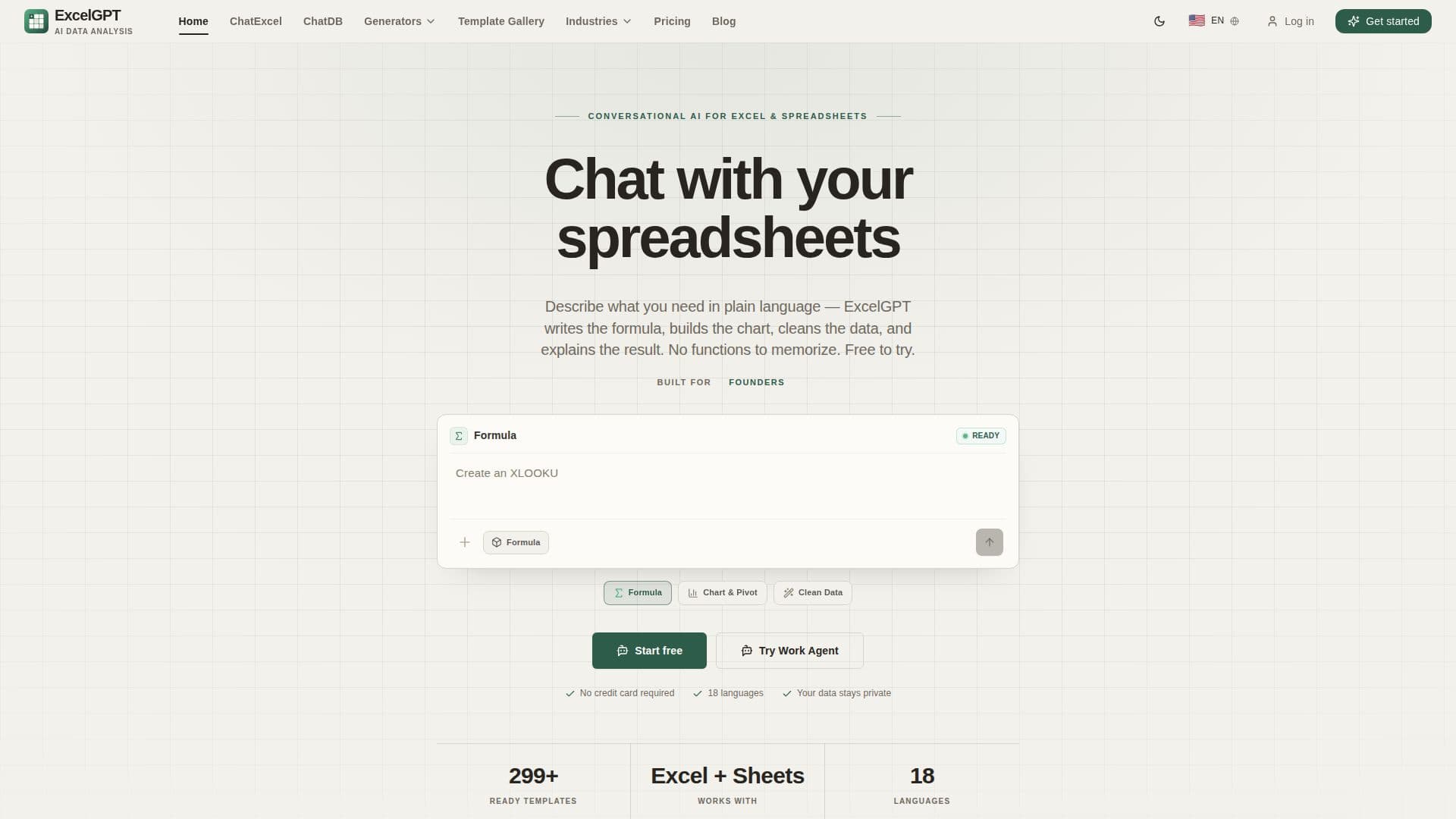
ExcelGPT is a conversational AI platform designed to streamline data analysis for Excel and Google Sheets users. By allowing users to describe their needs in plain language, ExcelGPT generates formulas, writes VBA code, builds charts, and cleans messy data without requiring users to memorize complex functions. This tool is ideal for analysts, operations teams, finance teams, and founders who need quick insights from spreadsheet data.
ExcelGPT supports a wide range of functionalities, including formula generation, data cleaning, chart building, and pivot table creation. Users can upload spreadsheet files or connect Google Sheets and databases to leverage ExcelGPT's capabilities. The platform offers a free plan with basic features, while Pro and Team plans provide larger quotas and additional functionalities like batch analysis and team sharing.
The tool is equipped with a library of 299+ templates for various business needs, such as budgets, dashboards, and trackers. ExcelGPT also features a Work Agent that automates multi-step data workflows, making it easier for teams to manage complex data tasks. Security is a priority, with encrypted credentials and read-only queries ensuring data privacy.
ExcelGPT is designed to make data analysis as natural as conversation, helping teams analyze data faster and more accurately. It is trusted by analysts and operations teams worldwide, offering practical solutions for finance, sales, operations, and more. The platform's pricing model includes monthly credits that refresh automatically, with options to purchase extra credit packs as needed.
ExcelGPT's Core Features
AI formula generation
VBA code writing
Chart and dashboard creation
Data cleaning and analysis
Template library with 299+ options
Google Sheets and Excel integration
Work Agent for automated workflows
Encrypted credentials for security
Read-only queries for data protection
Conversational data assistant
How to use ExcelGPT?
Upload: Connect a spreadsheet or database
Describe: Use plain language for tasks
Generate: Get formulas and charts
Analyze: Clean and reshape data
Automate: Use Work Agent for workflows
Reuse: Save templates and analyses
ExcelGPT's Use Cases
- Budget Tracking
- Sales Dashboard
- Inventory Management
- Project Timeline
- Data Analysis
- Financial Modeling
- HR Analytics
- Marketing Analytics
- Expense Report
- Invoice Template