Description
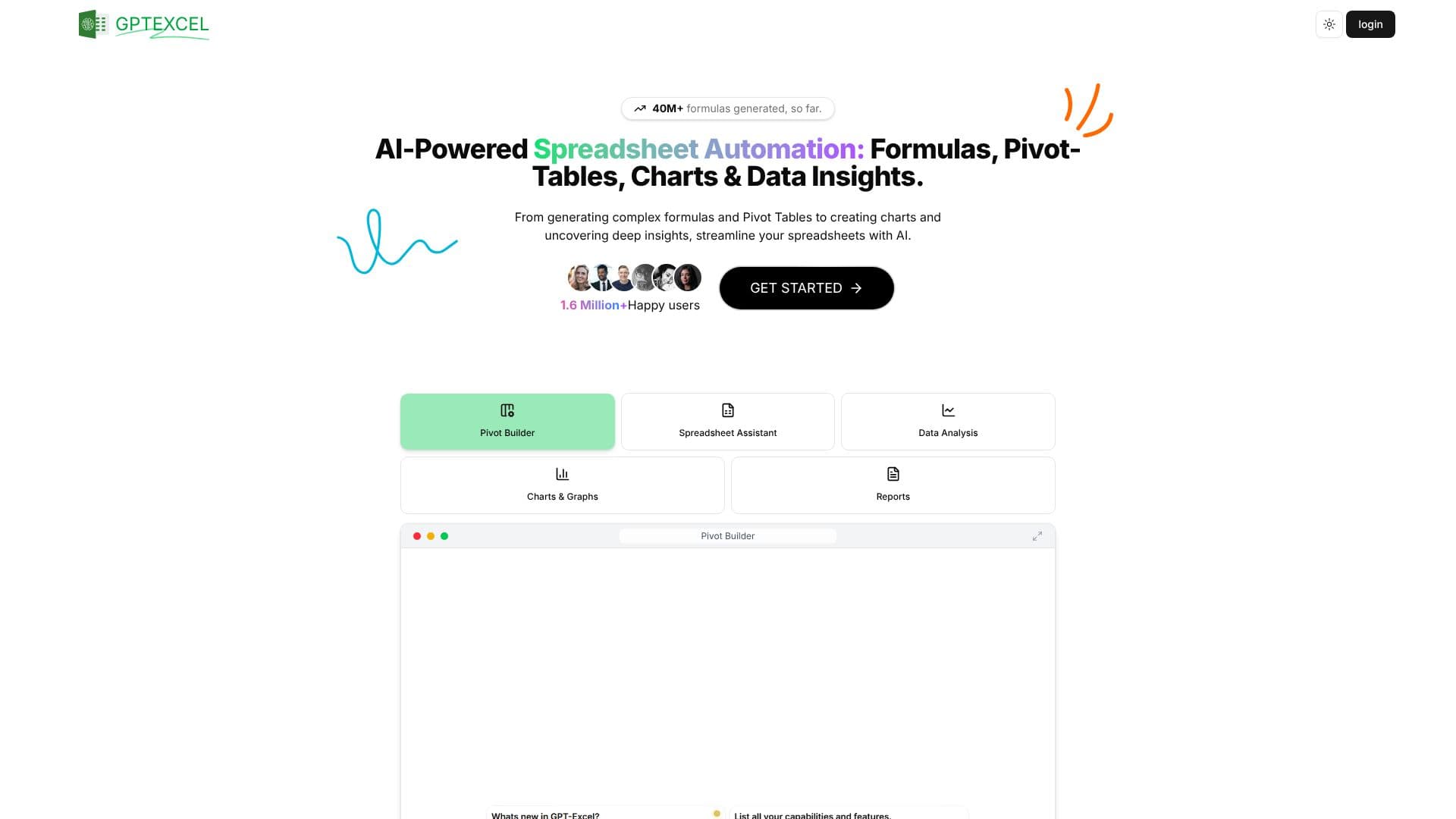
GPT Excel is an AI-powered spreadsheet assistant designed to significantly enhance productivity and streamline complex data manipulation tasks. The platform offers a suite of tools that automate repetitive processes and simplify intricate operations within spreadsheets. Users can leverage AI to generate sophisticated Excel, Google Sheets, and Airtable formulas, making complex calculations and analyses accessible.
Read More
Beyond formula generation, GPT Excel excels in creating automation scripts. It can effortlessly generate VBA scripts for Microsoft Excel, Apps Scripts for Google Workspace, and custom scripts for Airtable. These scripts are invaluable for automating routine tasks, thereby boosting efficiency across various platforms. The tool also simplifies the creation and modification of pivot tables, a crucial feature for data summarization and analysis.
For data professionals and analysts, GPT Excel provides a powerful SQL Query Generator AI, which assists in crafting, troubleshooting, and refining SQL queries across different database systems. This feature eliminates the need for extensive manual coding and debugging. Additionally, the Regex Generator AI helps in creating and understanding regular expression patterns, essential for data validation and filtering tasks.
GPT Excel also supports users in organizing their data by generating table templates for Excel and Google Sheets. The platform's capabilities extend to data analysis, where it can generate charts and graphs from user data, offering visual insights. It analyzes spreadsheet data to identify trends, summarize key metrics, and provide actionable insights, often presented in concise reports. A unique feature is the ability to chat directly with Excel files, allowing users to ask questions about their data, request formula explanations, or obtain recommendations conversationally.
An innovative feature is the image-to-table conversion, which uses advanced OCR and AI algorithms to transform tables found in images into editable spreadsheet formats. GPT Excel supports multiple spreadsheet platforms including Microsoft Excel, Google Sheets, LibreOffice Calc, and Airtable, and can process Excel and CSV files. The tool is designed for individuals and businesses seeking to optimize their spreadsheet workflows, from basic formula generation to advanced data insights and automation.
- CategoryAI Spreadsheet Tools
- Pricing ModelFreemium
- DeploymentCloud
- PlatformsWeb, Excel, Google Sheets, Airtable
GPT Excel's Core Features
AI-powered Excel formula generation and explanation
Automated Pivot Table creation and modification
SQL query generation, debugging, and refinement
VBA, Apps Script, and Airtable script generation for automation
AI-driven Regex pattern generation and understanding
Generation of table templates for Excel and Google Sheets
Interactive chat interface for querying Excel files
Conversion of tables from images into editable spreadsheets
Automated chart and graph generation from data
Comprehensive data analysis with actionable insights and reports
Support for Microsoft Excel, Google Sheets, LibreOffice Calc, and Airtable
Processing of Excel and CSV files for data analysis
Multilingual AI support for over 50 languages
How to use GPT Excel?
Configure: Select the desired AI tool (e.g., Formula Generator, Script Generator, SQL Query Generator).
Input: Provide your data, requirements, or specific prompts for the AI.
Generate: Initiate the AI to create formulas, scripts, queries, or templates.
Refine: Review the generated output and make any necessary adjustments or ask for clarifications.
Integrate: Apply the generated formulas, scripts, or queries to your spreadsheets or databases.
Analyze: Utilize data analysis features to gain insights, generate charts, and create reports.
Chat: Interact with your Excel files by asking questions or requesting information via the chat interface.
GPT Excel's Use Cases
- Formula Generation
- Script Automation
- SQL Query Crafting
- Data Analysis
- Table Conversion
- Regex Generation
- Pivot Table Creation
- Conversational Data Querying