
Description
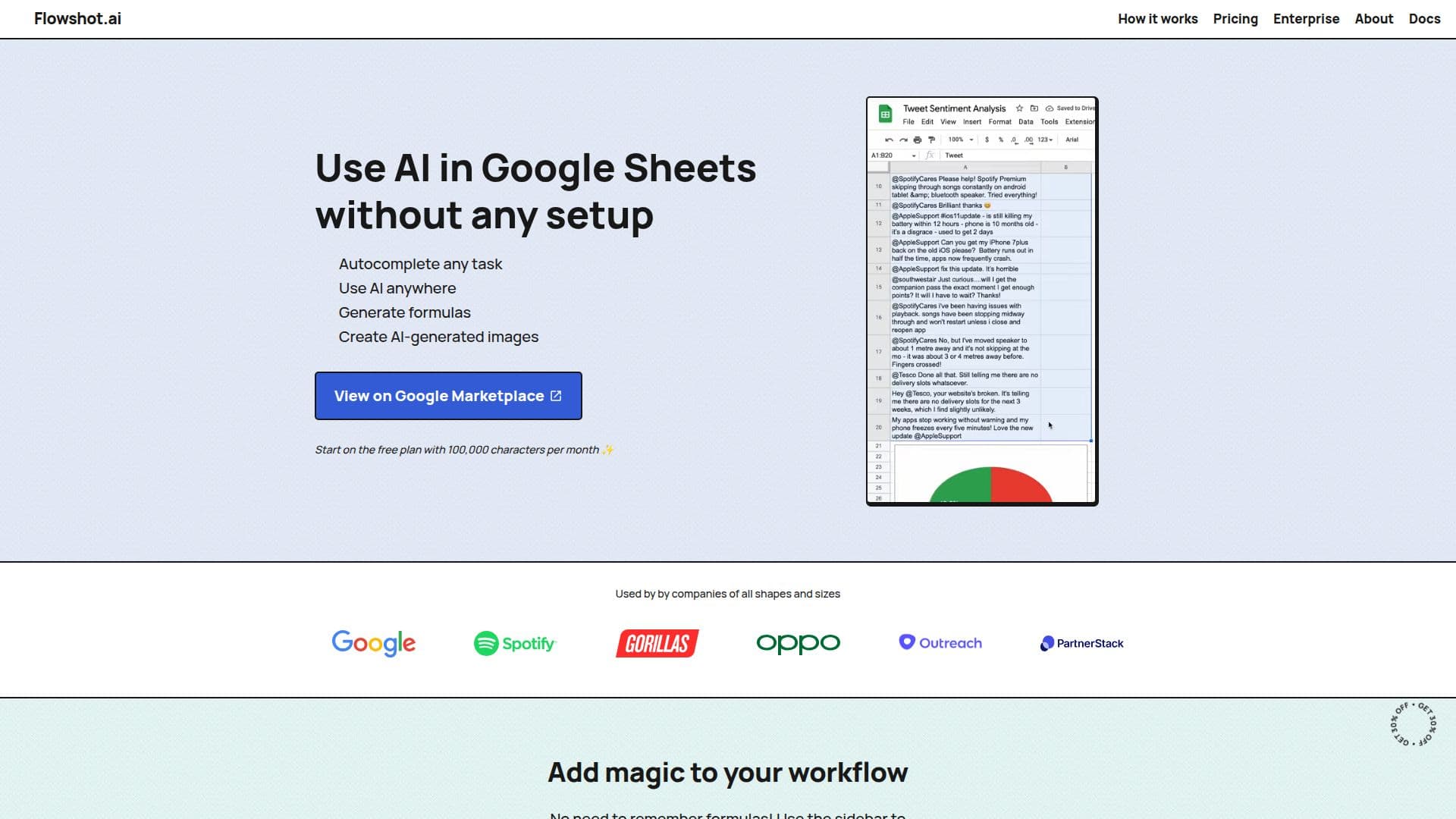
Flowshot is a versatile AI plugin designed to enhance the functionality of Google Sheets. It allows users to automate repetitive tasks, generate complex formulas, and even create images directly within their spreadsheets. This tool is particularly beneficial for the 2 billion Google Sheets users who seek to optimize their workflow without requiring extensive technical knowledge.
Read More
The plugin utilizes a combination of AI models, including OpenAI's GPT-3, to deliver fast and efficient performance. Flowshot automatically selects the ideal model for each use case, ensuring users receive the best possible results. Installation is straightforward, either through the Google Workspace Marketplace or directly from the Google Sheets menu bar.
Flowshot offers a free plan, allowing users to explore its capabilities without any initial investment. For those seeking more advanced features, Flowshot Pro provides additional functionalities tailored to power users. The tool is designed to be user-friendly, making it accessible to individuals with varying levels of expertise.
While Flowshot excels in automating tasks and generating formulas, users should be aware of potential issues when installing with multiple Google accounts. The recommended installation method is via the Google Workspace Marketplace to avoid such complications. Overall, Flowshot represents a significant advancement in AI integration within Google Sheets, offering users a powerful toolkit to streamline their data management processes.
- CategoryAI Spreadsheet Tools
- Pricing ModelFreemium
- DeploymentCloud
- PlatformsGoogle Sheets
Flowshot's Core Features
AI-powered task automation
Formula generation
Image creation within sheets
Integration with Google Sheets
Utilizes OpenAI's GPT-3
Optimized AI model selection
Free plan available
Pro plan with advanced features
Easy installation via Google Workspace Marketplace
User-friendly interface
How to use Flowshot?
Install: Access via Google Workspace Marketplace
Open: Launch Flowshot from Google Sheets Extensions
Use: Automate tasks and generate formulas
Optimize: Explore advanced features with Flowshot Pro
Flowshot's Use Cases
- Task Automation
- Formula Generation
- Image Creation
- Workflow Optimization
- Data Management