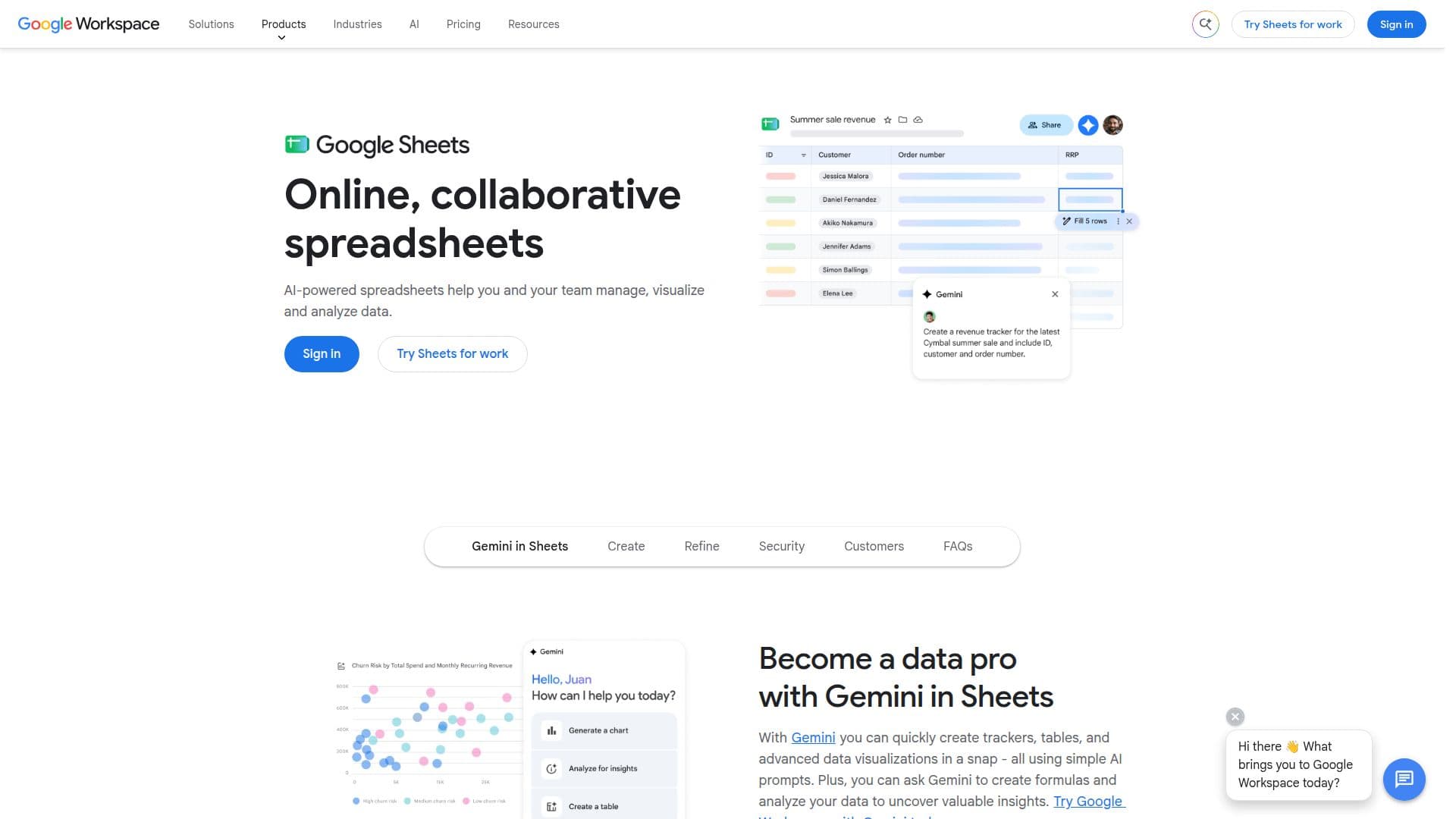
Description
Google Sheets is a powerful online spreadsheet tool that forms part of the Google Workspace suite. It allows users to create, edit, and collaborate on spreadsheets in real-time from any device. With its AI capabilities, Google Sheets enhances data formatting and analysis, making it easier for users to manage, visualize, and analyze data efficiently. The tool supports integration with BigQuery and Looker, enabling users to work with large datasets seamlessly. Google Sheets also offers offline functionality, ensuring productivity even without an internet connection. Users can control access to their spreadsheets, collaborate with team members and external partners, and stay updated on edits. Google Sheets is available as part of various Google Workspace plans, which offer different levels of storage and features. These plans cater to businesses of all sizes, providing flexibility and scalability. The tool is designed to enhance productivity and streamline workflows, making it an essential tool for businesses and individuals looking to manage data effectively.
- CategoryAI Spreadsheet Tools
- Pricing ModelFreemium
- DeploymentWeb
- PlatformsCloud
Google Sheets's Core Features
Real-time collaboration
AI-powered data analysis
Integration with BigQuery and Looker
Offline functionality
Access control for spreadsheets
Collaboration with external partners
Enhanced formatting and design
Integration with third-party tools
Support for Microsoft Excel files
Flexible pricing plans
How to use Google Sheets?
Create: Start a new spreadsheet
Collaborate: Share with team members
Analyze: Use AI tools for insights
Integrate: Connect with BigQuery or Looker
Secure: Control access and permissions
Google Sheets's Use Cases
- Data Analysis
- Team Collaboration
- Project Management
- Financial Planning
- Reporting