Description
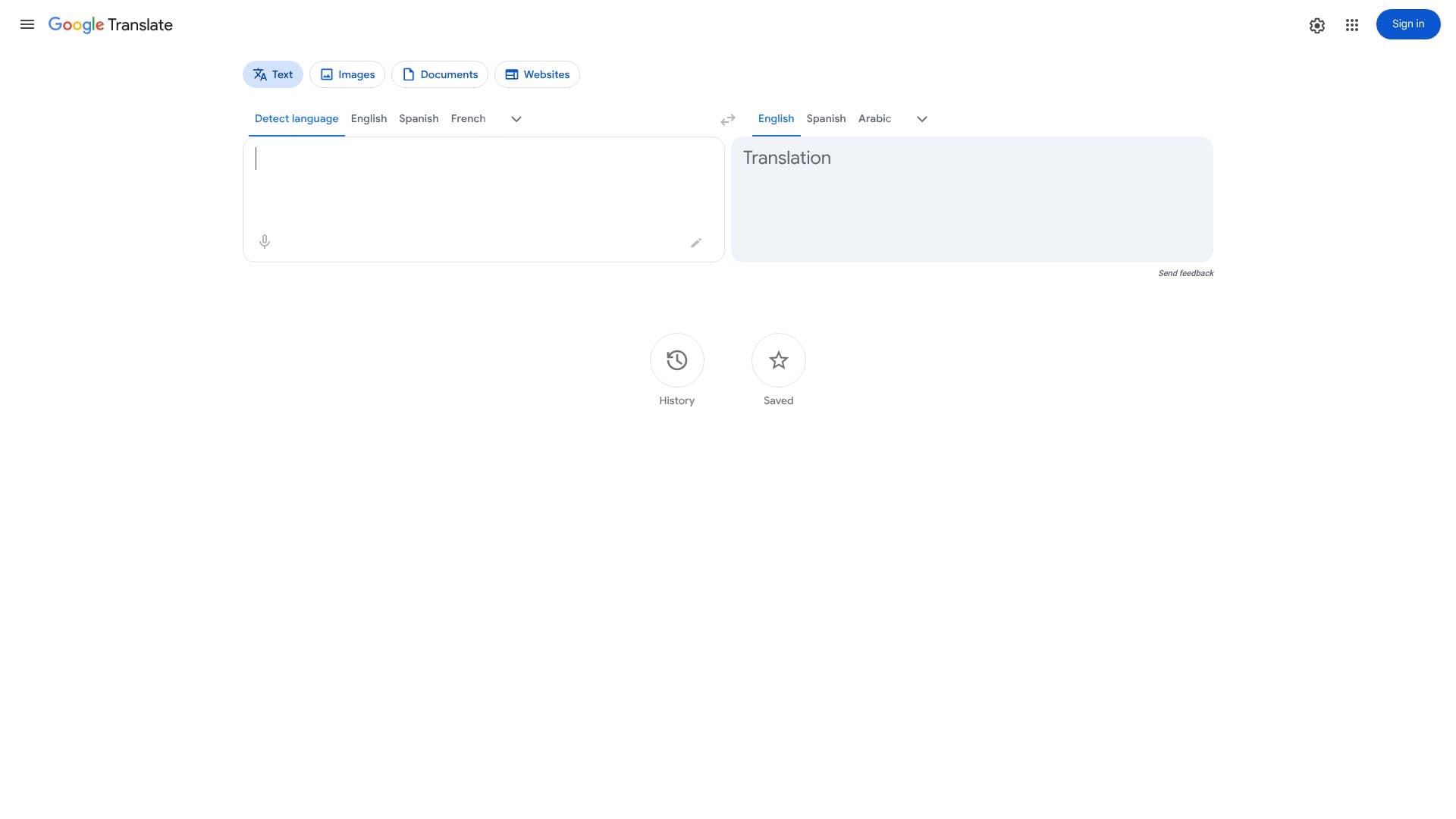
Google Translate is a free, multilingual machine translation service developed by Google. It enables users to translate text, speech, images, websites, or real-time video from one language into another. The service supports a vast array of languages, making it a powerful tool for breaking down communication barriers.
Read More
At its core, Google Translate utilizes neural machine translation (NMT) technology. This advanced approach allows the system to learn from vast amounts of parallel text data and then use this knowledge to translate entire sentences, rather than just word-for-word. This results in more fluent and contextually accurate translations compared to older statistical methods.
The platform offers several key functionalities. Users can input text directly into a text box for translation, detect the language of the input automatically, and even translate entire documents by uploading files. For real-time communication, voice translation is available, allowing for spoken conversations to be translated on the fly. Image translation is another significant feature, enabling users to translate text found in pictures, which is particularly useful for signs, menus, or labels.
Google Translate is designed for a broad audience, including travelers, students, businesses, and anyone who needs to understand or communicate in a different language. Its accessibility and comprehensive language support make it an indispensable tool for global interaction. The service is continuously updated and improved, with new languages and features being added regularly to enhance its accuracy and usability.
The value proposition of Google Translate lies in its ability to provide instant, free, and accessible translation services across a multitude of languages. It empowers users to navigate foreign environments, access information in different languages, and connect with people worldwide, fostering greater understanding and collaboration.
- CategoryAI Translators
- Pricing ModelFree
- DeploymentCloud
- PlatformsWeb
Google Translate's Core Features
Text translation between over 100 languages
Automatic language detection
Phrase and word translation
Web page translation
Document translation
Image translation
Voice translation
Real-time video translation
Free to use
Neural Machine Translation technology
How to use Google Translate?
Access Google Translate via its website or mobile app.
Select the source and target languages.
Input text, speak, upload a document, or use an image for translation.
Review the translated output.
Utilize features like voice playback or copy-pasting for further use.
Google Translate's Use Cases
- Travel communication
- Language learning
- Global business
- Information access
- Cross-cultural interaction
- Document translation
- Image text translation