
Description
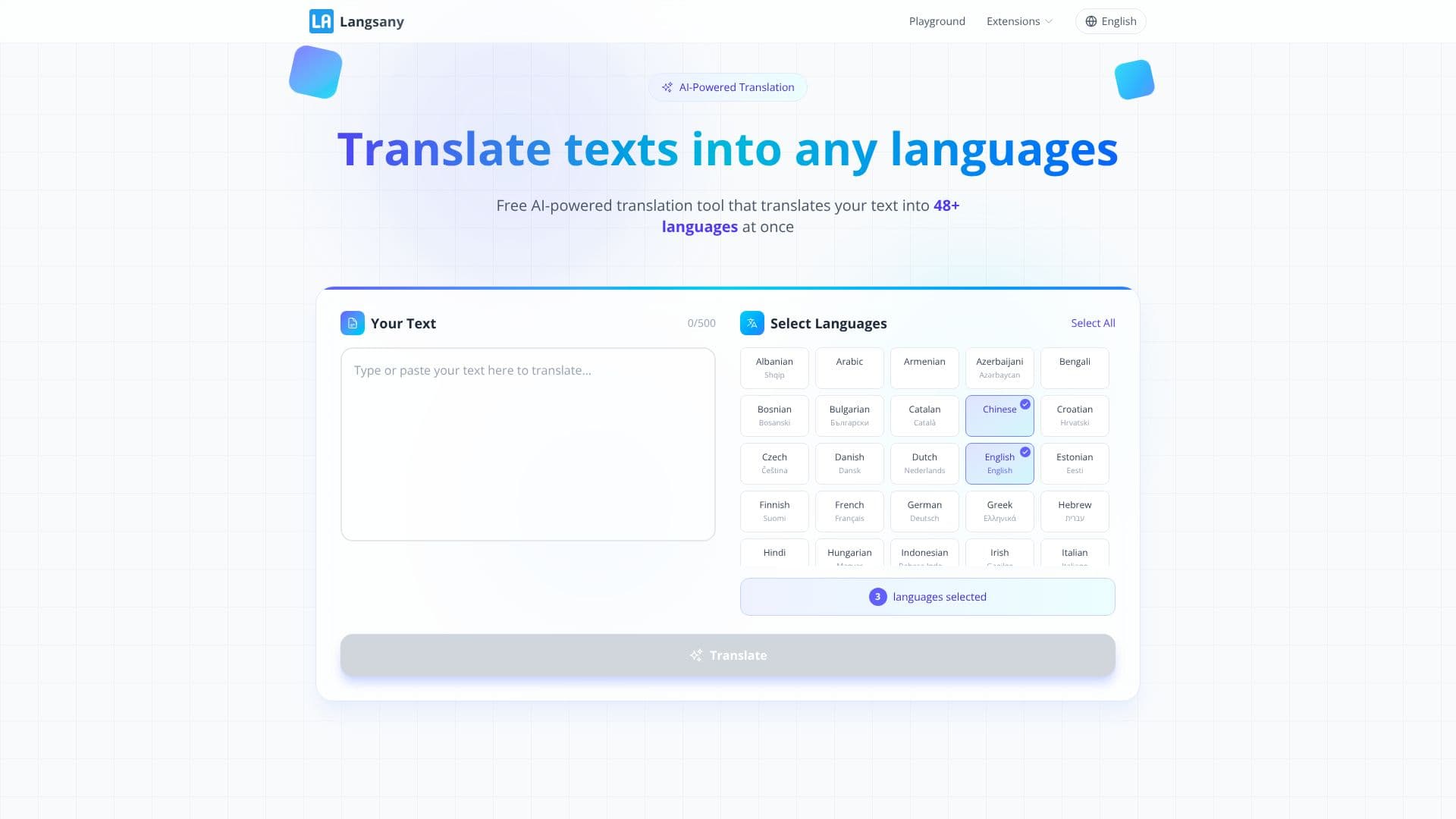
Langsany, branded on-site as LangsAny, is a free AI translator that runs its translation models directly in the browser instead of sending text to a server. Because the processing happens on the user's own device, the company positions it as a private alternative to cloud translation tools for people who don't want their text uploaded anywhere.
Read More
The core tool translates typed or pasted text between language pairs, with automatic language detection, up to 5,000 characters at a time. It covers 26-plus major languages, including English, Spanish, French, German, Chinese, Japanese, Korean, Arabic, Portuguese, Italian, Russian, and Dutch; when translating between two non-English languages, the engine pivots through English using two local models in sequence.
Beyond plain text, Langsany reads and translates files without uploading them. Documents and e-books (PDF, Word, PowerPoint, Excel, EPUB) come back in their original format, with PDFs returned as a side-by-side translation. Subtitle and text files (SRT, VTT, TXT, Markdown, CSV, JSON) keep their timestamps and structure intact. Images and scans (PNG, JPG, WebP, screenshots, scanned PDFs) are read with on-device OCR and the translation is drawn back onto the picture. Audio and video files (MP3, WAV, M4A, MP4, WebM, MOV) are transcribed in the browser with Whisper and turned into bilingual SRT or VTT subtitles.
The translation itself runs on open-source Opus-MT neural models from the Helsinki-NLP project, executed with Transformers.js and WebAssembly; in supported Chromium browsers it can also call Chrome's built-in on-device translation API. A language model, 50 to 120 MB, downloads once and is cached in the browser, along with the web app itself through a service worker, so later translations work without an internet connection, on both desktop and mobile browsers.
Langsany is free with no accounts, no API keys, and no stated usage cooldowns, though file sizes are capped by device memory rather than a subscription tier: up to 30 MB for a PDF, 40 MB for Office files and e-books, 12 MB for images, and 200 MB for audio or video. The site is upfront about its limits: a non-English-to-non-English pair loses some nuance by routing through English, a compact local model is weaker than a large cloud model on long or subtle writing, and the first translation on an older device can be slow while the model downloads and compiles. It also describes itself as a reading aid rather than a certified translation, and recommends professional review for legal or medical text. Users can check the zero-upload claim themselves by opening browser DevTools to the Network tab while translating.
- CategoryAI Translators
- Pricing ModelFree
- DeploymentBrowser extension, Cloud
- PlatformsWeb
Langsany's Core Features
In-browser text translation across 26-plus languages with automatic language detection
Zero server uploads; translation runs locally via WebAssembly and Transformers.js
Document translation for PDF, Word, PowerPoint, Excel, and EPUB with original formatting kept
Subtitle and text-file translation (SRT, VTT, TXT, Markdown, CSV, JSON) that preserves timestamps
Image and scanned-document translation using on-device OCR, redrawn onto the original picture
Audio and video transcription and translation into bilingual subtitles via an in-browser Whisper model
Offline use after the one-time model download, cached through a service worker
No signup, no API keys, and no character-based subscription tiers
How to use Langsany?
Open Langsany: Go to the site; no account or download is required.
Pick your languages: Choose a language pair or let auto-detect identify the source language.
Translate text: Paste up to 5,000 characters and get the translation instantly.
Translate a file instead: Switch to the Files tab and drop in a document, image, or recording.
Check privacy: Open DevTools' Network tab while translating to confirm no request carries your text.
Work offline: After the first translation, the cached model keeps working without Wi-Fi.
Langsany's Use Cases
- Private document translation
- Offline travel translation
- Subtitle translation
- Screenshot and scan translation