Description
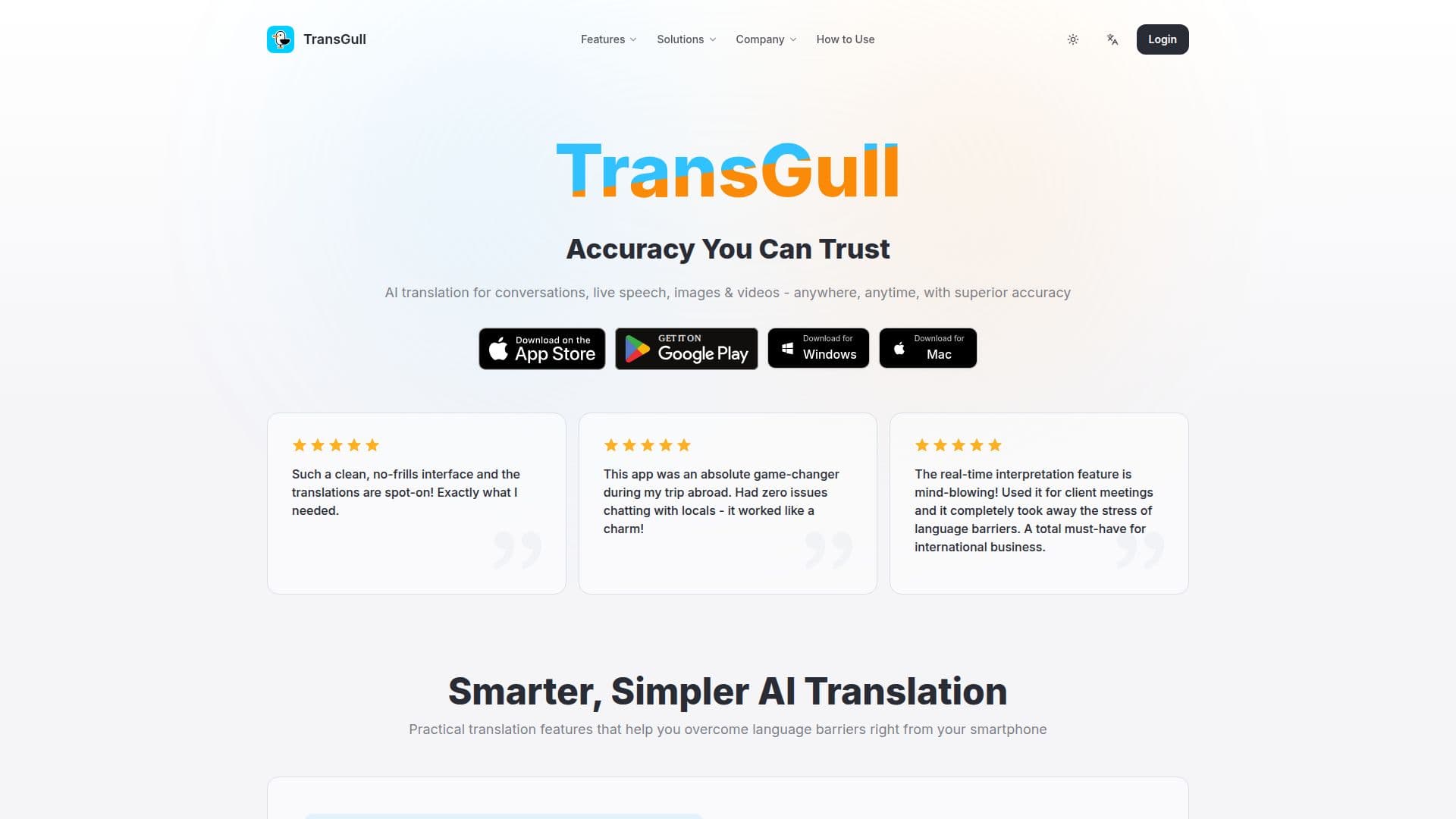
TransGull is an AI translation tool that helps people overcome language barriers through conversation translation, real-time simultaneous interpretation, and image and video translation. It runs on smartphones and desktop, uses large language models for context-aware accuracy, and translates across 33 languages.
Read More
Dialog translation supports voice and text so users can communicate naturally, and image translation recognizes text, including vertical text, then translates it, with photos usable within a conversation for richer context. Simultaneous interpretation performs continuous speech recognition and translation for lectures, classrooms, live streams, and meetings, showing translations on screen and playing translated audio through headphones. Video translation generates bilingual subtitles for YouTube and local video files, and selection translation lets users translate text in webpages, PDFs, chats, documents, and code editors without interrupting their reading.
TransGull for Business brings these capabilities to global teams with simultaneous interpretation for online meetings on tools like Zoom, Google Meet, and Teams, in-person interpretation, video translation, and selection translation. It uses usage-based pricing with no seat fees or subscriptions, encrypted transmission, and states that data is not used for AI training. A nonprofit-focused offering adds phone translation and automatic bilingual records.
Pricing is prepaid and usage-based. Dialog, image, and selection translation share a generous free daily quota of 30,000 characters, with credits deducted beyond it, and interpretation is billed by duration. Personal plans include subscription credits (Fries) that reset monthly and purchased credits (Shells) that never expire.
- CategoryAI Translators
- Pricing ModelUsage-based
- DeploymentCloud
- PlatformsWeb, Windows, macOS
TransGull's Core Features
Context-aware conversation translation with voice and text
Real-time simultaneous interpretation with translated audio
Image translation including vertical text recognition
Video translation with bilingual subtitles for YouTube and local files
Selection translation for webpages, PDFs, chats, documents, and code
Phone call translation and automatic bilingual records
Usage-based pricing with no seat or subscription fees
Encrypted transmission with data not used for AI training
How to use TransGull?
Get the app: Download TransGull on your phone or computer.
Pick a mode: Choose conversation translation, interpretation, or image or video translation.
Set languages: Select the languages you want to translate between.
Translate: Speak, type, or upload a photo or video to get translated text and audio.
Share or record: Share translated video or captions, and review automatic bilingual records.
TransGull's Use Cases
- Travel communication
- International meetings
- Video localization
- Reading foreign materials
- Nonprofit services