Description
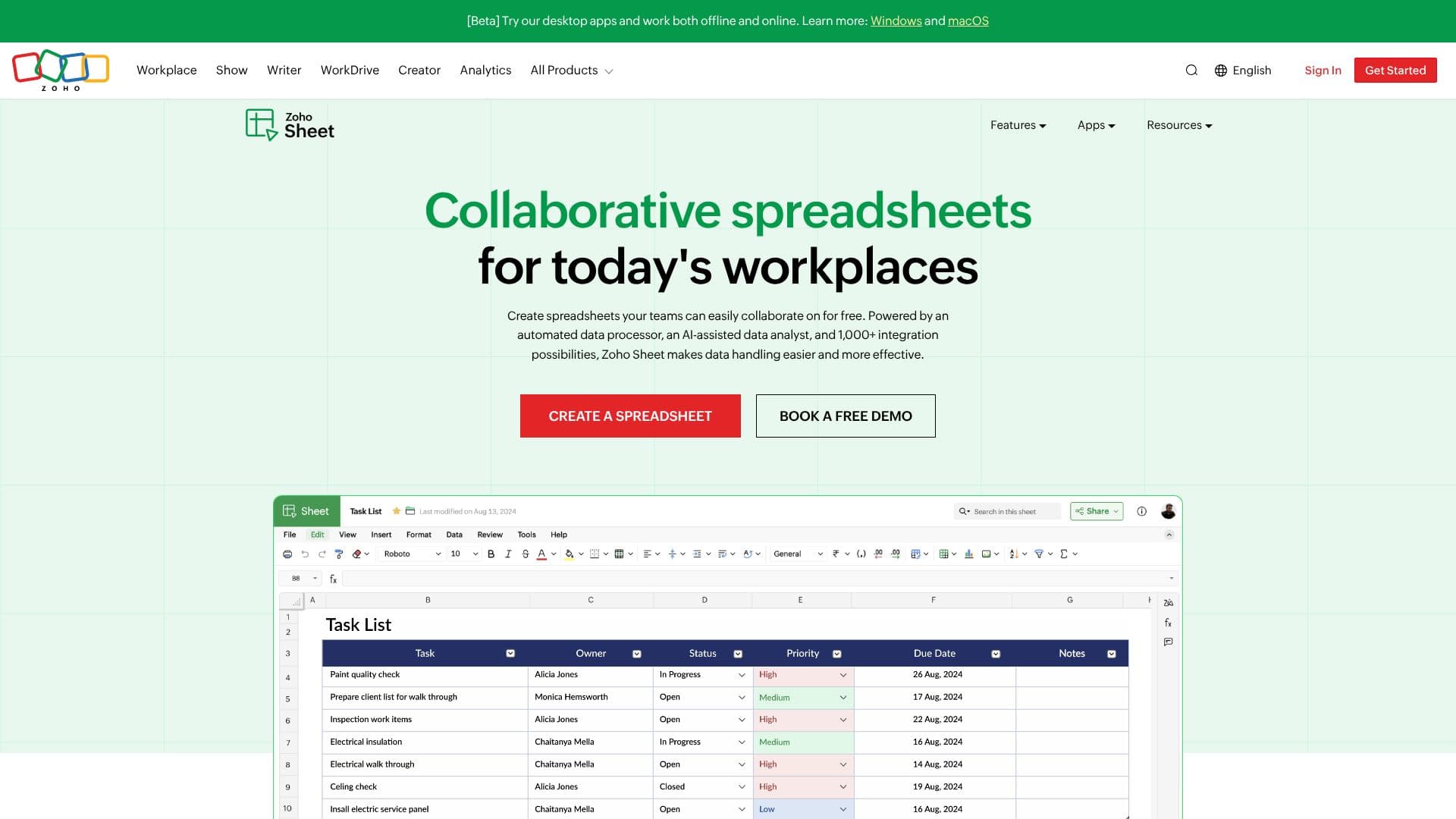
Zoho Sheet provides a robust online spreadsheet solution designed for modern workplaces, enabling teams to collaborate effectively and for free. Its core strength lies in its collaborative features, allowing multiple users to work on the same spreadsheet simultaneously, with real-time updates, commenting, and discussion capabilities directly within the sheet.
Read More
Powered by an automated data processor and an AI-assisted data analyst, Zoho Sheet simplifies complex data handling. The AI assistant, Zia, can automate data processing and analysis steps, generate charts and pivots, and answer data-related questions in natural language. Furthermore, Zia, powered by ChatGPT, can generate sample data sets, formulas, and VBA macro codes, and even identify existing macros and formulas.
Seamless synchronization across devices ensures that work is always up-to-date, whether accessed from the web, Windows, macOS, Android, or iOS apps. Offline access is also supported on Windows, macOS, and Android applications, providing flexibility for users working in various environments. The platform boasts over 1,000 integration possibilities, allowing users to connect Zoho Sheet with other cloud-based software, including Zoho CRM and Zoho Forms, through tools like Zoho Flow to automate data workflows.
Zoho Sheet emphasizes data control and security, offering features such as locking cells, restoring previous versions, tracking changes, and delegating different levels of control to collaborators. Beyond traditional spreadsheets, users can build interactive applications using drop-down menus, checkboxes, conditional formats, and date pickers. For data analysis, it provides nearly 40 chart types and a dynamic pivot table builder. Data Connections allow gathering contextual data from other Zoho applications like CRM, Projects, and Books, with scheduled refreshes for automatic updates.
Compatibility with Microsoft Excel is a key advantage, allowing users to import and work on Excel files without loss of formatting. The platform is trusted by users worldwide, evidenced by high ratings on app stores. Zoho Sheet is ideal for individuals and teams looking for a powerful, intelligent, and user-friendly spreadsheet tool that enhances productivity and data management.
- CategoryAI Spreadsheet Tools
- Pricing ModelFreemium
- DeploymentCloud
- PlatformsWeb, Windows, macOS, Android, iOS, Chromebook
Zoho Sheet's Core Features
Real-time collaborative spreadsheet editing
AI-powered data analysis and insights
Zia, an AI assistant for data processing and formula generation
Seamless cross-device synchronization (web, desktop, mobile)
Offline access on Windows, macOS, and Android apps
Over 1,000 integration possibilities with other cloud applications
Cell locking and version history for data control
Build interactive spreadsheets with UI elements
Nearly 40 chart types and pivot table builder
Data Connections for integrating data from other Zoho apps
Automatic data cleaning tools
Microsoft Excel file compatibility
Generative AI features for data sets, formulas, and VBA macros
How to use Zoho Sheet?
Access Zoho Sheet: Navigate to zoho.com/sheet or open the Zoho Sheet app.
Create or Import: Start a new spreadsheet or import an existing Excel file.
Collaborate: Invite team members to edit, comment, and discuss in real-time.
Analyze Data: Utilize charts, pivot tables, and Zia's AI assistant for insights.
Automate Workflows: Integrate with other apps via Zoho Flow for data automation.
Build Interactive Elements: Add drop-downs, checkboxes, and date pickers to sheets.
Sync and Access: Work across devices, online or offline, with automatic syncing.
Zoho Sheet's Use Cases
- Team Collaboration
- Data Analysis
- Budget Tracking
- Project Management
- Data Cleaning
- Interactive Forms
- Reporting
- Integration Workflows