Description
ChatExcel, a product of Yuankong AI (created by a team from Peking University), lets you work with spreadsheets by chatting instead of writing formulas or code. You describe what you want in natural language, and the AI handles chart processing, data analysis, and document generation, changing how you interact with tabular data so you can focus on the data and analysis itself.
Read More
You can upload files by dragging them in, with support for CSV, Excel (XLS/XLSX), PDF, DOCX, TXT, MD, and image formats, up to 100 MB per file and with no limit on the number of files. From a single request, the AI can analyze Excel data, consolidate multiple tables, detect anomalies, and generate business analysis reports, as well as answer questions about uploaded PDFs and Word files, summarize content, and cross-check documents.
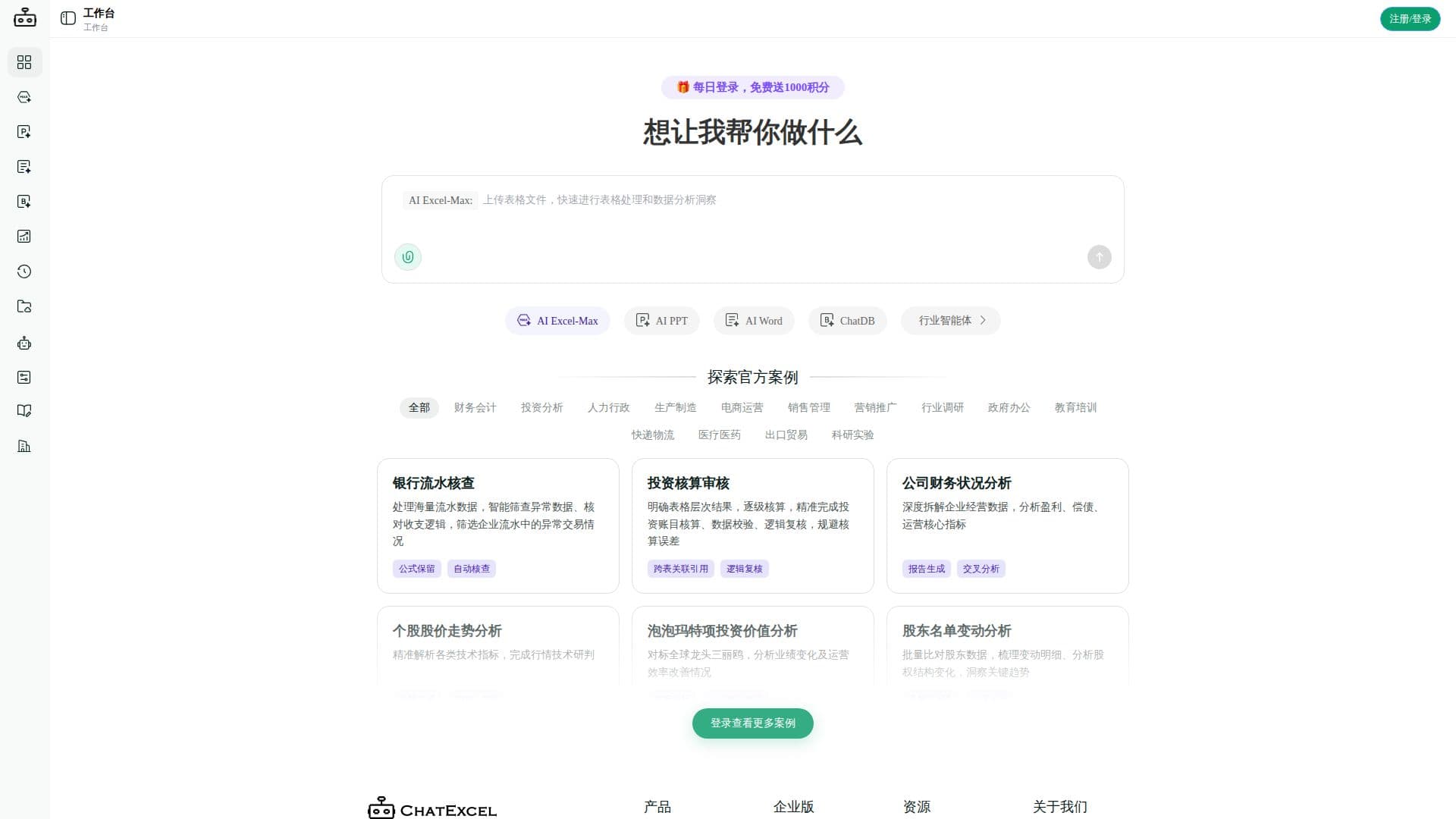
The platform bundles several office and data agents, including AI Excel, AI PPT, AI Word, AI table-building, and ChatDB, alongside industry-specific agents. It emphasizes on-device (local) processing and persistent memory so that data work can happen in a more secure environment, and turns complex data into clear conclusions, reports, and actionable recommendations.
- CategoryAI Spreadsheet Tools
- Pricing ModelFreemium
- DeploymentCloud
- PlatformsWeb
ChatExcel's Core Features
Chat-style natural-language operation of spreadsheets
AI Excel analysis, table consolidation, and anomaly detection
AI generation of PPT slides, Word documents, and reports
Support for CSV, Excel, PDF, DOCX, TXT, MD, and image files
Uploads up to 100 MB per file with no file-count limit
Document Q&A, summarization, and cross-checking
ChatDB and additional office and data agents
On-device local processing with persistent memory
How to use ChatExcel?
Upload your file: Drag a CSV, Excel, PDF, Word, text, or image file into the uploader.
Describe your task: Tell the AI in plain language what to analyze, build, or generate.
Choose an agent: Use AI Excel, AI PPT, AI Word, ChatDB, or an industry agent as needed.
Review the output: Receive the analysis, report, slides, or document and refine as needed.
ChatExcel's Use Cases
- Analyze Excel data
- Consolidate multiple tables
- Generate reports and slides
- Query documents