Description
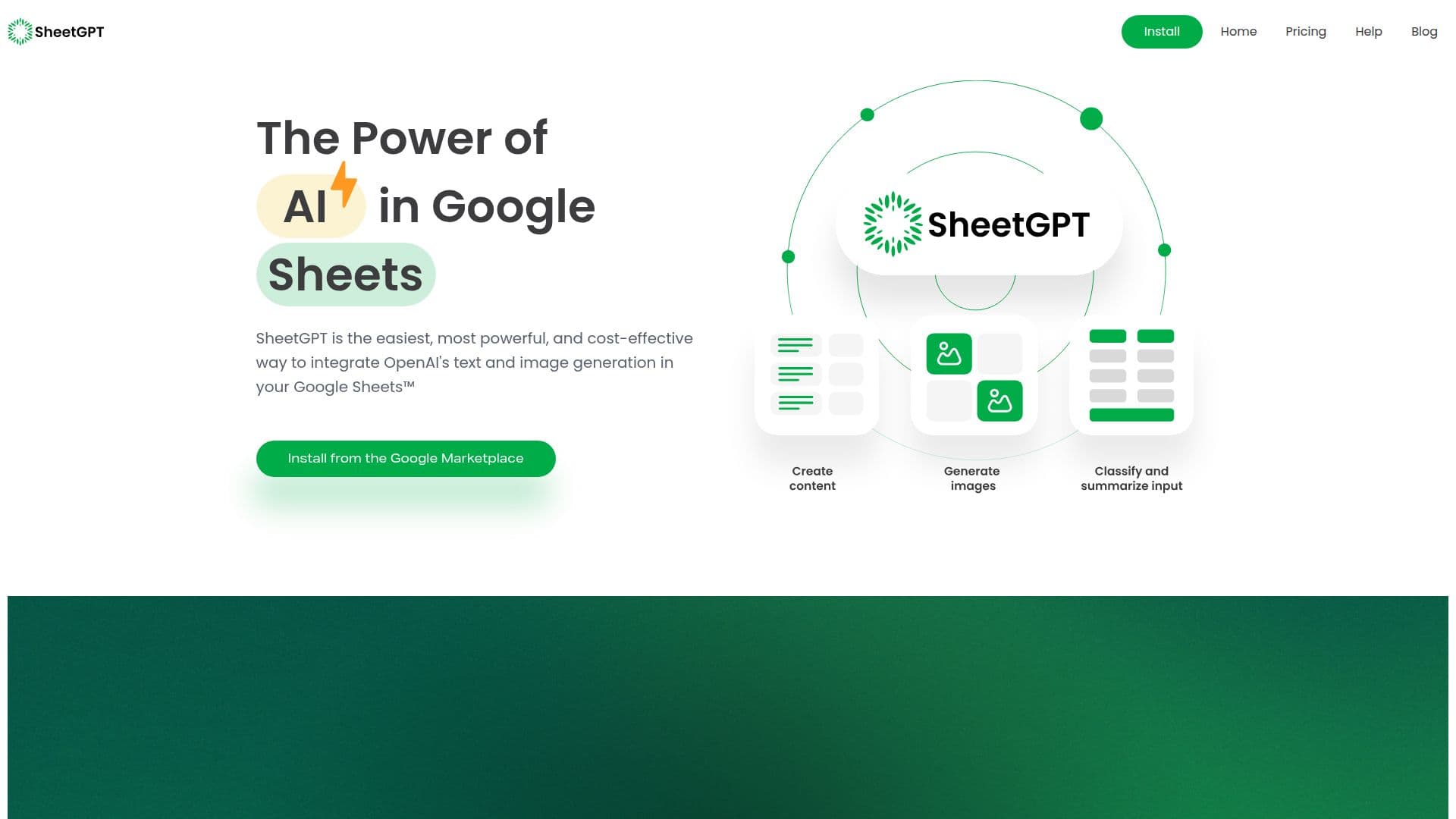
SheetGPT is a powerful tool that brings the capabilities of OpenAI's GPT directly into Google Sheets. It allows users to generate text and images, organize digital marketing campaigns, and cleanse data efficiently. With SheetGPT, users can ideate and create content, summarize and categorize information, and collaborate on AI prototypes. The tool is ideal for structured, data-oriented workflows, making it suitable for tasks such as creating social media calendars, generating Facebook ads, and organizing SEO keywords.
The integration is straightforward, requiring installation from the Google Workspace Marketplace. Once installed, users can enable SheetGPT in their Google Sheets and start using functions like =GPT to invoke OpenAI's language model. The tool supports various models, including GPT-3.5-turbo, and offers advanced options like adjusting response temperature and caching results.
SheetGPT offers a generous trial period, allowing users to experiment with up to 100,000 words of input and output for free. After the trial, users can upgrade to paid plans for higher usage limits, image generation, and priority support. The tool is designed to be cost-effective, with caching mechanisms that prevent unnecessary token usage.
Overall, SheetGPT is a versatile tool for anyone looking to leverage AI in their spreadsheet workflows, providing a seamless way to integrate natural language processing into everyday tasks.
SheetGPT for Google Sheets's Core Features
Integrates GPT into Google Sheets
Generates text and images
Organizes digital marketing campaigns
Summarizes and categorizes data
Collaborates on AI prototypes
Supports multiple GPT models
Adjusts response temperature
Caches results for efficiency
Offers free trial with 100,000 words
Provides paid plans with advanced features
How to use SheetGPT for Google Sheets?
Install: Add SheetGPT from Google Marketplace
Enable: Activate SheetGPT in Google Sheets
Use: Apply GPT functions in cells
Optimize: Adjust model and temperature settings
SheetGPT for Google Sheets's Use Cases
- Content Creation
- Digital Marketing
- Data Cleansing
- AI Prototyping
- Social Media Planning