
Description
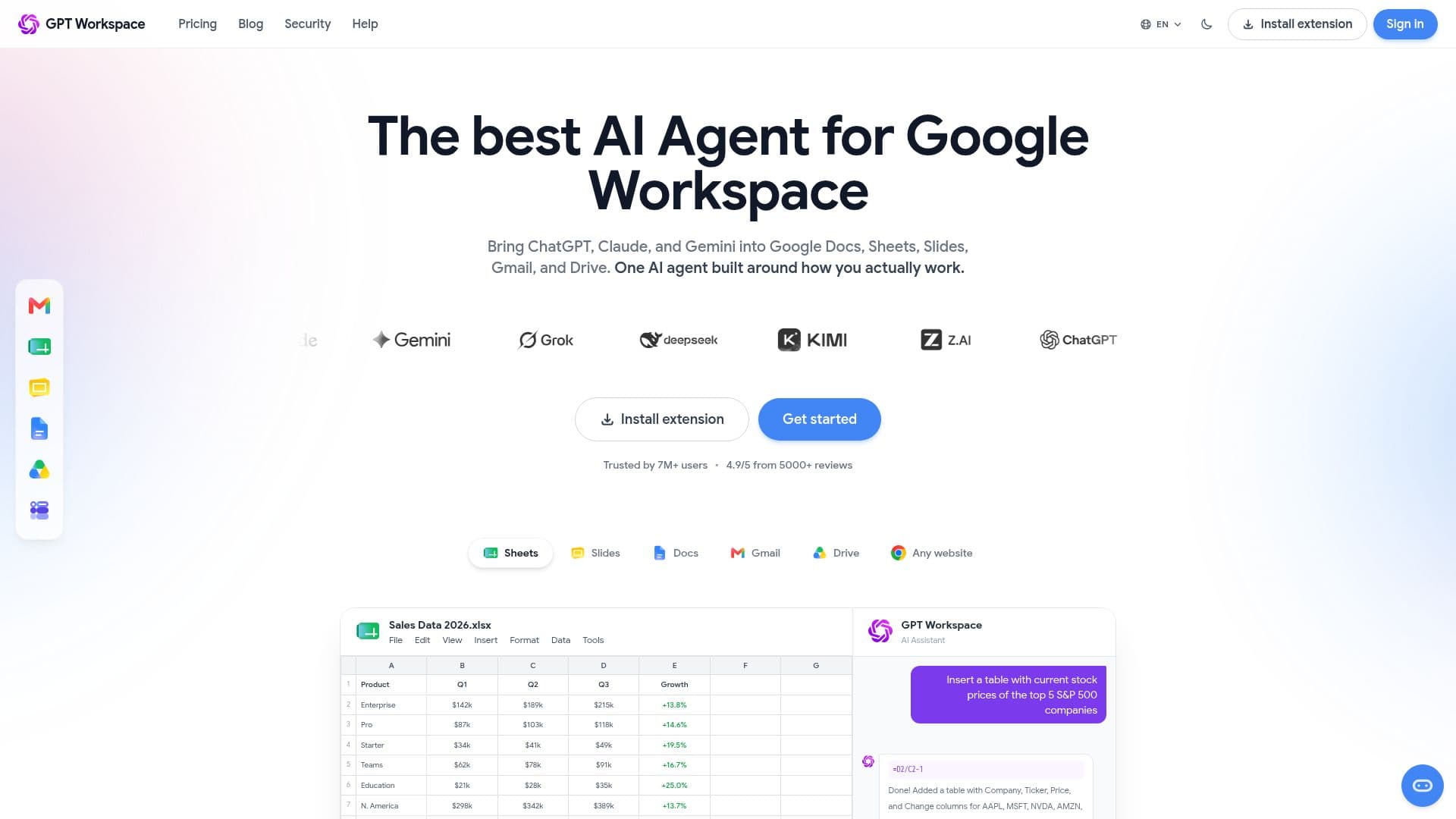
GPT Workspace is an AI agent for Google Workspace that brings ChatGPT, Claude, Gemini, and other leading models directly into Google Docs, Sheets, Slides, Gmail, and Drive. Available as a Chrome extension and a Google Workspace add-on, it lets users generate, edit, and analyze content where they already work, with no copy-pasting or tab-switching.
Read More
In Google Sheets, the =GPT() formula writes formulas, cleans data, classifies information, and generates content across thousands of rows at once. In Docs, it generates, rewrites, summarizes, and translates content in 30+ languages, and can build tables or work with PDFs. In Slides it turns a prompt into a full presentation with layouts and visuals, and in Gmail it reads a thread and drafts replies that match the user's voice. A ChatGPT Chrome extension also summarizes, answers questions about, and translates any web page.
Users can switch between models such as GPT, Claude, Gemini, Grok, and DeepSeek, choosing a fast model for quick tasks or a more powerful one for complex analysis, or letting the tool pick automatically. The platform reports more than 7 million users and a 4.9/5 rating on the Google Workspace Marketplace, with team and enterprise plans offering centralized billing, admin controls, and shared usage dashboards.
GPT Workspace emphasizes privacy and security, processing documents and emails in real time without storing them, encrypting data with TLS 1.2 and AES-256, and using SOC 2-compliant AI providers with zero data retention so user data never trains AI models. It is CASA Tier III certified, ISO 27001 aligned, and GDPR compliant. A free plan is available, with paid plans starting at $19/month that unlock higher limits and advanced models.
- CategoryAI Personal Assistants
- Pricing ModelFreemium
- DeploymentCloud, Browser extension
- PlatformsWeb, Chrome
GPT Workspace's Core Features
ChatGPT, Claude, and Gemini inside Docs, Sheets, Slides, Gmail, and Drive
=GPT() formula for content, classification, and data work in Sheets
Content generation, rewriting, and summarizing in Docs across 30+ languages
Prompt-to-presentation generation in Slides
Context-aware email reply drafting in Gmail
ChatGPT Chrome extension to summarize and translate any web page
Switch between multiple AI models or pick automatically
Team and enterprise plans with centralized billing and admin controls
How to use GPT Workspace?
Install it: Add the Chrome extension from the Chrome Web Store or the add-on from the Google Workspace Marketplace.
Open a Google app: Launch Docs, Sheets, Slides, Gmail, or Drive.
Prompt the AI: Use the sidebar or the =GPT() formula to generate, edit, or analyze content.
Choose a model: Select ChatGPT, Claude, Gemini, or another model for the task.
Upgrade if needed: Move to a paid plan for higher limits and advanced models.
GPT Workspace's Use Cases
- Spreadsheet automation
- Document writing
- Email drafting
- Presentation creation
- Web page assistance