Description
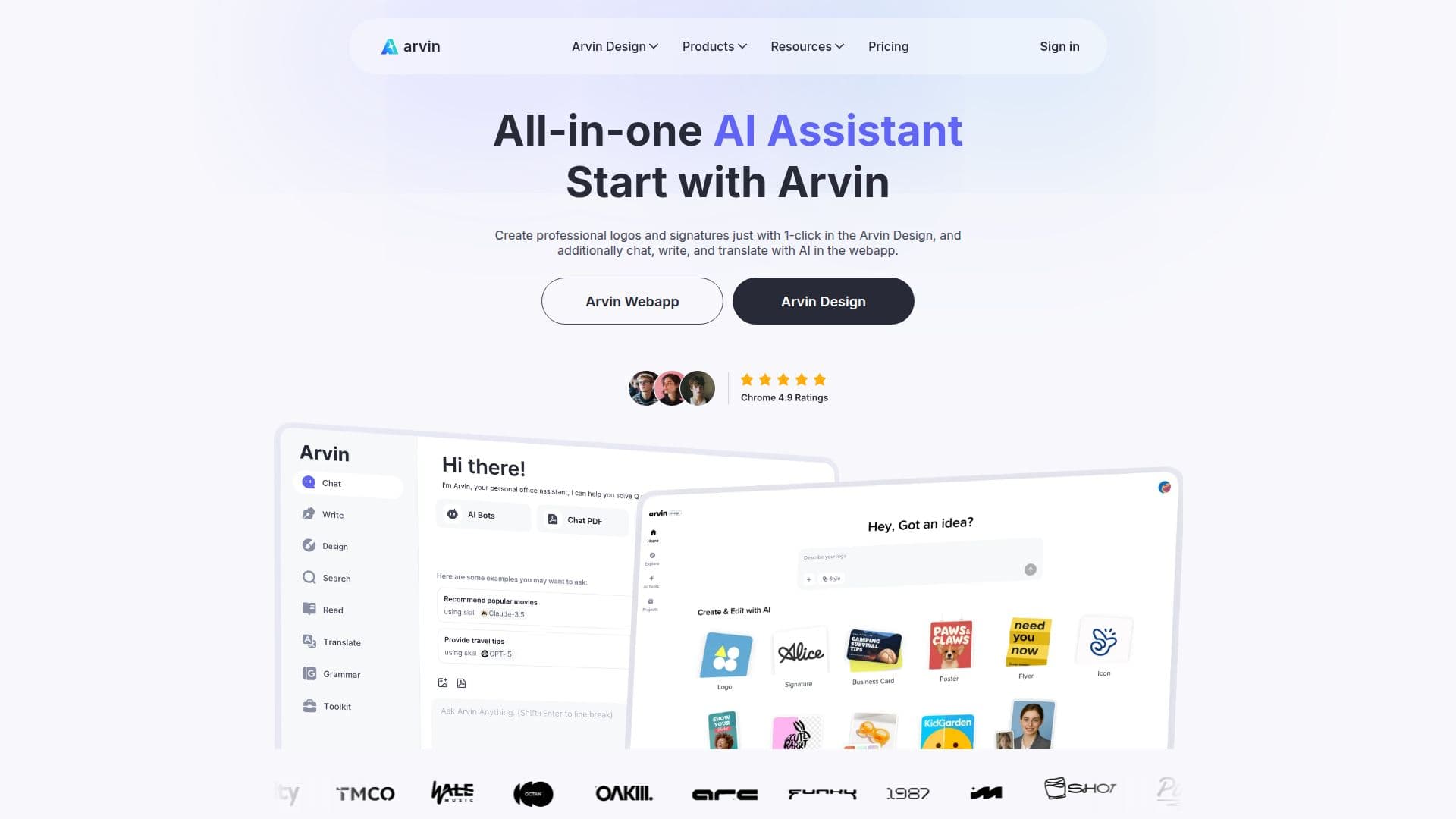
Arvin AI is an innovative browser extension that leverages the power of GPT-4o to provide users with a versatile AI assistant. This tool is designed to enhance productivity by offering a wide range of functionalities, including AI art generation, content summarization, and automated writing. With Arvin, users can easily access advanced AI capabilities directly from their browser, making it a convenient solution for various tasks.
Read More
The extension allows users to chat with multiple AI models, including GPT, Claude, and Gemini, providing real-time responses to inquiries. Users can also engage with uploaded PDFs and images, making it easier to extract information and generate insights. Arvin's smart AI writers can automatically create articles and emails with just one click, allowing for customization in style and tone. This feature is particularly beneficial for marketers, bloggers, and content creators who need to produce high-quality content quickly.
Arvin AI also includes a variety of additional tools such as an AI image generator, background remover, grammar checker, and web translator, which further enhance its utility. Users can summarize PDF content precisely, convert PDFs to various formats, and even generate email replies in multiple styles. The extension is designed to be user-friendly, ensuring that anyone can utilize its features without requiring technical skills.
For those looking to maximize their productivity, Arvin offers a rich library of over 2000 prompts, enabling users to engage with GPT-4o effectively. The tool is available for free, with daily credits provided to users for various services, including access to advanced AI models. Arvin is committed to ensuring user privacy and security, complying with relevant laws to protect user information. Overall, Arvin AI is a powerful tool that transforms how users interact with AI, making it an invaluable resource for anyone looking to enhance their online experience.
- CategoryAI Chatbots
- Pricing ModelFreemium
- DeploymentCloud
- PlatformsChrome, Edge
Arvin AI's Core Features
AI Art Generation
Content Summarization
Automated Writing
Real-time Chat with AI Models
PDF Interaction
Email Response Generation
Grammar Checking
Web Translation
Background Removal
Image Generation
How to use Arvin AI?
Install the Arvin AI Chrome extension from the website.
Open Arvin using Alt/Option + A on any webpage.
Select the desired tool or feature from the extension.
Input your prompt or upload your document/image.
Receive instant AI-generated responses or content.
Customize the output as needed.
Utilize additional features like summarization or translation.
Access daily credits for various services.
Arvin AI's Use Cases
- Content Creation
- Email Management
- Image Generation
- Document Summarization
- Language Translation