Description
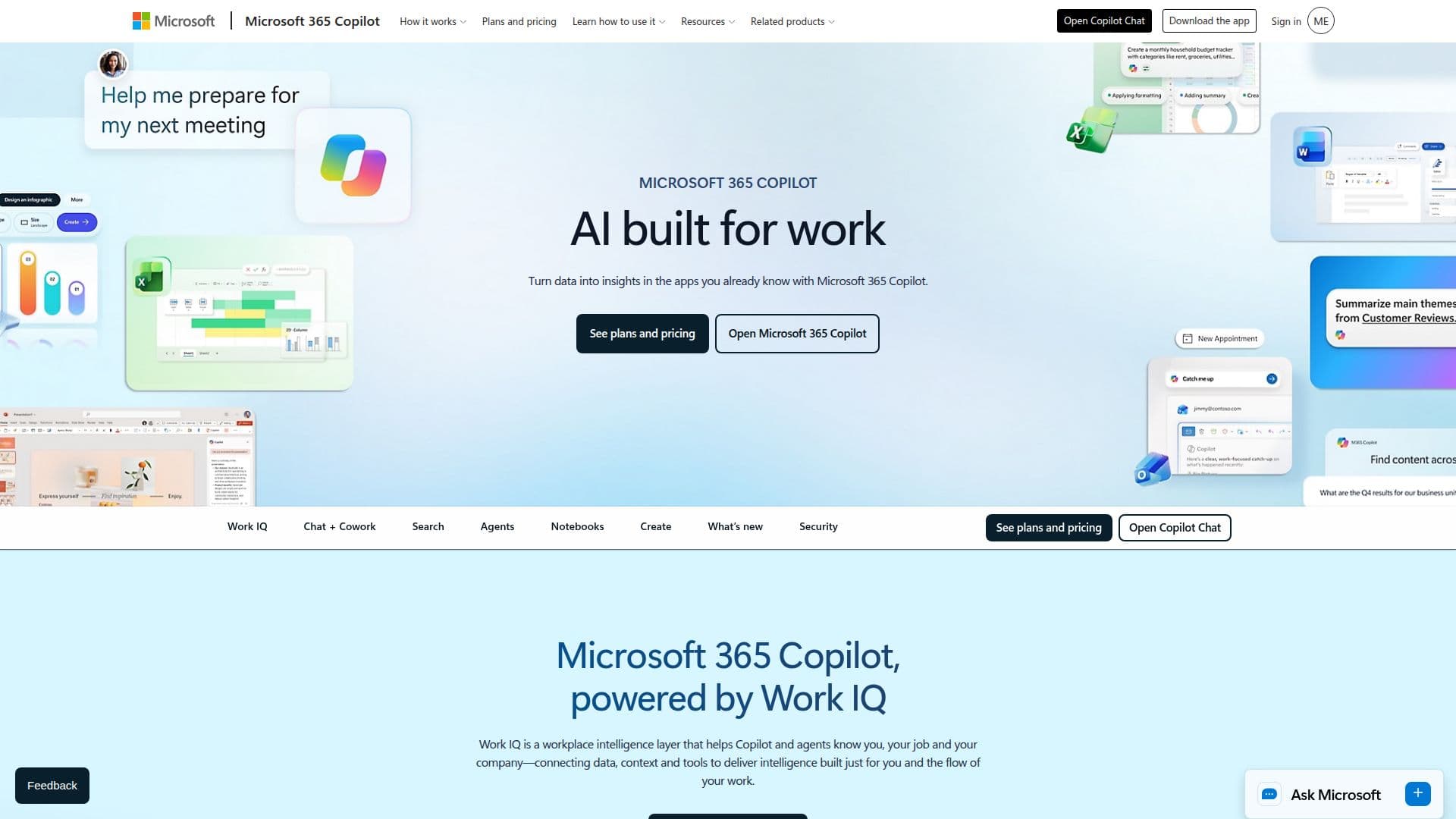
Microsoft 365 Copilot is an innovative AI productivity tool designed to empower users in their work environments. By integrating with Microsoft 365 applications, Copilot acts as an AI assistant that enhances productivity and creativity. It leverages advanced AI capabilities to help users streamline their workflows, improve collaboration, and generate high-quality content quickly.
Read More
One of the core features of Microsoft 365 Copilot is its AI-powered enterprise search functionality, which allows users to describe what they are looking for in natural language. This capability goes beyond traditional keyword searches, enabling users to find relevant results from their work content and applications swiftly. Additionally, Copilot Notebooks serves as a central hub for organizing chats, files, meeting notes, and project materials, making it easier for users to analyze and build upon their content. The tool even offers AI-generated summaries, akin to podcast-style recaps, to help users catch up on important information efficiently.
Microsoft 365 Copilot is designed for a wide range of users, including individuals, teams, and enterprises. It offers flexible subscription plans tailored to different organizational needs, from individual plans to comprehensive enterprise solutions. The tool is built with security in mind, featuring governed access and built-in data privacy measures to protect sensitive information.
With Microsoft 365 Copilot, users can quickly turn their ideas into various formats, including documents, videos, and surveys, using templates and prompts that align with their company branding. This versatility makes it an invaluable resource for professionals looking to enhance their productivity and creativity in a secure environment.
In summary, Microsoft 365 Copilot is a powerful AI assistant that integrates seamlessly with Microsoft 365 applications, providing users with the tools they need to work smarter, collaborate effectively, and achieve their goals with greater ease.
- CategoryAI Personal Assistants
- Pricing ModelSubscription
- DeploymentCloud
- PlatformsWeb, Mobile, Desktop
Microsoft 365 Copilot's Core Features
AI-powered enterprise search
Copilot Notebooks for content organization
AI-generated summaries
Integration with Microsoft 365 apps
Flexible subscription plans
Built-in data privacy
Governed access
Advanced identity management
How to use Microsoft 365 Copilot?
Describe your task: articulate what you need help with in natural language.
Use Copilot Notebooks: organize your chats, files, and notes in one place.
Generate content: quickly create documents, videos, or surveys using prompts.
Leverage AI summaries: get concise recaps of your content for quick understanding.
Microsoft 365 Copilot's Use Cases
- Content Creation
- Data Analysis
- Project Management
- Team Collaboration
- Task Automation