


Description
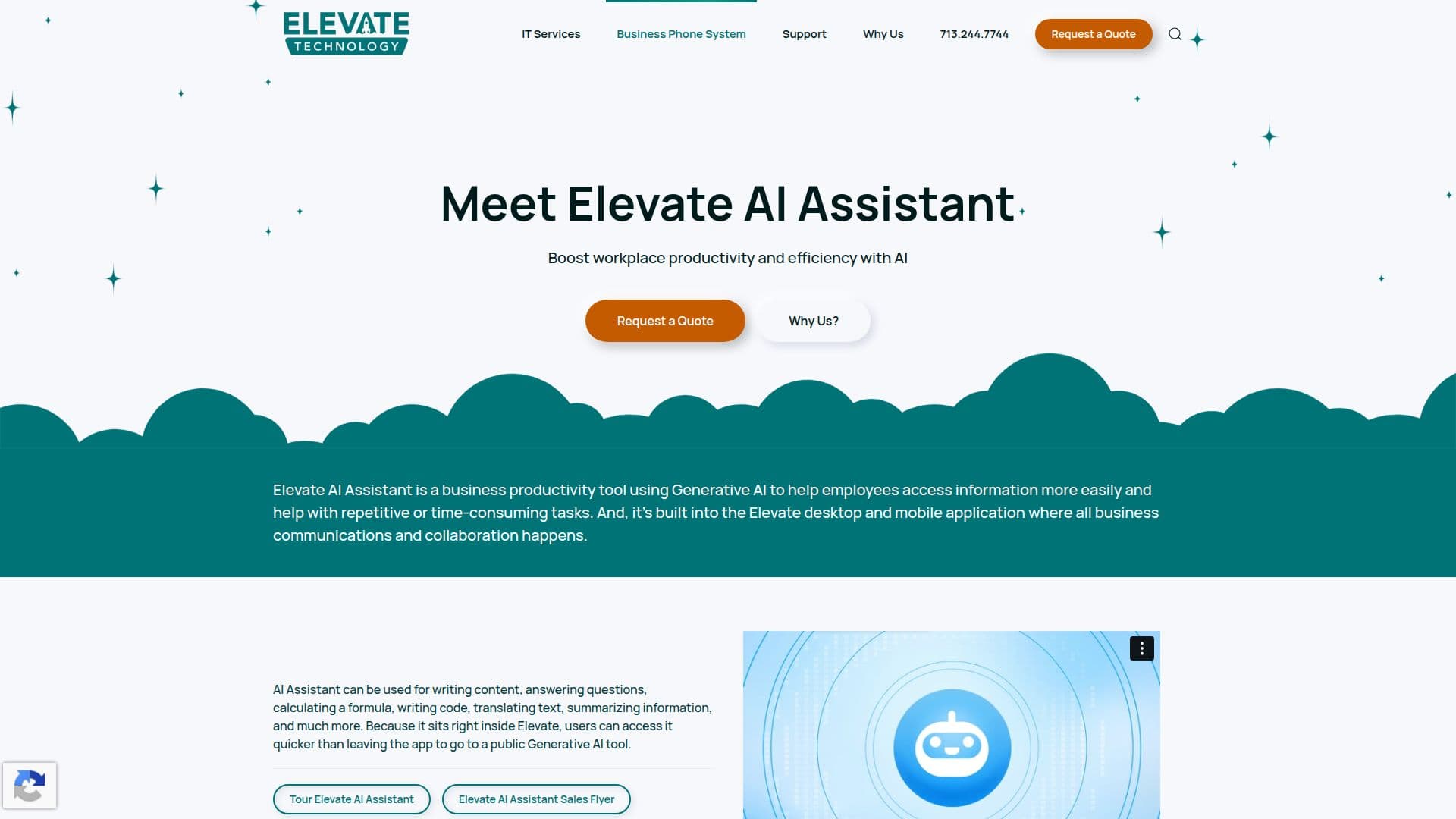
Elevate AI Assistant is a cutting-edge generative AI tool integrated within the Elevate Technology platform, aimed at boosting workplace productivity and efficiency. It simplifies daily tasks such as writing content, answering questions, calculating formulas, writing code, translating text, and summarizing information. This integration ensures that users can access the AI Assistant without leaving the Elevate app, providing a seamless experience.
The AI Assistant is designed to redefine real-time assistance by delivering prompt and precise responses to inquiries. Its capabilities extend beyond traditional support, offering services like crafting social media content, streamlining queries, enhancing code, translating languages, and distilling information into actionable insights. This makes it a valuable tool for businesses looking to enhance their communication and collaboration efforts.
Elevate AI Assistant is not limited to desktop use; it is also available on mobile apps, ensuring synchronization and mobility for users on the go. Security is a top priority, with stringent measures in place to protect user data and confidentiality.
The tool is part of the Elevate UC ecosystem, which offers a comprehensive suite of communication solutions, including VoIP calling, SMS, video meetings, team chat, fax, and file sharing. These features are designed to help modern teams boost productivity, collaborate from anywhere, and work smarter with AI-driven insights.
Elevate Technology provides flexible pricing plans for its services, including options for Express, Essentials, Pro, and Enterprise tiers. These plans cater to businesses of all sizes, offering scalable communication solutions with features like unlimited calling, international calling, and advanced call management.
Overall, Elevate AI Assistant is a powerful tool for businesses seeking to enhance their productivity and streamline their operations through AI-driven solutions.
Elevate AI Assistant's Core Features
Generative AI for writing and summarizing
Real-time assistance with precise responses
Integration within Elevate app for seamless access
Mobile app availability for synchronization
Security measures for data protection
VoIP calling and SMS integration
Video meetings and team chat features
AI-driven insights for business communication
How to use Elevate AI Assistant?
Configure: Set up the AI Assistant within the Elevate platform
Use: Access the AI Assistant for writing and summarizing tasks
Optimize: Utilize AI insights to enhance productivity
Secure: Ensure data protection with built-in security measures
Elevate AI Assistant's Use Cases
- Content Creation
- Task Automation
- Real-time Assistance
- Mobile Productivity
- Secure Communication