
Description
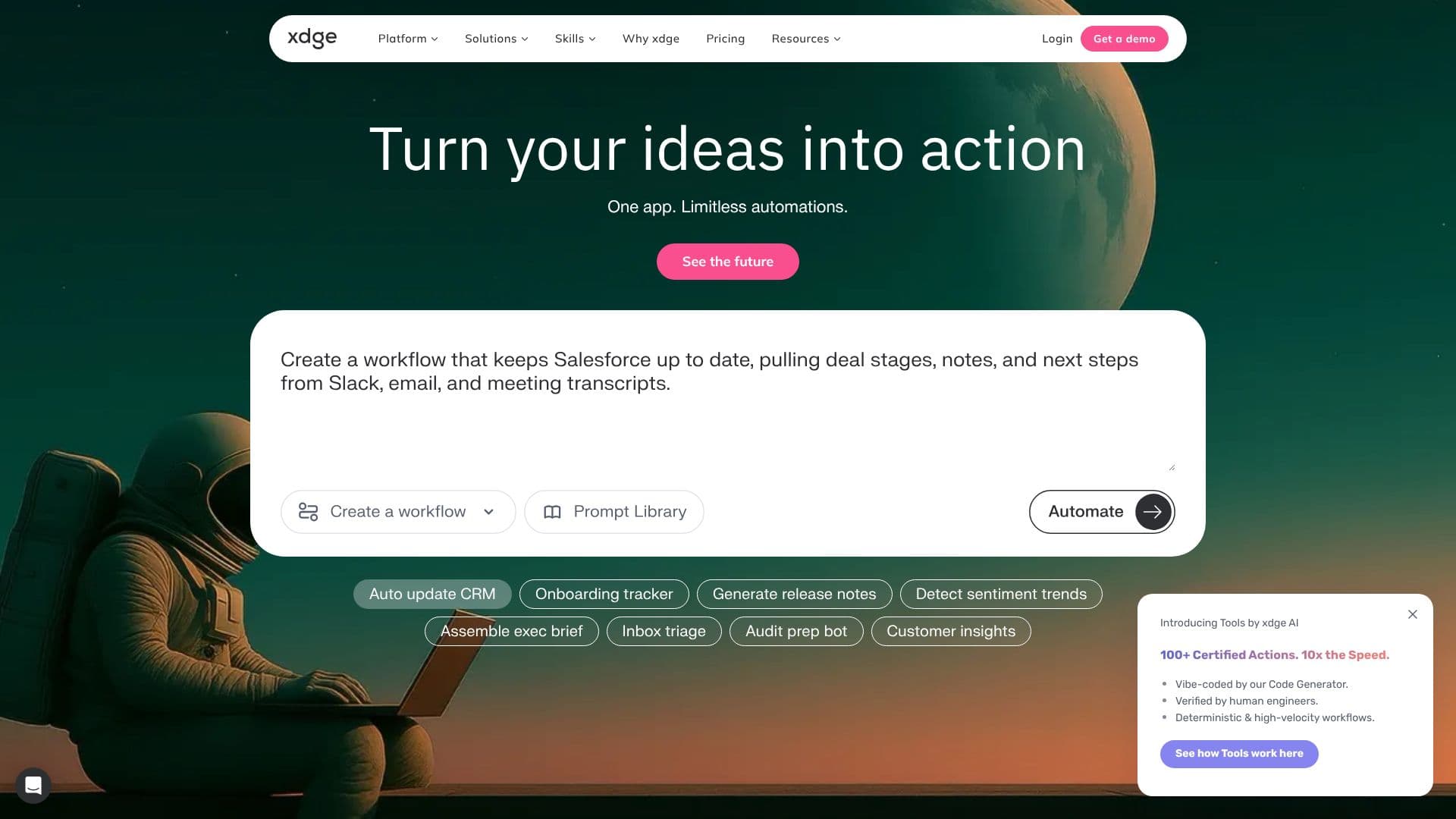
xdge is a workplace AI platform that was previously known as Ayraa. It gives companies a set of AI agents that automate research, communication, and busywork across the tools a team already uses, turning a plain-language request into finished work rather than another chat window to manage.
Read More
At its core, xdge runs Deep Research across a company's connected apps, including Slack, Gmail, Notion, and Jira, surfacing relevant messages, documents, and tickets in one place instead of forcing someone to switch between tabs. A Search & Chat interface lets employees ask questions in natural language and get answers pulled from company knowledge, while a browser AI companion summarizes long pages, answers questions on the fly, and caches pages for later. 24/7 Workflows, currently in beta, let an agent keep working on a described task even while the requester is offline.
Beyond general search, xdge ships a library of narrower skills aimed at specific roles. Inbox Copilot labels, prioritizes, and surfaces emails that need attention. Team Pulse correlates activity across tools to show real progress instead of noise. Sales Copilot reviews call recordings for coaching moments, and a Salesforce Pipeline Engine updates deal stages and next steps from emails, Slack messages, and calls. Other skills include Launch Notes, which turns commits and tickets into release notes, and a Jira Compliance Inspector that flags risky ticket transitions. Meetings capture transcripts and AI notes from Google Meet, Zoom, MS Teams, or Slack Huddles, and Collections let a team save verified links, documents, and reference cards for others to reuse. Go Links create short internal shortcuts, and Rewind keeps a log of a person's work across apps and knowledge sites so they can pick up where they left off.
xdge connects into a workspace through a Slack bot and a browser extension, and it can be reached from inside Slack directly for questions, thread summaries, and live consultation.
Pricing starts with a 14-day free trial of Pro features, covering up to 10 seats, 5 GB per workspace, unlimited integrations, and no usage caps. The Pro plan is billed per user, with a minimum of 10 seats, unlimited business users, and 5 GB of storage per user. Enterprise plans add custom pricing, priority support, a dedicated customer success manager, and custom branding.
xdge is aimed at cross-functional teams, including engineering, sales, customer success, marketing, HR, finance, operations, leadership, and IT and security, at fast-growing companies that want less manual searching and more agents doing the work directly. The platform reports SOC 2 Type 2 and CASA Tier 2 certification, AWS hosting, SSO support, and third-party penetration testing.
- CategoryAI Personal Assistants
- Pricing ModelFreemium
- DeploymentCloud
- PlatformsWeb
xdge's Core Features
Deep Research across Slack, Gmail, Notion, and Jira that surfaces relevant messages, documents, and tickets in one place
Search & Chat answer bot that responds to natural-language questions using a company's own knowledge
Browser AI that summarizes web pages, answers questions, and caches pages for later reference
24/7 Workflows (beta) that keep automating a described task even while the requester is offline
Meeting transcription and AI notes for Google Meet, Zoom, MS Teams, and Slack Huddles
Inbox Copilot that labels, prioritizes, and surfaces important emails
Sales Copilot and a Salesforce Pipeline Engine that analyze calls and update deal stages automatically
Collections for saving verified links, documents, and reference cards for the team
Go Links for short, memorable internal shortcuts to frequently used resources
Slack bot and browser extension that bring xdge into tools the team already uses
How to use xdge?
Start a trial: Begin a free trial to connect xdge to your workspace.
Connect your tools: Link Slack, Gmail, Notion, Jira, and other work apps through xdge's connectors.
Describe a task: Tell an agent what you need in plain language, such as a research summary or an inbox cleanup.
Review the output: Check the search results, meeting notes, or drafted work the agent produced.
Turn on skills: Enable prebuilt skills like Inbox Copilot or Sales Copilot for the roles that need them.
Automate on schedule: Set 24/7 workflows to keep running research or reporting tasks without manual triggers.
xdge's Use Cases
- Cross-app research
- Meeting follow-up
- Sales pipeline hygiene
- Inbox triage