
Description
Lindy is an AI teammate built to do real work across a whole company rather than for one person's inbox. It connects to a team's existing tools (Gmail, Slack, Notion, HubSpot and more than 1,000 others, plus anything reachable through MCP) and is positioned for seven departments: marketing, sales, support, operations, finance, product and engineering, handling tasks like triaging a support queue, updating a CRM, building a meeting deck or monitoring ad spend.
Read More
Lindy works by connecting directly into the tools a team already uses. It joins meetings, records and shares them with the relevant people, and lets anyone query what was discussed afterward. It can be set to run on a schedule, sending a morning brief, a weekly report or a Friday nudge without being asked each time. Before it changes anything in a connected tool, Lindy asks for confirmation first.
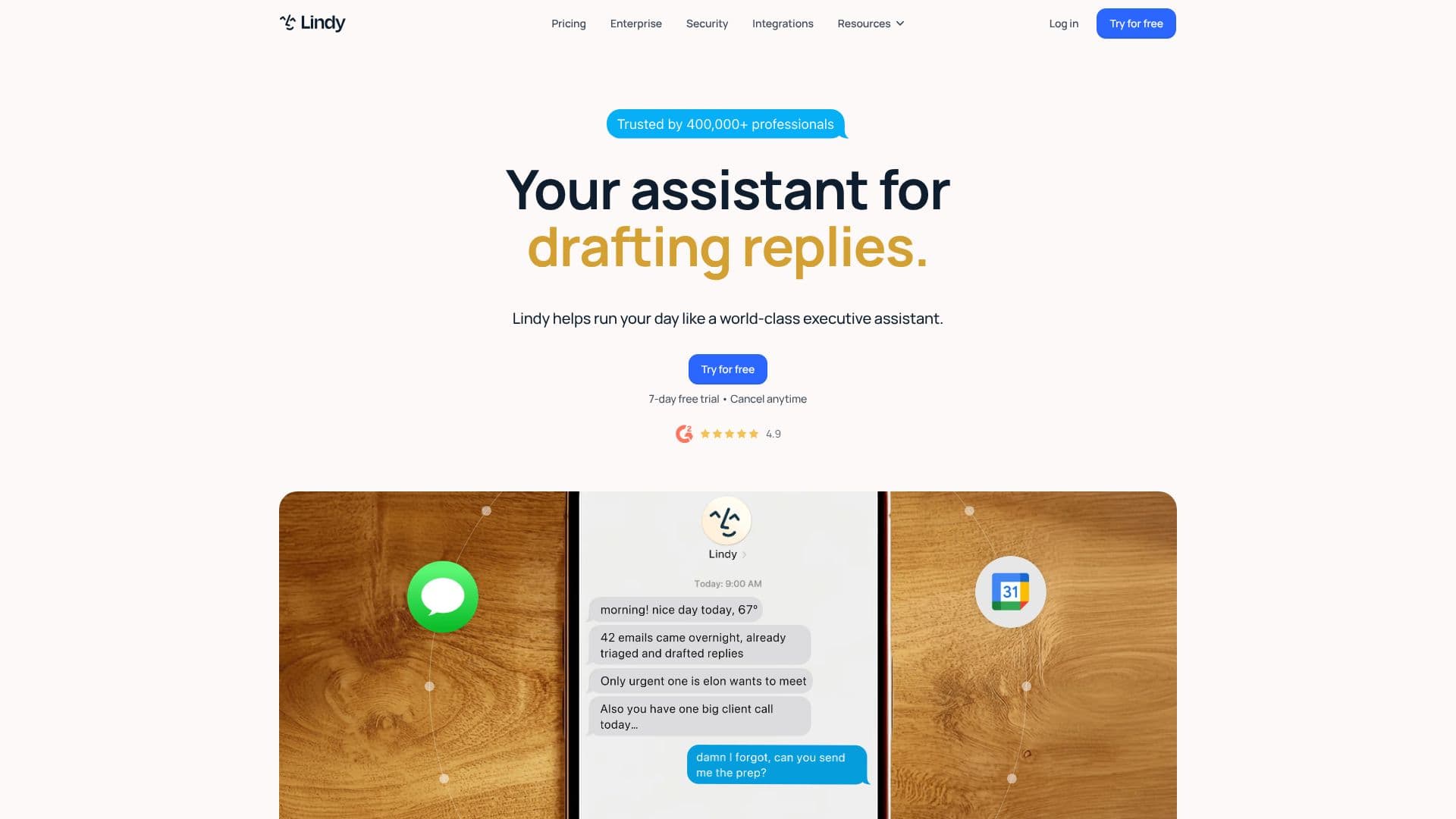
The product's core idea is that Lindy learns and keeps skills. It ships with more than 40 built-in skills covering research, data analysis, building decks and dashboards, and when someone shows it how to do a task once, that becomes a reusable skill the rest of the team can use too. Its memory about a person or company is stored in plain, human-readable files that can be opened and edited directly, rather than hidden inside the model. Lindy is available inside Slack (answering in threads and mentions), Gmail (drafting and replying in a user's own voice, across up to five inboxes on paid plans), and iMessage.
Lindy is priced per user based on monthly credits, which measure how much work it does rather than time used. The Plus plan is $29.99 a month for 3,000 credits, Pro is $99.99 a month for 15,000 credits, and Max is $199.99 a month for 35,000 credits, covering everything from quick lookups to complex multi-step builds like dashboards or internal tools. An Enterprise plan adds HIPAA compliance, shared usage pools, audit logs and dedicated support. A 7-day free trial is available on the paid plans.
Lindy is built for teams that want to hand off recurring, cross-functional work rather than automate a single task: support teams triaging tickets, sales and marketing teams tracking competitors and funnels, finance teams logging invoices, and operations and engineering teams running their own routines, all through the same assistant.
- CategoryAI Personal Assistants
- Pricing ModelFreemium
- DeploymentCloud
- PlatformsWeb
Lindy's Core Features
Connects to 1,000+ tools (Gmail, Slack, Notion, HubSpot) plus MCP support
Joins, records and shares meetings, searchable afterward
Scheduled routines: daily briefs, weekly reports, recurring nudges
40+ built-in skills (research, data analysis, decks, dashboards) plus custom skills the team can reuse
Editable, human-readable memory files
Inbox management: drafts replies in the user's voice across up to five inboxes
Works inside Slack, Gmail and iMessage
Computer use and model selection across supported AI models
Asks for approval before changing anything in a connected tool
Positioned across seven departments: marketing, sales, support, operations, finance, product, engineering
How to use Lindy?
Sign up: Start a 7-day free trial of Lindy.
Connect your tools: Link Gmail, Slack and other apps Lindy will work in.
Assign a routine or skill: Set up a scheduled task like a daily brief, or pick a built-in skill.
Let Lindy work: It drafts, triages, joins meetings or builds reports, asking for approval before changes.
Save new skills: Show Lindy a task once and save it as a skill the whole team can reuse.
Upgrade for scale: Move to Pro, Max or Enterprise for more monthly credits and features.
Lindy's Use Cases
- Support ticket triage
- Sales and CRM upkeep
- Meeting recaps
- Finance operations