Description
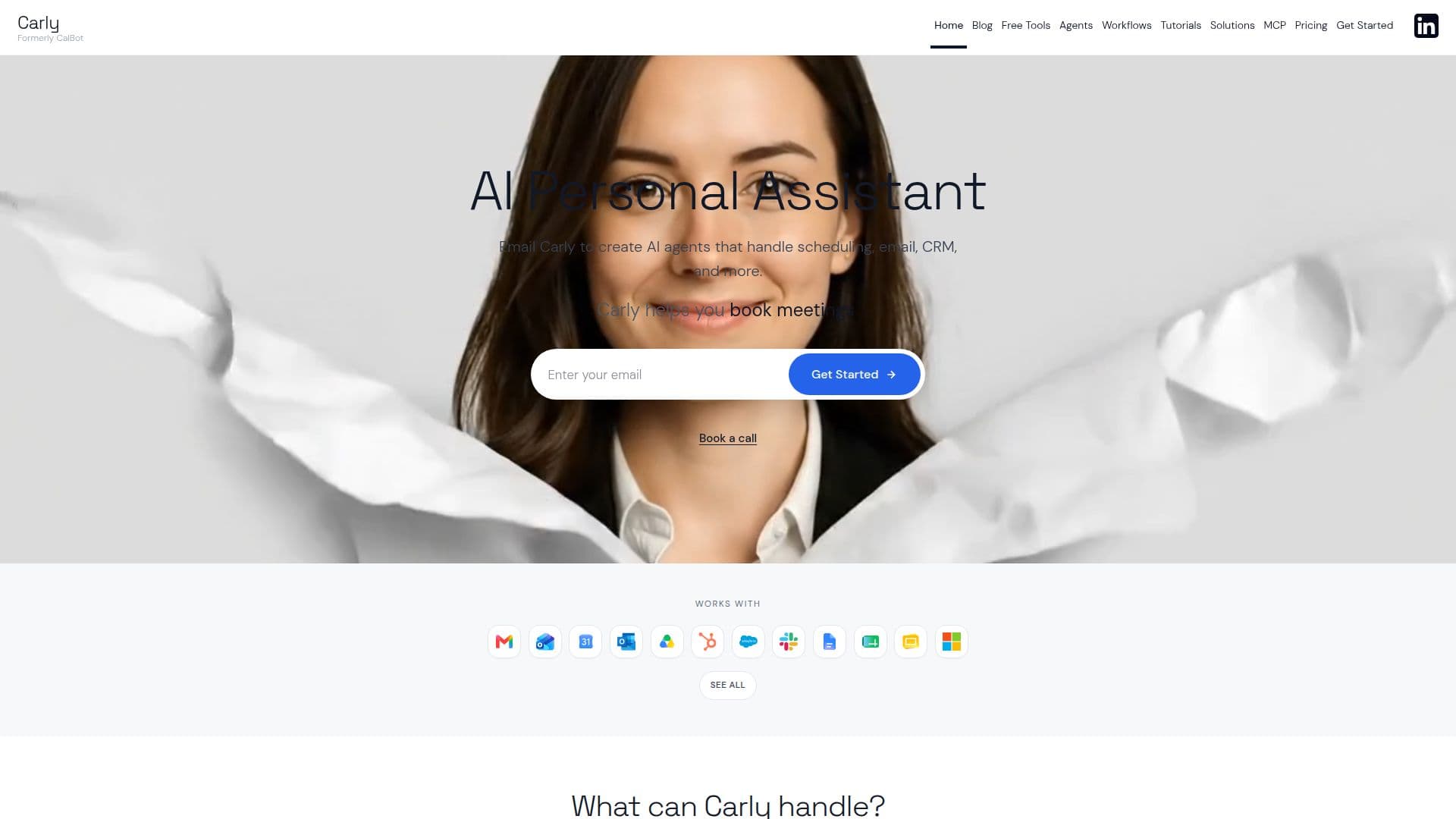
Carly is an AI agent platform you operate through email, SMS, Slack, or a dashboard chat. Instead of opening another app, you CC or forward Carly on a message and describe what you want done, and she takes care of scheduling, inbox triage, CRM updates, lead enrichment, research, and follow-ups across the tools you already use.
Read More
At its core is a workflow runtime similar to Zapier, Make, or n8n, but without manual drag-and-drop wiring. You describe the automation in plain language and Carly builds the workflow, connects the integrations, tests it on real data, debugs failures, and only sets it live once it works. Workflows are built from ten node types including triggers, tool calls, LLM steps, HTTP requests, branches, filters, foreach loops, waits, and sub-workflows.
Carly ships with 231+ ready-to-use workflow templates and roughly 260 native connectors spanning email, calendar, CRM, accounting, analytics, messaging, and developer tools, plus the ability to reach any public API with your own key. Custom agents can each have their own name, email address, integrations, permissions, and files, along with persistent memory of contacts and preferences.
The tool targets founders, sales teams, operations staff, and anyone who wants to hand off recurring, structured busywork such as morning briefings, meeting prep, receipt logging, and lead follow-up while keeping visibility and control.
- CategoryAI Personal Assistants
- Pricing ModelFreemium
- DeploymentCloud
- PlatformsWeb
Carly AI's Core Features
Email-native operation via email, CC, forward, SMS, Slack, or dashboard chat
AI workflow builder that writes, tests, and debugs automations from a plain-language request
258+ native integrations across 40+ categories plus custom API connections
231+ ready-to-use workflow templates you can fork and edit
Ten workflow node types including triggers, branches, foreach, waits, and sub-workflows
Custom AI agents with their own name, email, permissions, files, and persistent memory
Group scheduling, booking links, availability polls, and smart event creation
AI-native CRM, scheduled tasks, and daily and weekly briefings
How to use Carly AI?
Connect apps: Link Carly to your email, calendar, CRM, and other tools, or paste an API key for anything without a native connector.
Describe the task: Email or chat Carly what you want done, for example triaging your inbox or booking a group call.
Let Carly build and test: Carly writes the workflow, wires up integrations, runs it on real data, and debugs failures before going live.
Delegate ongoing work: CC, forward, or text Carly to hand off scheduling, follow-ups, and research as they come up.
Revise by chatting: Ask Carly to change a step or add a branch and she rewrites and re-runs the workflow.
Carly AI's Use Cases
- Inbox triage
- Meeting scheduling
- Sales follow-up
- Daily briefings
- Finance and bookkeeping