ToolPotion

Notion

Featured

Notion is an AI workspace that combines docs, wikis, projects, and databases with custom AI agents, cross-app search, and automation. It is built for individuals and teams who want to run their work from one place.

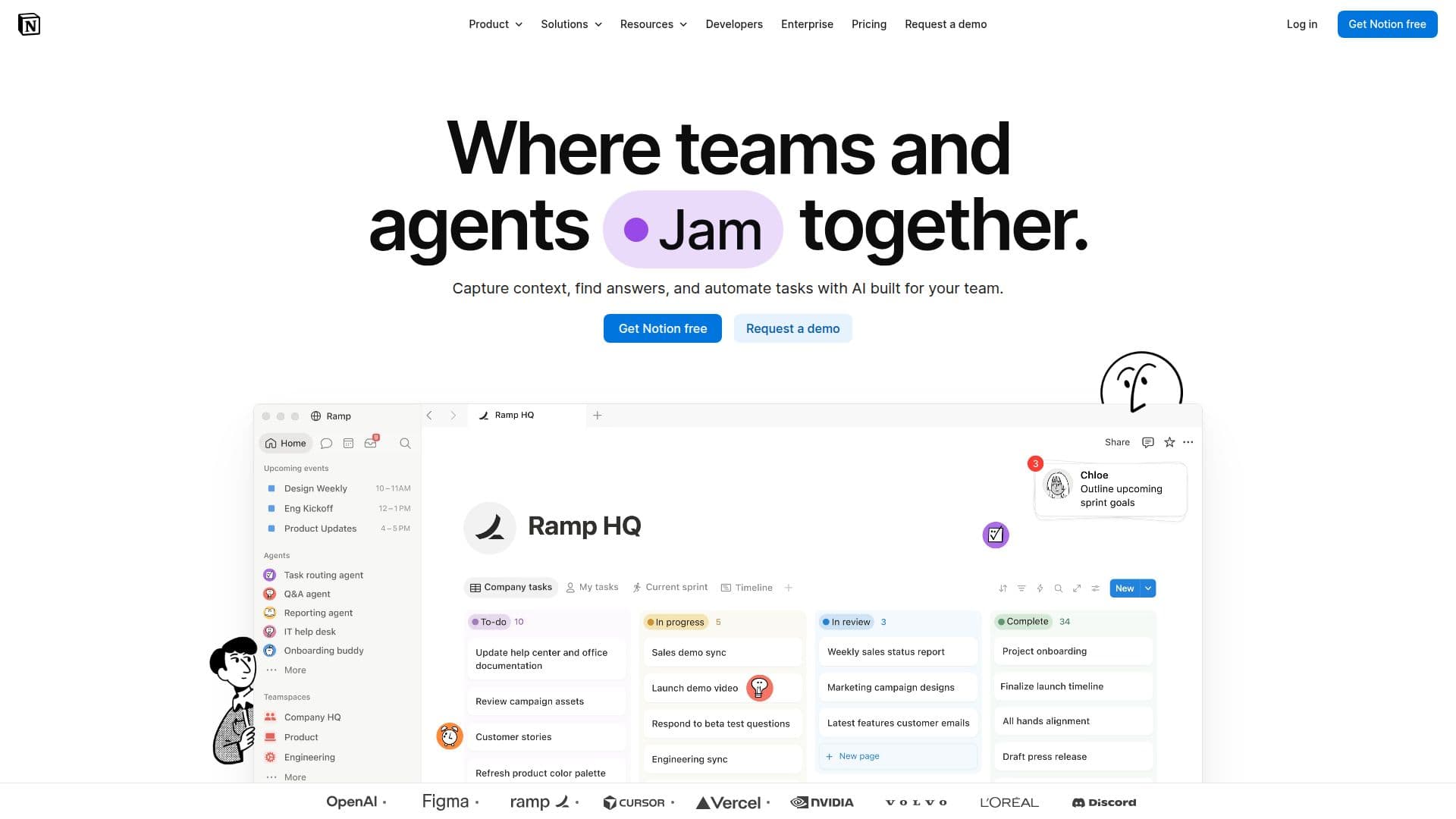
Notion screenshot

Description

Notion is an all-in-one workspace where teams and individuals organize docs, wikis, projects, and databases. It positions itself as the AI workspace where teams can build custom agents, search across their apps, and automate repetitive work.

Notion AI adds a layer on top of the workspace: chat, doc generation and editing, database autofill, AI Meeting Notes, and Enterprise Search across connected tools like Slack, Microsoft Teams, and GitHub. Notion Agents can complete complex, multi-step tasks using context from Notion, connected apps, and the web.

Plans range from a free tier for individuals to Plus, Business, and Enterprise, with progressively more collaboration, security, and administration features such as SAML SSO, granular permissions, audit logs, and user provisioning. Databases, forms, sites, and calendar are core building blocks across the plans.

Notion's Core Features

  • All-in-one workspace for docs, wikis, and projects

  • Databases with subtasks, dependencies, and custom properties

  • Notion AI for chat, doc generation, and database autofill

  • Custom Notion Agents for multi-step tasks

  • Enterprise Search across connected apps

  • AI Meeting Notes with transcription and summaries

  • Automations and integrations with Slack, GitHub, and more

  • Published sites and forms

How to use Notion?

  1. Sign up: Create a free Notion workspace to get started.

  2. Build your workspace: Add pages, docs, and databases from building blocks.

  3. Use Notion AI: Generate docs, autofill databases, and chat across your workspace.

  4. Connect apps: Link tools like Slack, GitHub, and Google Drive for search and automation.

  5. Set up agents and automations: Configure agents and workflows to handle repetitive tasks.

  6. Upgrade as needed: Move to Plus, Business, or Enterprise for more collaboration and security.

Notion's Use Cases

  • Team knowledge base
  • Project management
  • Meeting notes
  • Workflow automation

FAQ from Notion

Notion Reviews

Loading...

Popular AI Tools Like Notion

AI Apps

Notion is an AI workspace that combines docs, wikis, projects, and databases with custom AI agents, cross-app search, and automation. It is built for individuals and teams who…

AI Knowledge Management

Notion is an AI-powered workspace designed to enhance team collaboration and productivity. It allows users to build custom agents, automate tasks, and manage projects efficiently,…

AI Project Management

AI Apps

Notion AI is an integrated tool that enhances productivity by allowing users to search, generate, analyze, and chat within the Notion workspace. It automates repetitive tasks and…

AI Personal Assistants

AI Apps

Slite is a self-maintaining AI knowledge base that keeps team documentation accurate by syncing with your tools, verifying content with your team, and answering questions with…

FeaturedAI Knowledge Management

AI Apps

Sune AI is a collaborative AI operating system designed for teams to automate workflows and centralize data. It integrates with existing services, allowing real-time collaboration…

AI Agent Builders

AI Apps

Fabric is an AI-powered personal workspace for files, notes, ideas, and meetings, with a personal AI that knows your work and can search, organize, and act on it for thinkers,…

AI Knowledge Management

AI Apps

Confluence is a collaborative workspace designed for teams to create, share, and manage knowledge efficiently. With AI capabilities, it helps draft, summarize, and find…

AI Knowledge Management

HQ by Indigo is a shared context layer for teams building with AI. It centralizes knowledge, projects, skills, and workflows, enabling all team members and AI tools to operate…

AI Knowledge Management