
Description
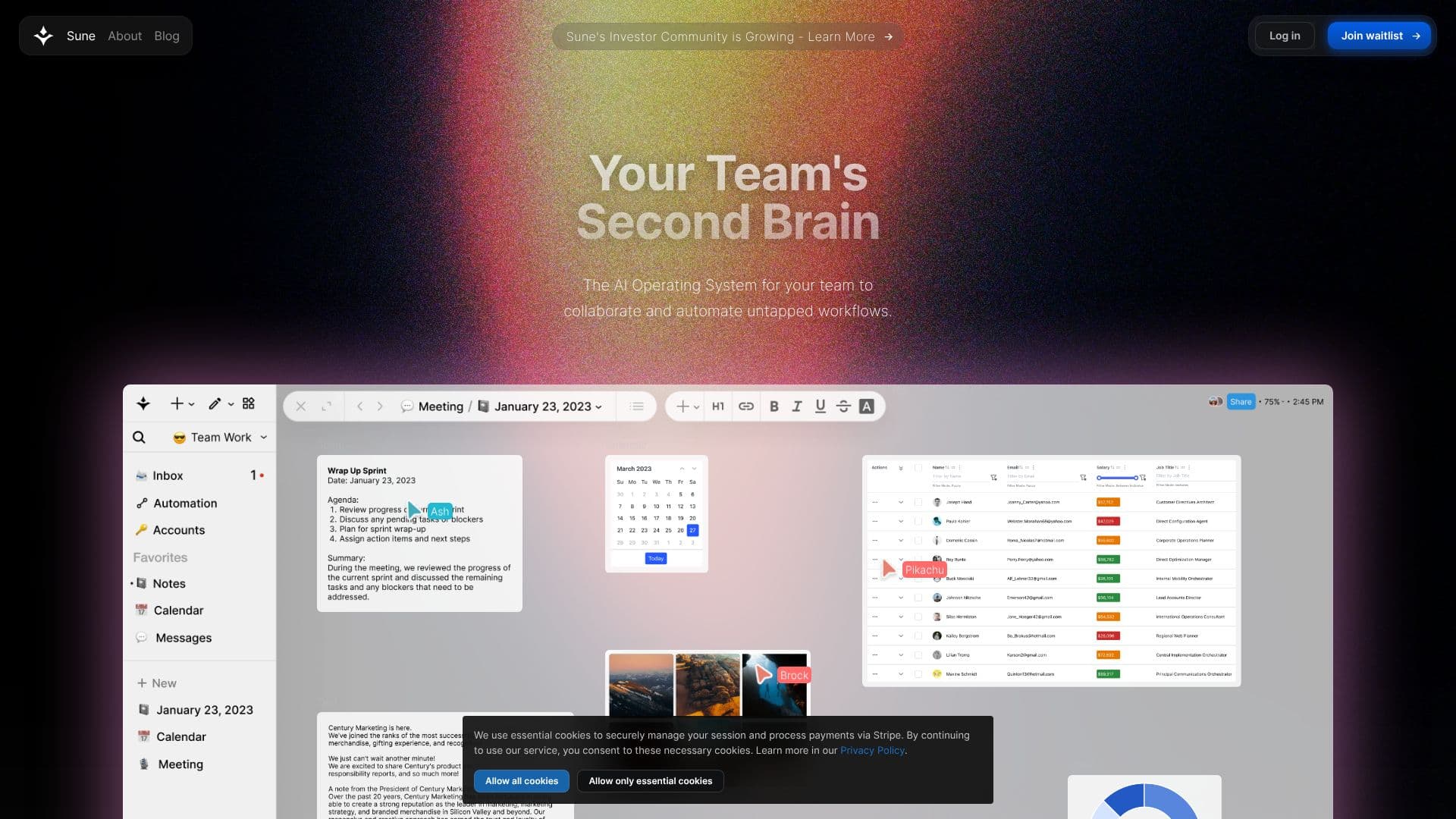
Sune AI positions itself as the AI Operating System for teams, aiming to unlock untapped workflows through collaboration and automation. It serves as a central hub where team members can work together in real-time on various content types, including documents, spreadsheets, projects, and tasks. The platform supports a rich array of content creation tools such as text, tables, images, kanban boards, calendars, and sketches, all within a unified workspace.
Read More
Storage is a key component, allowing users to upload important files and documents into a centralized database. Sharing is made easy with direct links to individual documents or entire workspaces. Sune AI emphasizes seamless integration with existing services, enabling users to connect with tools across the internet while maintaining enterprise-grade compliance. Supported integrations include Notion, Salesforce, Slack, Google, Confluence, Github, Hubspot, Chrome, Airtable, Jira, Zendesk, and Zapier, with options for custom integrations.
The platform leverages next-generation AI functions to identify latent details within work, assign AI agents to perform tasks, and build custom tools. AI-powered analysis can draw connections across images, documents, and spreadsheets. AI agents can handle background tasks like research, content creation, and data analysis. The tool builder allows users to convert multi-step workflows into quick actions. Sune AI's automation capabilities are highlighted as "impossible automations," capable of handling complex, multi-step processes that require context. These contextual automations have access to the entire workspace, making knowledge work automatable. The Node Editor provides a visual interface for creating complex automations using natural language, with the option to refine them further.
Sune AI's automation is designed to be "unbreakable," meaning changes to external systems like modifying spreadsheet columns or file names will not interrupt service. The platform's core AI is designed to understand the entire workspace, making it a "second brain" for the team. Onboarding Sune is presented as akin to hiring a new, highly efficient employee. The platform is actively seeking early access users and encourages community engagement through Discord, Twitter, and Instagram.
- CategoryAutomation & Agents
- DeploymentCloud
- PlatformsWeb
Sune AI's Core Features
Collaborative workspace for real-time teamwork
Centralized document and file storage
Integration with popular business tools (Notion, Slack, Google Workspace, etc.)
AI agents for automated tasks (research, content creation, data analysis)
Custom tool builder for workflow automation
Contextual automations that understand workspace data
Node editor for complex automation creation
Real-time collaboration on docs, sheets, projects, and tasks
Support for various content types: text, tables, images, kanban, calendars, sketches
Easy sharing of documents and workspaces
Enterprise-grade compliance for integrations
AI-powered analysis of latent details in data
How to use Sune AI?
Connect your services: Integrate existing tools and workflows into Sune AI.
Upload your data: Store important files and documents in the centralized database.
Collaborate in real-time: Work with your team on documents, projects, and tasks.
Build automations: Use AI agents and the tool builder to automate multi-step workflows.
Analyze insights: Leverage AI to identify latent details and connections in your work.
Share your workspace: Easily share links to documents or the entire workspace.
Sune AI's Use Cases
- Workflow Automation
- Team Collaboration
- Data Centralization
- AI-Powered Analysis
- Content Creation
- Project Management
- Integration Hub
- Custom Tool Development