
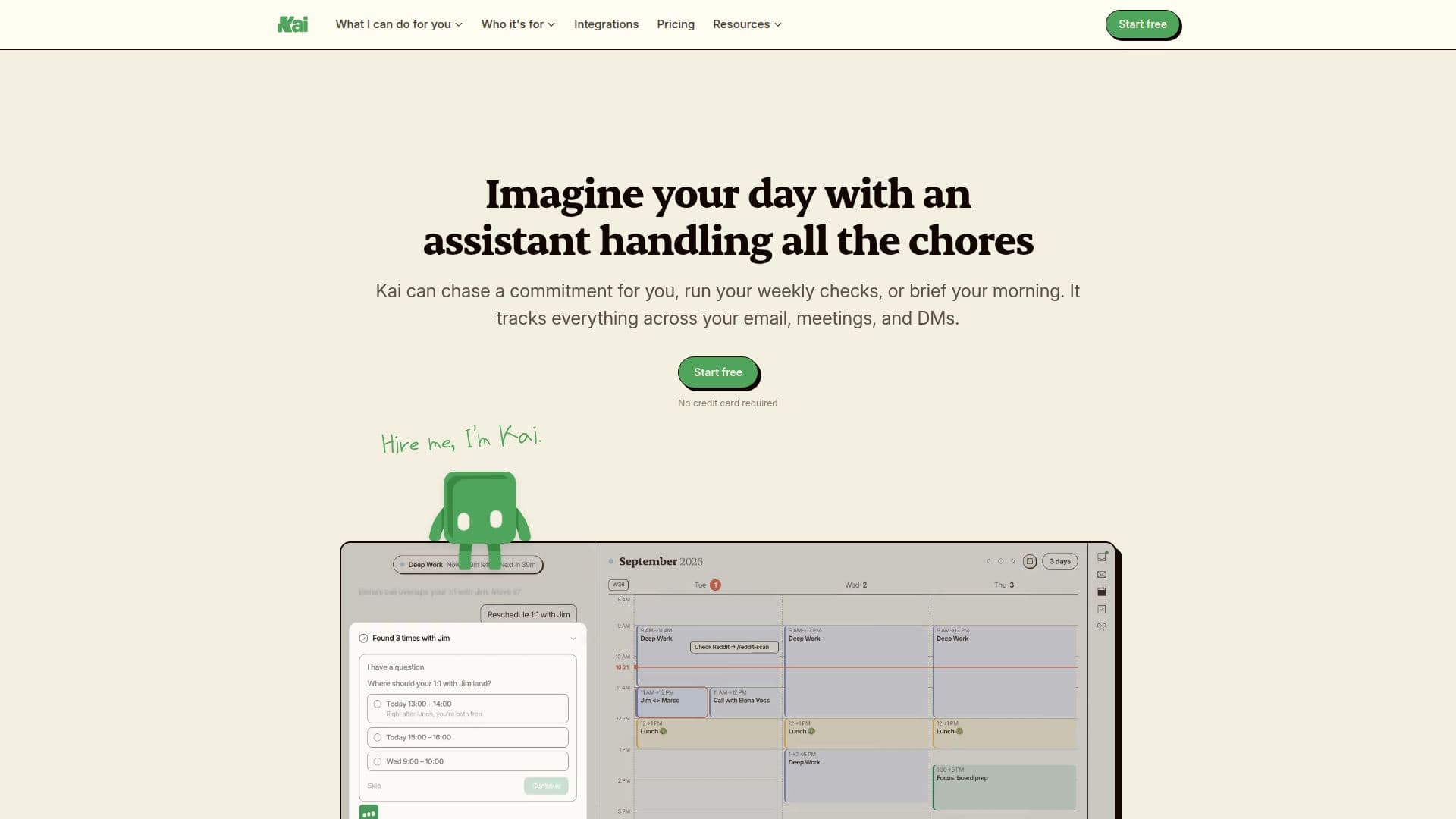
Description
Kai is an AI-powered executive assistant designed to streamline the daily tasks of knowledge workers. Developed by Morgen, Kai proactively manages your calendar, email, and tasks, ensuring you can focus on more important matters. By integrating with tools like Google Calendar, Outlook, Gmail, Zoom, and Slack, Kai provides a seamless experience without requiring any new workflows or imports.
Kai offers a comprehensive suite of features, including email triage, meeting summaries, and task management. It sorts your inbox by priority, drafts replies in your voice, and captures action items from meetings. These tasks are then linked to their source, providing context and ensuring nothing slips through the cracks. Kai also offers proactive briefings and follow-up tracking, helping you stay on top of your commitments.
The assistant is available on multiple platforms, including Web, Mac, iPhone, and Android, making it accessible wherever you work. Kai's pricing model is straightforward, with a single plan costing $50 per user per month, which includes all features. A free trial is available, allowing users to experience the full capabilities of Kai before committing.
Kai is particularly beneficial for professionals who manage multiple streams of work, such as executives, consultants, and team leads. By automating routine tasks and providing real-time insights, Kai helps users maintain focus and productivity. However, it's important to note that Kai does not currently sync with external task tools, so it works best as a standalone solution for task management.
Overall, Kai offers a robust solution for managing the digital aspects of an executive's workload, replacing the need for multiple single-purpose AI tools. With its proactive approach and seamless integration, Kai is an invaluable tool for anyone looking to optimize their productivity.
Kai's Core Features
Proactive email management
Calendar integration and scheduling
Meeting summaries and action items
Task management with context
Seamless integration with existing tools
Available on Web, Mac, iPhone, and Android
Free trial available
Single pricing plan
How to use Kai?
Configure: Connect your email and calendar accounts
Use: Let Kai manage your tasks, emails, and meetings
Optimise: Review and approve AI-generated drafts and tasks
Integrate: Use with existing tools like Google Calendar and Slack
Kai's Use Cases
- Email management
- Meeting preparation
- Task tracking
- Calendar optimization
- Proactive briefings