Description
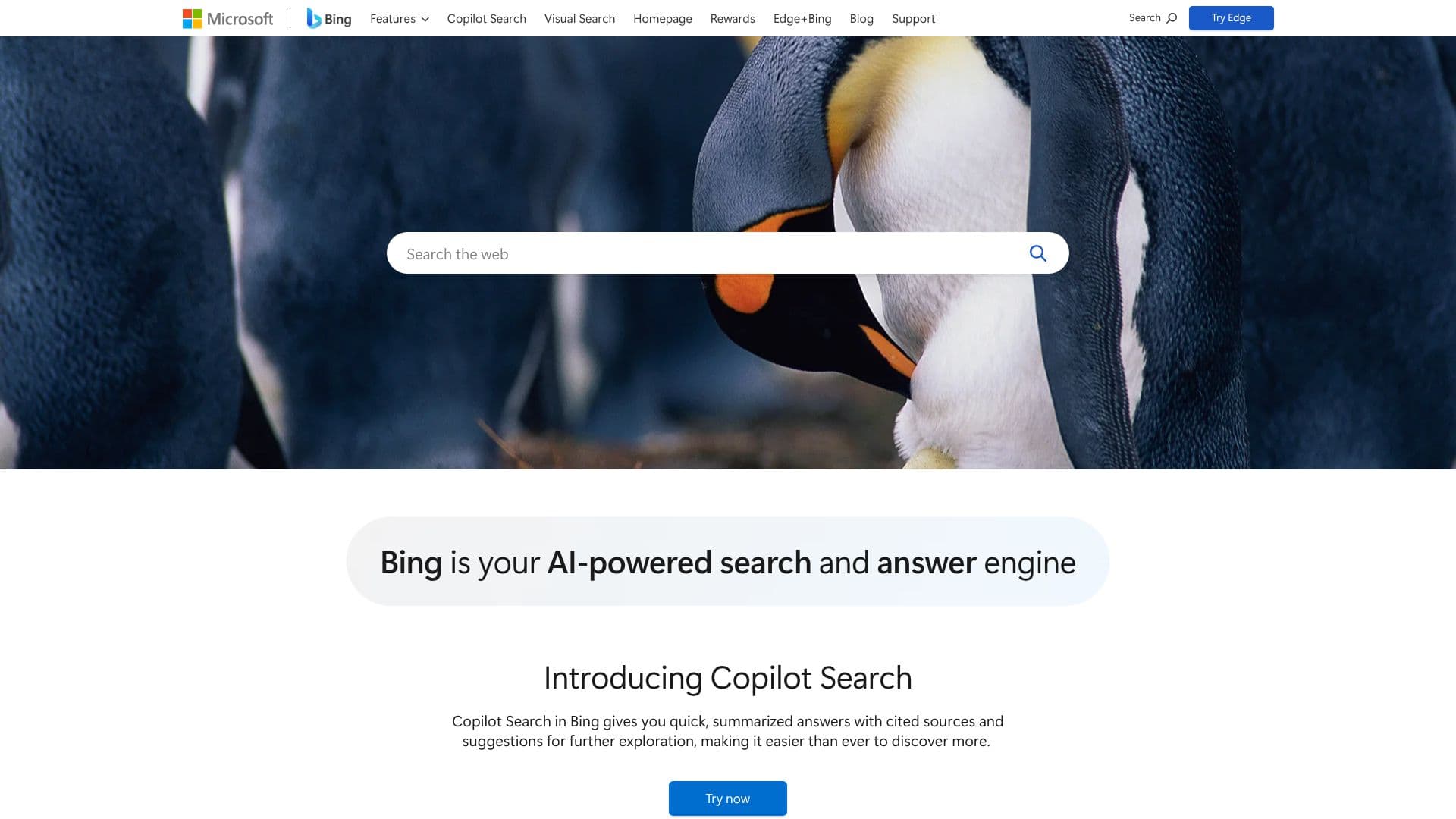
Microsoft Bing serves as an AI-powered search and answer engine designed to elevate your online discovery. It integrates Copilot Search, providing users with rapid, summarized responses to queries, complete with citations and suggestions for deeper exploration. This feature aims to streamline the process of finding information and encourage further learning.
Read More
Beyond its core search capabilities, Bing offers specialized tools to cater to diverse user needs. Bing Image Search allows for the discovery of high-quality images, enabling users to find perfect visuals for projects by specifying themes, colors, or layouts. Bing Maps assists in navigation, helping users find routes, explore locations, and receive real-time traffic updates and personalized recommendations.
The platform also extends to personalized shopping experiences with Bing Shopping, where users can compare prices, read reviews, and find deals on millions of products, with tailored recommendations and exclusive offers. Staying informed is made easy with Bing News, which delivers the latest global events, breaking news, and in-depth analysis, with customizable feeds for personalized updates.
Bing empowers creativity through AI tools like Bing Video Creator, which generates free, 8-second videos with audio from simple text prompts, and Bing Image Creator, allowing users to generate stunning visuals directly from the Edge address bar. Security is a priority, with Safe Search features to customize and filter search experiences for a safer online environment.
Bing also integrates with Microsoft Edge, offering a faster, smarter, and more private browsing experience. Users can also personalize their desktops with Bing Wallpaper, which provides daily, automatically refreshing backgrounds. Bing Mobile extends these capabilities to handheld devices, offering a gateway to information, images, and insights on the go. Bing aims to transform the search experience with innovative tools and features, helping users achieve more through smarter searches and powerful insights.
- CategoryAI Search Engines
- Pricing ModelFree
- DeploymentCloud
- PlatformsWeb
Microsoft Bing's Core Features
AI-powered search and answer engine
Copilot Search for summarized answers with cited sources
Advanced Image Search for high-quality visuals
Bing Maps for navigation and local discovery
Personalized Bing Shopping for deals and recommendations
Bing News for real-time updates and analysis
Bing Video Creator for AI-generated videos
Bing Image Creator for AI-generated images
Safe Search for customizable content filtering
Integration with Microsoft Edge for enhanced browsing
Bing Wallpaper for dynamic desktop backgrounds
Mobile app for on-the-go access
How to use Microsoft Bing?
Configure: Set Bing as your default search engine.
Explore: Use Copilot Search for quick, cited answers.
Discover: Utilize Image Search, Maps, Shopping, and News for specific needs.
Create: Employ Bing Video Creator and Image Creator for AI-generated content.
Secure: Customize Safe Search settings for a safer experience.
Integrate: Use Bing within Microsoft Edge for enhanced browsing.
Personalize: Set Bing Wallpaper for your desktop background.
Microsoft Bing's Use Cases
- Information Discovery
- Image Search
- Navigation
- Online Shopping
- News Consumption
- AI Content Creation
- Desktop Personalization
- Secure Browsing