
Description
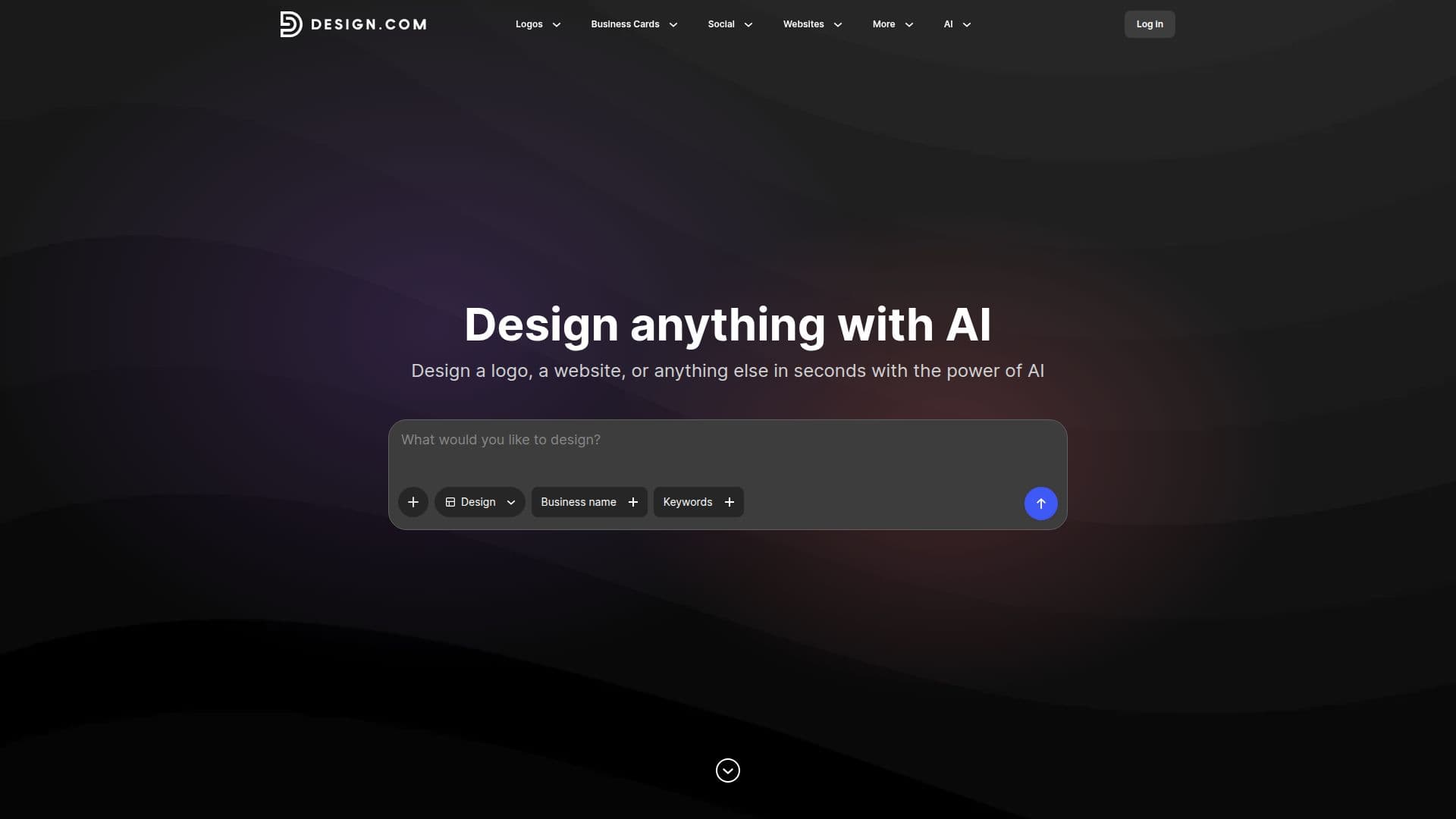
Design.com is an innovative AI design platform that enables users to create a wide array of visual content, including logos, websites, business cards, social media posts, presentations, and more, all in a matter of seconds. The platform combines advanced artificial intelligence with user-friendly tools, making design accessible to everyone, regardless of their experience level.
Read More
At the heart of Design.com is its AI logo maker, which merges smart technology with human creativity. Users can generate stunning, customizable logos by simply entering prompts. The platform offers a vast library of professionally designed templates, allowing users to modify fonts, colors, and layouts to create a logo that truly represents their brand identity. This feature is particularly beneficial for startups and businesses looking to establish a strong visual presence.
In addition to logo creation, Design.com provides tools for crafting business cards, Facebook covers, Instagram posts, YouTube banners, and more. Each tool is designed to be intuitive, enabling users to customize their designs easily. For instance, the business card maker allows users to choose from thousands of templates and personalize them with their own information, ensuring that every card is unique and impactful.
The platform also supports various formats for downloads, including high-resolution and vector files, making it easy for users to utilize their designs across different media. Whether for print or digital use, Design.com ensures that all designs maintain their quality and professionalism.
Design.com caters to a diverse audience, from small business owners and freelancers to larger corporations. Its commitment to providing high-quality design tools empowers users to create visually appealing content that resonates with their target audience. With a focus on simplicity and effectiveness, Design.com is revolutionizing the way individuals and businesses approach design, making it easier than ever to bring creative ideas to life.
- CategoryAI Graphic Design Tools
- Pricing ModelFreemium
- DeploymentCloud
- PlatformsWeb
Design.com's Core Features
AI Logo Maker
Customizable Templates
High-Resolution Downloads
Vector File Formats
User-Friendly Interface
Social Media Graphics
Business Card Maker
Presentation Design Tools
Email Signature Creator
Letterhead Design Tools
How to use Design.com?
Choose a design type: Select the type of design you want to create, such as a logo or business card.
Browse templates: Explore thousands of professionally designed templates available on the platform.
Customize your design: Use the intuitive editing tools to modify colors, fonts, and layouts to match your brand.
Download your design: Once satisfied, download your design in high-resolution or vector formats for use.
Design.com's Use Cases
- Startup Branding
- Social Media Marketing
- Event Promotion
- Professional Networking
- Brand Identity Development