
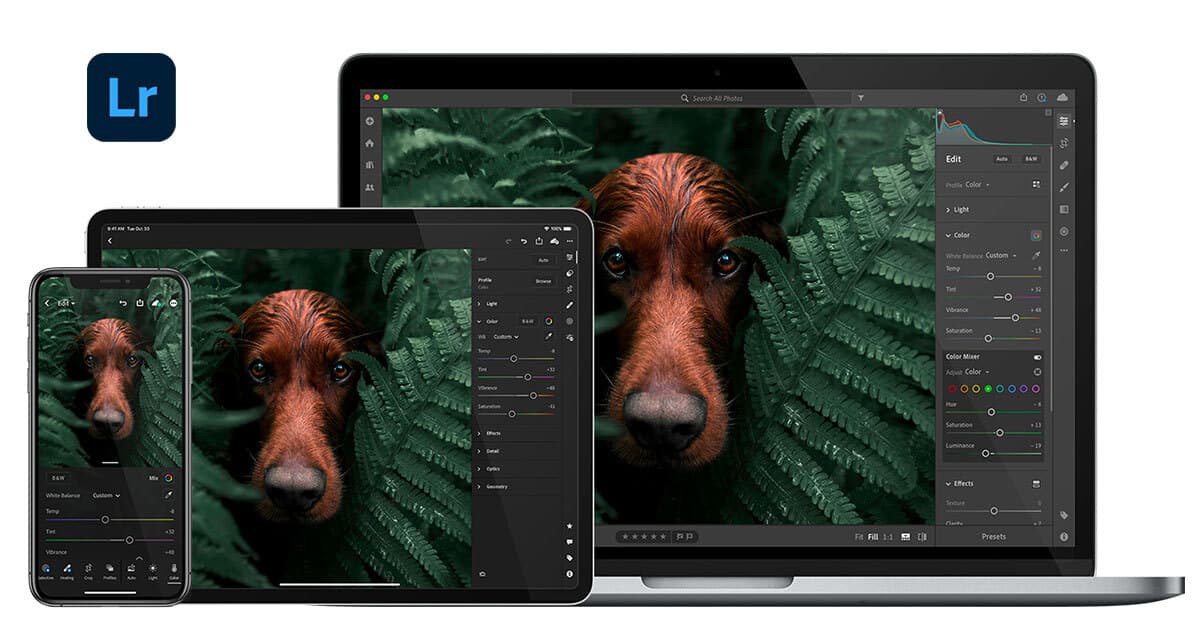
Description
Adobe Lightroom is a powerful online photo editor designed to enhance your photography experience. It offers a range of tools for nondestructive editing, allowing users to make adjustments without permanently altering their original images. With intuitive sliders and filters, users can easily enhance their photos, making it simple to achieve the desired look and feel.
One of the standout features of Adobe Lightroom is its integrated AI organization capabilities. This functionality helps users manage their photo collections more effectively, making it easier to find, sort, and share images. The AI-driven organization ensures that your photos are categorized and accessible, streamlining the workflow for both amateur and professional photographers.
Lightroom's user-friendly interface is designed to cater to photographers of all skill levels. Whether you're a beginner looking to improve your editing skills or a seasoned professional seeking advanced editing tools, Lightroom provides the necessary features to meet your needs. The platform is accessible from any device with an internet connection, allowing users to edit and manage their photos on the go.
In addition to its editing capabilities, Adobe Lightroom also emphasizes the importance of sharing your work. The platform allows users to easily share their edited photos with friends, family, or on social media, making it a great tool for those looking to showcase their photography. With a free trial available, users can explore the features of Lightroom without any commitment, making it an attractive option for anyone interested in photo editing.
Adobe Lightroom's Core Features
Nondestructive editing
Sliders and filters
AI organization
Photo management
Photo sharing
User-friendly interface
Accessible from any device
Free trial available
How to use Adobe Lightroom?
Access the website: Visit the Adobe Lightroom online editor.
Upload your photos: Select the images you want to edit.
Edit your photos: Use sliders and filters to enhance your images.
Organize your collection: Utilize AI features to manage your photos efficiently.
Adobe Lightroom's Use Cases
- Photo editing
- Photo organization
- Social media sharing
- Portfolio creation
- Collaborative projects