Description
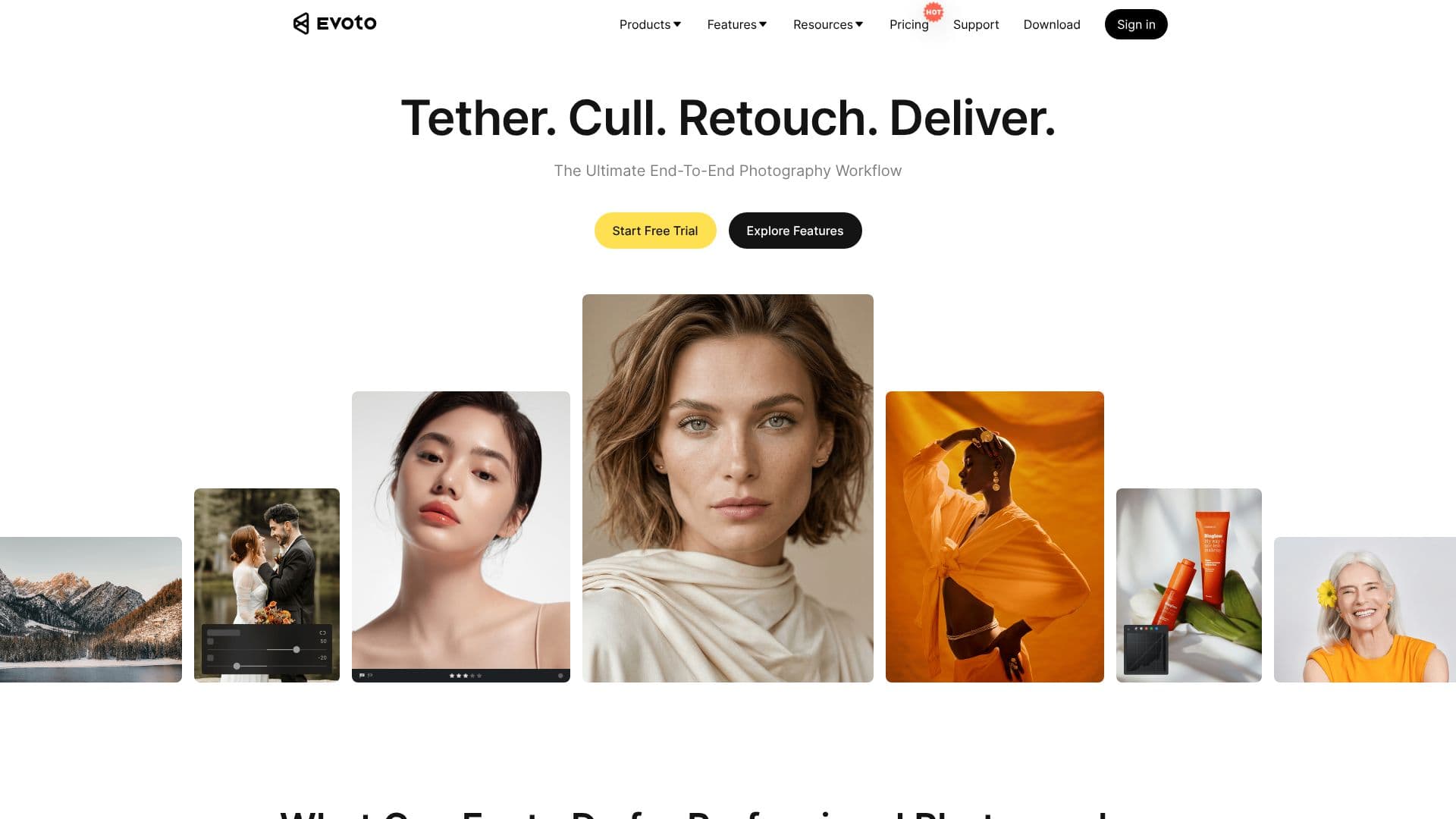
Evoto offers a comprehensive, end-to-end AI-driven photography workflow solution aimed at professional photographers, studios, and creative teams. The platform automates tedious editing tasks, allowing users to focus more on the creative aspects of their work. Evoto's suite of tools covers the entire post-production process, starting with intelligent photo culling to quickly identify the strongest shots, saving significant time on sorting.
Read More
Key capabilities include advanced AI-powered portrait retouching, which provides precise, natural adjustments for every face, including skin smoothing, blemish removal, and texture preservation. The software also features robust color grading tools, background adjustments, and batch processing, enabling efficient handling of high-volume shoots like weddings and events. Evoto's commitment to a seamless workflow means fewer exports and handoffs, integrating culling, retouching, batch processing, and delivery into a single, cohesive system.
Evoto is accessible across multiple platforms, including desktop (macOS/Windows), iPad, and mobile, ensuring users can edit anywhere, anytime. For those needing quick edits or on-the-spot delivery, Evoto Instant offers an automated workflow from tethered shooting to instant editing and proofing. Evoto Video extends these AI capabilities to video retouching and color correction, catering to content creators expanding into video production.
Privacy and security are paramount, with Evoto being GDPR and CCPA compliant. User images are not used for AI training without explicit consent, and data is handled securely. The platform operates on a credit-based pricing system, offering a free tier with welcome credits for testing premium features, alongside flexible pay-as-you-go and annual subscription plans. This approach ensures scalability and cost-effectiveness for a wide range of professional needs, from individual photographers to large creative teams.
- CategoryAI Photo Editors
- Pricing ModelCredit-based
- DeploymentCloud, Desktop, Mobile, iPad, Online
- PlatformsmacOS, Windows, iPadOS, iOS, Android
Evoto AI Photo Editor's Core Features
AI-powered photo culling for fast shot selection
Per-face AI portrait retouching with natural results
Automated batch processing for high-volume shoots
End-to-end workflow integration from culling to delivery
Cross-platform availability: Desktop, iPad, and Mobile
AI video retouching and color correction
Tethered shooting capabilities with Evoto Instant
GDPR and CCPA compliant for data privacy
Credit-based pricing with free trial options
Private and secure editing environment
Seamless image organization and cloud collaboration
How to use Evoto AI Photo Editor?
Explore Features: Browse the available AI-powered editing tools and workflow solutions.
Start Free Trial: Download Evoto and receive welcome credits to test premium features.
Cull Photos: Utilize AI culling to quickly select the best images from your shoot.
Retouch Portraits: Apply AI-driven adjustments for skin, blemishes, and facial features.
Color Grade: Adjust colors and tones to achieve a consistent look across images.
Batch Process: Apply edits to multiple photos simultaneously for efficiency.
Deliver Work: Share or export your final edited images through the platform.
Evoto AI Photo Editor's Use Cases
- Wedding Photography Editing
- Event Photography Workflow
- Portrait Retouching
- Studio Photography Batching
- On-the-Go Editing
- E-commerce Product Retouching
- Video Content Creation