Description
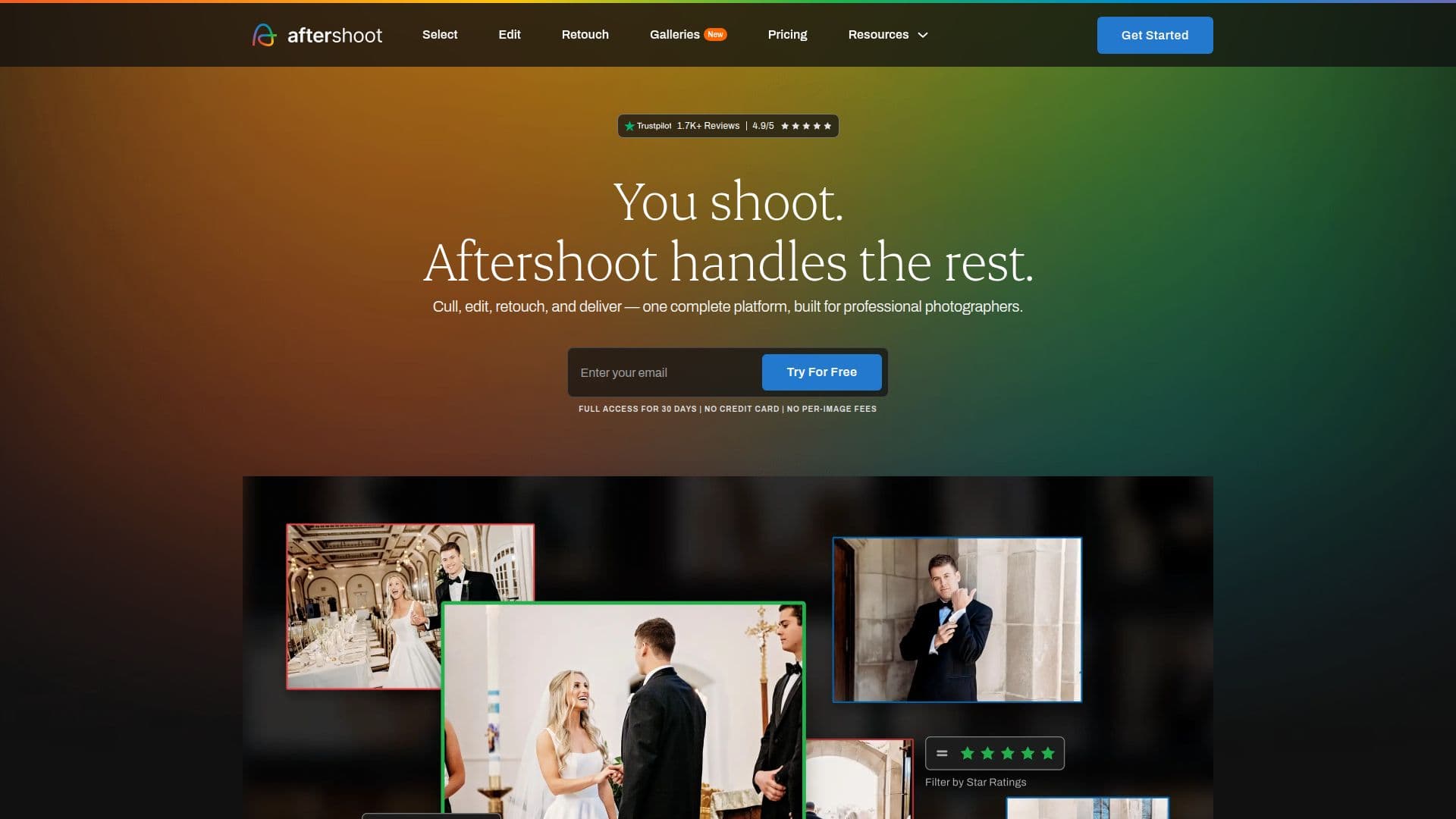
Aftershoot is an AI-powered photo culling, editing, and retouching software designed specifically for professional photographers. It automates the entire post-production workflow, from selecting the best shots to delivering polished, consistently edited images in a fraction of the time.
Read More
The platform is built to help photographers reclaim their valuable time by streamlining the often tedious tasks of culling, editing, and retouching photos. With Aftershoot, users can focus on what they love most: capturing moments. The software offers unlimited image processing at a flat fee, ensuring predictable costs regardless of the size of the shoot. This flexibility allows photographers to manage their entire workflow or select specific tools as needed.
Aftershoot is compatible with both Windows and MacOS, making it accessible to a wide range of photographers. Importantly, it also works offline, meaning users do not need an internet connection to process their images, which enhances privacy and control over their files. The software is designed to learn the photographer's style rather than replace it, utilizing Professional AI Profiles that adapt based on the user's edited images.
Getting started with Aftershoot is quick and easy. Users simply download the app, install it on their computer, and they are ready to go without complicated setups or internet requirements. The software supports various image formats, including RAW, JPEG, and TIFF, providing flexibility for different photography workflows. Aftershoot's AI learns from user preferences, ensuring that future edits align with their unique style. With features like AI Automated Culling, AI Assisted Culling, and intelligent retouching, Aftershoot empowers photographers to enhance their workflow and deliver exceptional results to their clients.
- CategoryAI Photo Editors
- Pricing ModelFlat Fee
- DeploymentDesktop
- PlatformsWindows, MacOS
Aftershoot's Core Features
AI Culling
AI Editing
AI Retouching
Offline Processing
Unlimited Image Processing
Professional AI Profiles
Supports RAW, JPEG, TIFF
Flat Fee Pricing
Cross-Platform Compatibility
User-Friendly Interface
How to use Aftershoot?
Download: Get the Aftershoot app for Windows or MacOS.
Install: Follow the installation instructions to set up the software.
Import: Load your images into Aftershoot for processing.
Cull: Use AI Culling to select your best shots quickly.
Edit: Apply your unique style with AI Editing tools.
Retouch: Enhance images using AI Retouching features.
Export: Deliver your polished images directly from Aftershoot.
Aftershoot's Use Cases
- Wedding Photography
- Event Photography
- Portrait Photography
- Family Photography
- Commercial Photography