Description
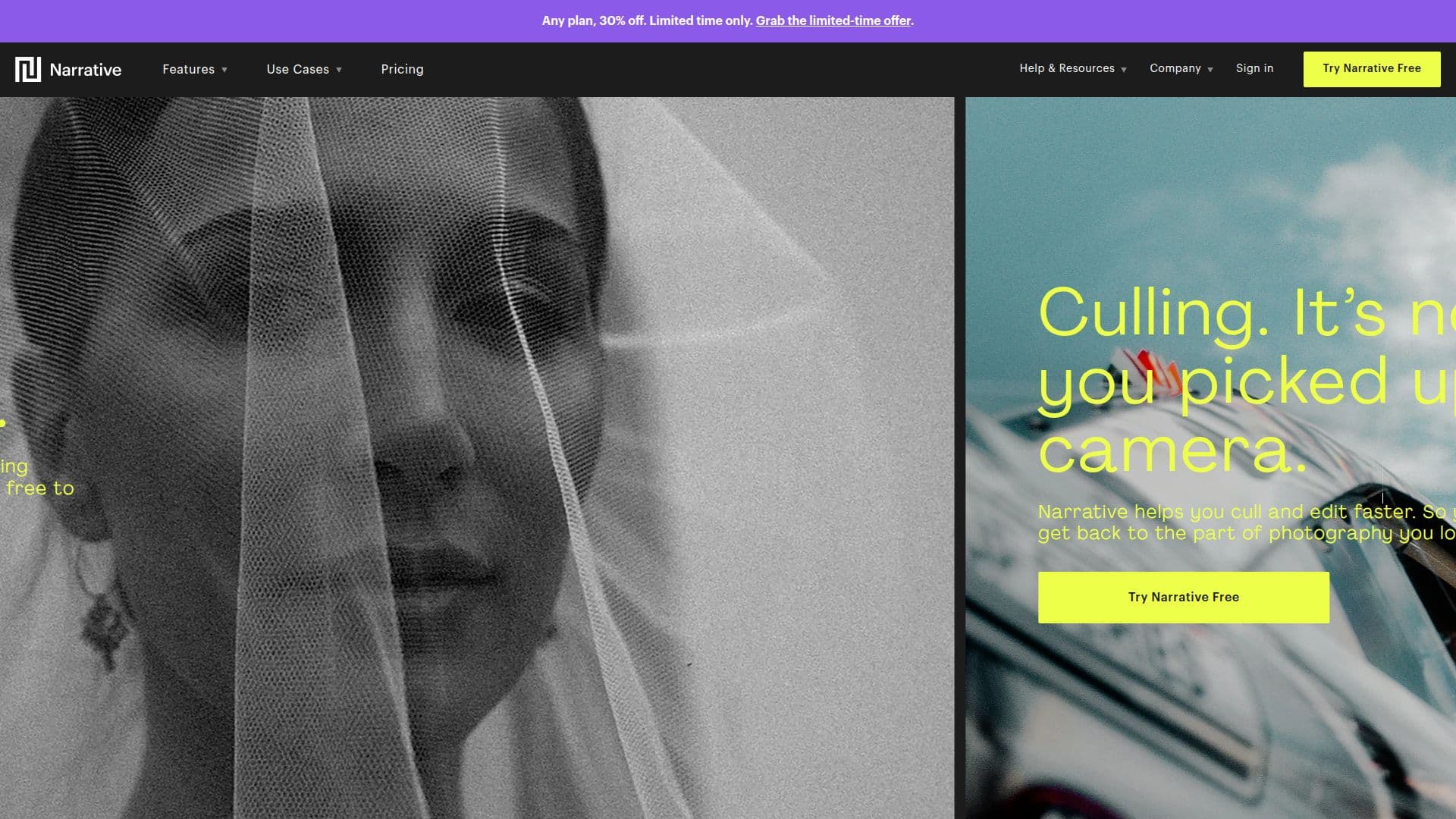
Narrative Edit is a powerful AI-assisted photo culling and editing software tailored for professional photographers. It is designed to enhance the workflow by allowing photographers to efficiently sort and edit high volumes of images. The software integrates seamlessly with popular editing tools such as Lightroom, Photoshop, and Capture One, ensuring a smooth transition from culling to editing.
The core functionality of Narrative Edit revolves around its AI capabilities, which assist photographers in selecting the best images from a shoot. The AI performs focus and eye assessments, helping users quickly identify images where subjects are in focus and have open eyes. This feature is particularly beneficial for photographers dealing with large galleries, as it reduces the time spent on manual sorting.
Narrative Edit supports a wide range of image formats, including RAW, JPG, HEIC, and HEIF, and is compatible with both macOS and Windows operating systems. The software's speed is a standout feature, allowing users to import thousands of RAW images in seconds without any lag.
The software offers various pricing plans, starting from $10 per month, with a free trial available for new users. The plans cater to different needs, from low-volume photographers to high-volume teams, with features like unlimited editing, AI presets, and dedicated onboarding for premium users.
Narrative Edit is ideal for photographers who want to maintain creative control while benefiting from AI assistance. It is particularly useful for wedding photographers and others who handle large volumes of images. The software's ability to quickly cull and edit images allows photographers to focus more on the creative aspects of their work, ultimately enhancing their productivity and efficiency.
Narrative Edit's Core Features
AI-assisted photo culling
Focus and eye assessments
Seamless integration with Lightroom
Supports RAW, JPG, HEIC, and HEIF formats
Compatible with macOS and Windows
Fast import of thousands of images
Unlimited editing with AI presets
Dedicated onboarding for premium users
How to use Narrative Edit?
Import: Load thousands of RAW images quickly
Cull: Use AI to sort and assess images
Edit: Apply AI presets and make adjustments
Export: Send selected images to Lightroom
Narrative Edit's Use Cases
- Wedding Photography
- Portrait Photography
- Event Photography
- Commercial Photography
- Wildlife Photography