Description
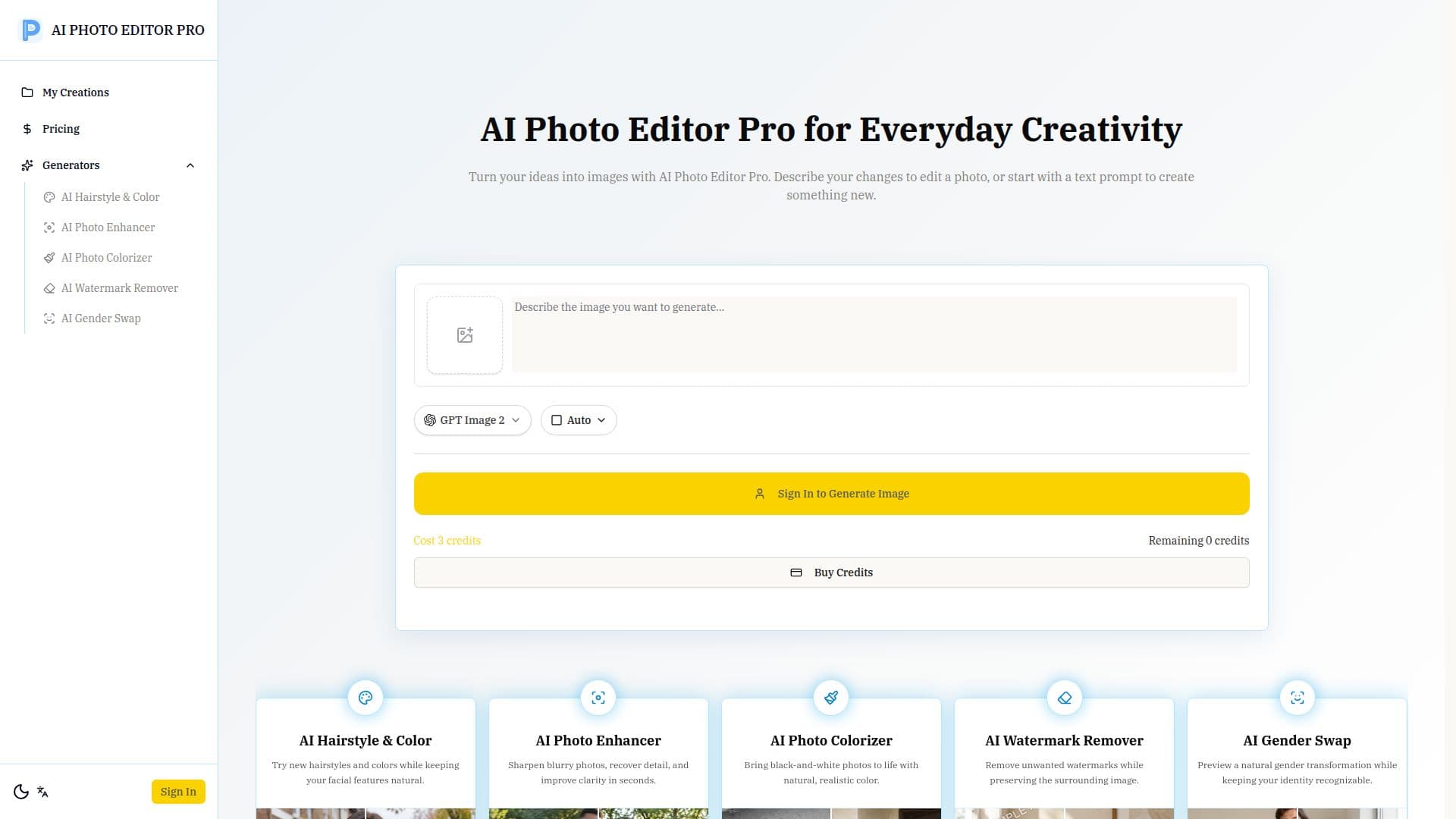
AI Photo Editor Pro is a versatile tool designed to simplify photo editing through the use of AI-driven natural-language prompts. Users can easily edit, enhance, and transform images by describing the desired changes in plain language. This tool allows for background changes, portrait edits, restoration, and even the generation of new images from reference photos.
The platform is designed to be user-friendly, eliminating the need for professional editing skills. Users can upload a photo, specify changes, and let the AI handle the transformation. The editor supports various styles, lighting, colors, and compositions, allowing for a high degree of customization.
AI Photo Editor Pro operates on a credit-based system, where users can explore the editor for free, but generating images requires credits. These credits can be purchased through flexible plans, including Lite, Pro, and Premium options, each offering different image generation capacities.
The tool is ideal for creators, entrepreneurs, students, and everyday users who wish to enhance photos and create polished visuals without the complexity of traditional editing tools. It offers features like aspect ratio control, instant variations, and multi-image remixing, making it suitable for a wide range of applications from social media content creation to professional marketing visuals.
AI Photo Editor Pro stands out by allowing users to maintain character consistency and scene preservation, ensuring that edits blend seamlessly into original backgrounds. This makes it a valuable tool for anyone looking to produce high-quality, professional-grade images quickly and efficiently.
AI Photo Editor Pro's Core Features
Natural-language editing
Background replacement
Portrait retouching
Image generation
Credit-based usage
Aspect ratio control
Multi-image remix
Instant variations
Character consistency
Scene preservation
AI hairstyle and color
AI photo enhancer
AI photo colorizer
AI watermark remover
AI gender swap
How to use AI Photo Editor Pro?
Upload a photo: Choose a clear photo from your device.
Describe changes: Write a focused prompt explaining desired changes.
Adjust settings: Select aspect ratio and other options.
Generate and refine: Review results and refine details if needed.
AI Photo Editor Pro's Use Cases
- Online Sellers
- Social Creators
- Students & Educators
- Everyday Photo Lovers
- Small Business Owners
- Designers & Marketers