Description
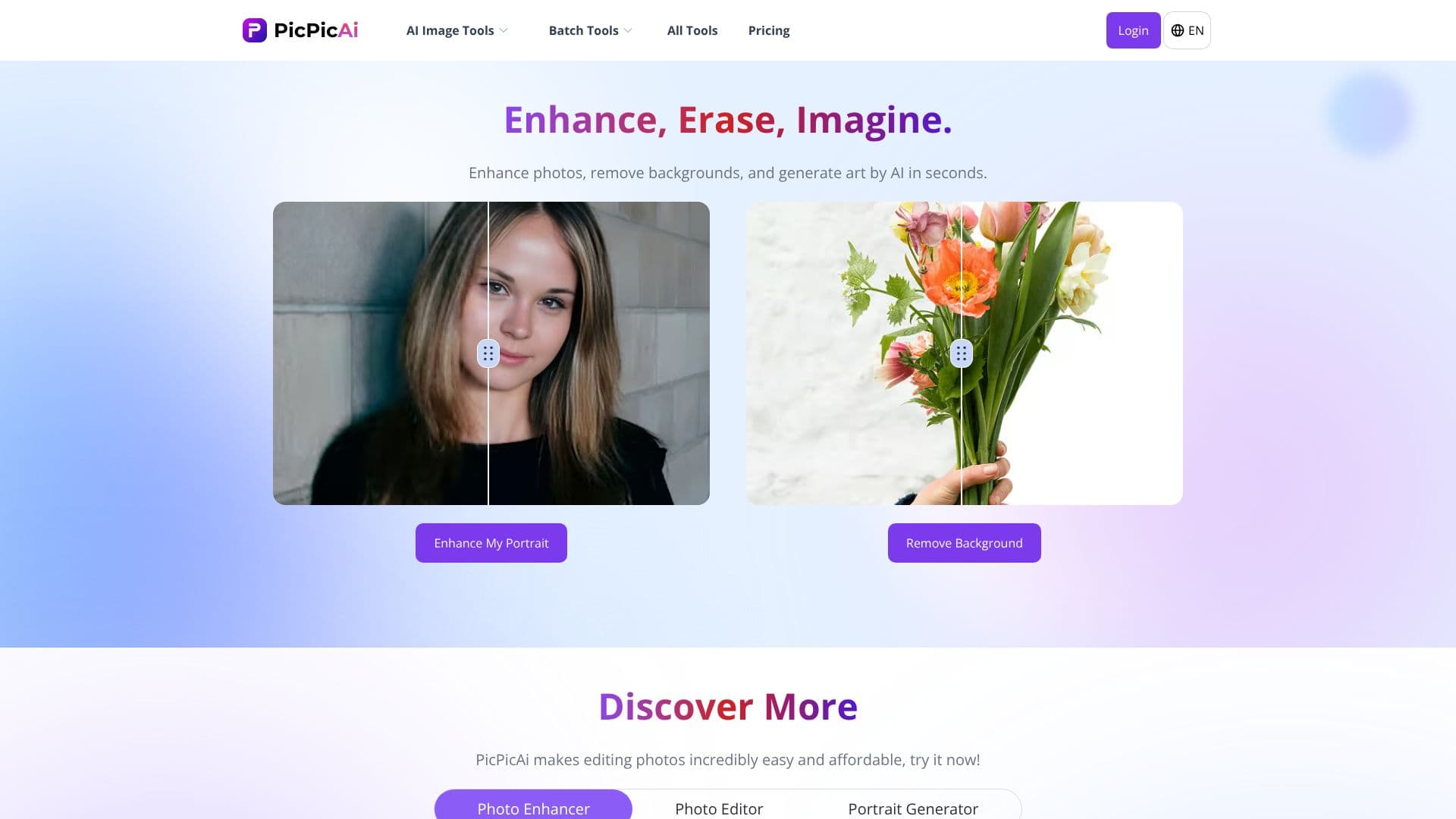
PicPicAI offers a comprehensive suite of AI-powered photo editing tools designed for ease of use and professional results. The platform allows users to enhance photos, remove backgrounds, and generate unique AI art in mere seconds. With a focus on accessibility, PicPicAI makes advanced image manipulation available to everyone, from casual users to professionals.
Read More
Key capabilities include an AI Photo Enhancer that elevates image quality by adjusting colors and sharpening details, and a Portrait Enhancer specifically designed to refine individual and group portraits. For background manipulation, the AI Background Remover and AI Remove Objects tools enable users to achieve transparent backgrounds or eliminate unwanted elements with a single click. The platform also boasts creative tools such as an Image To Anime converter, Portrait To Sketch, and Portrait To Art Painting, transforming selfies into artistic styles.
PicPicAI extends its utility with features like Restore Old Photos to bring clarity to faded images, and Creative Upscaler for enhancing image resolution and adding detail. The Anime Upscaler is tailored for anime and waifu images, doubling their size. For more specialized needs, AI Hairstyle For Female allows experimentation with new looks, and AI Image Extender seamlessly expands image borders. The FLUX AI Image Generator is also mentioned as a powerful tool for creating AI art.
This all-in-one AI photo editor is positioned as an affordable and efficient solution for social media managers, marketers, content creators, e-commerce sellers, and anyone looking to improve their visuals quickly. Users can purchase credits, which are permanently valid, to access all AI photo tools. Payment options include major credit/debit cards, PayPal, Apple Pay, and Google Pay, ensuring a convenient purchasing process.
The platform emphasizes a user-friendly experience, requiring no complex learning curve. Users simply upload their photo to the desired tool page, and PicPicAI handles the rest, delivering final images for download. This streamlined process ensures stunning results without the hassle, making it a highly recommended choice for AI photo editing needs.
- CategoryAI Photo Editors
- Pricing ModelFreemium
- DeploymentCloud
- PlatformsWeb
PicPicAI's Core Features
AI Photo Enhancer for image quality improvement
AI Background Remover for transparent backgrounds
AI Remove Objects to erase unwanted elements
Portrait Enhancer for refining portraits
AI Art Generator for creative image creation
Restore Old Photos for blurry or faded images
Creative Upscaler for enhancing image resolution
Image To Anime converter
Portrait To Sketch and Portrait To Art Painting
AI Hairstyle For Female
AI Image Extender for expanding image borders
Relight feature for brightening dark images
Anime Upscaler for anime and waifu images
FLUX AI Image Generator
How to use PicPicAI?
Navigate: Go to the desired AI photo tool page on PicPicAI.
Upload: Upload your image to the tool.
Process: Let PicPicAI's AI process the image.
Download: Download the enhanced or transformed image.
PicPicAI's Use Cases
- Photo Enhancement
- Background Removal
- AI Art Generation
- Portrait Refinement
- Object Removal
- Image Upscaling
- Restoring Old Photos
- Creative Styling