Description
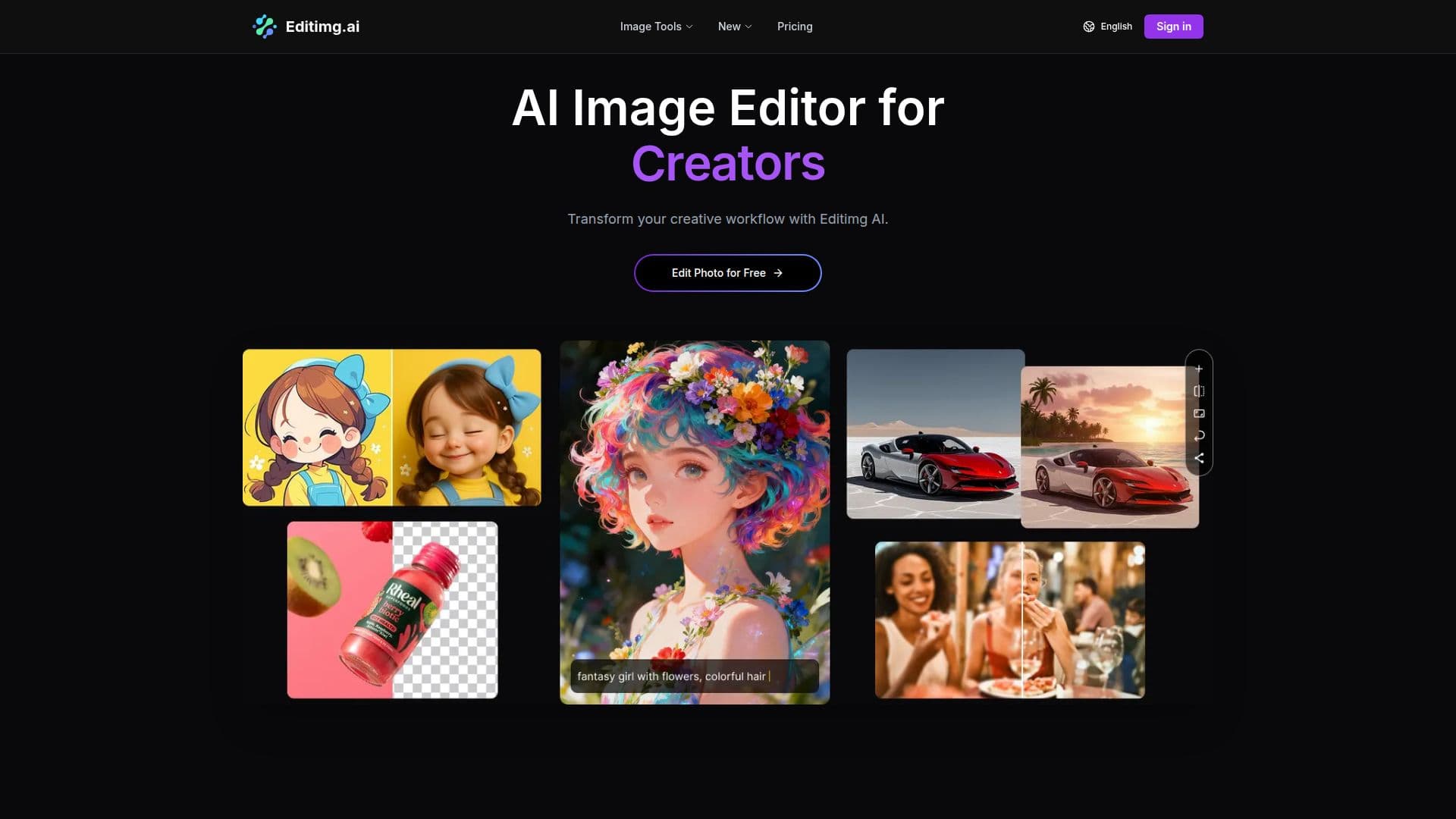
Editimg AI is an online AI image editor and generator that brings a large set of editing tools into a single browser-based workspace. Users can describe changes in natural language or pick from dedicated tools to enhance photos, remove backgrounds, upscale to 4K, correct colors, extend images beyond their borders, remove watermarks, apply style transfer, and restore old photos.
Read More
The platform includes an AI image generator for creating original visuals from text, plus a broad library of effects and filters such as pixel art, anime and Ghibli styles, cartoon and caricature generators, character filters, and seasonal themes. Portrait tools cover retouching, face editing, expression changes, and hairstyle changes, while practical utilities handle background changing, object and people removal, uncropping, and text editing within images.
Editimg AI works with several industry-leading models, including GPT-4o Image, Nano Banana, Seedream, Qwen Image Edit, Imagen 4, and Ideogram 3, letting users switch based on their needs. It offers a free plan with limited credits, subscription tiers with monthly credits and longer history, and additional credit packs for active subscribers.
- CategoryAI Photo Editors
- Pricing ModelFreemium
- DeploymentCloud
- PlatformsWeb
Editimg AI's Core Features
AI image editing via natural language and dedicated tools
Text-to-image generation
Background removal and background changing
AI image upscaler up to 4K
Image extender and uncrop tools
Style transfer and 40+ effects and filters
Portrait retouching and object/people removal
Access to multiple models (GPT-4o Image, Nano Banana, Seedream, and more)
How to use Editimg AI?
Upload your image: Choose a file in JPG, PNG, or WebP.
Edit with AI tools: Select a tool or describe the change you want.
Generate: The editor applies your edits instantly.
Download and share: Save the result in high resolution.
Editimg AI's Use Cases
- Product photo prep
- Creative effects
- Portrait retouching
- Image resizing and extension