Description
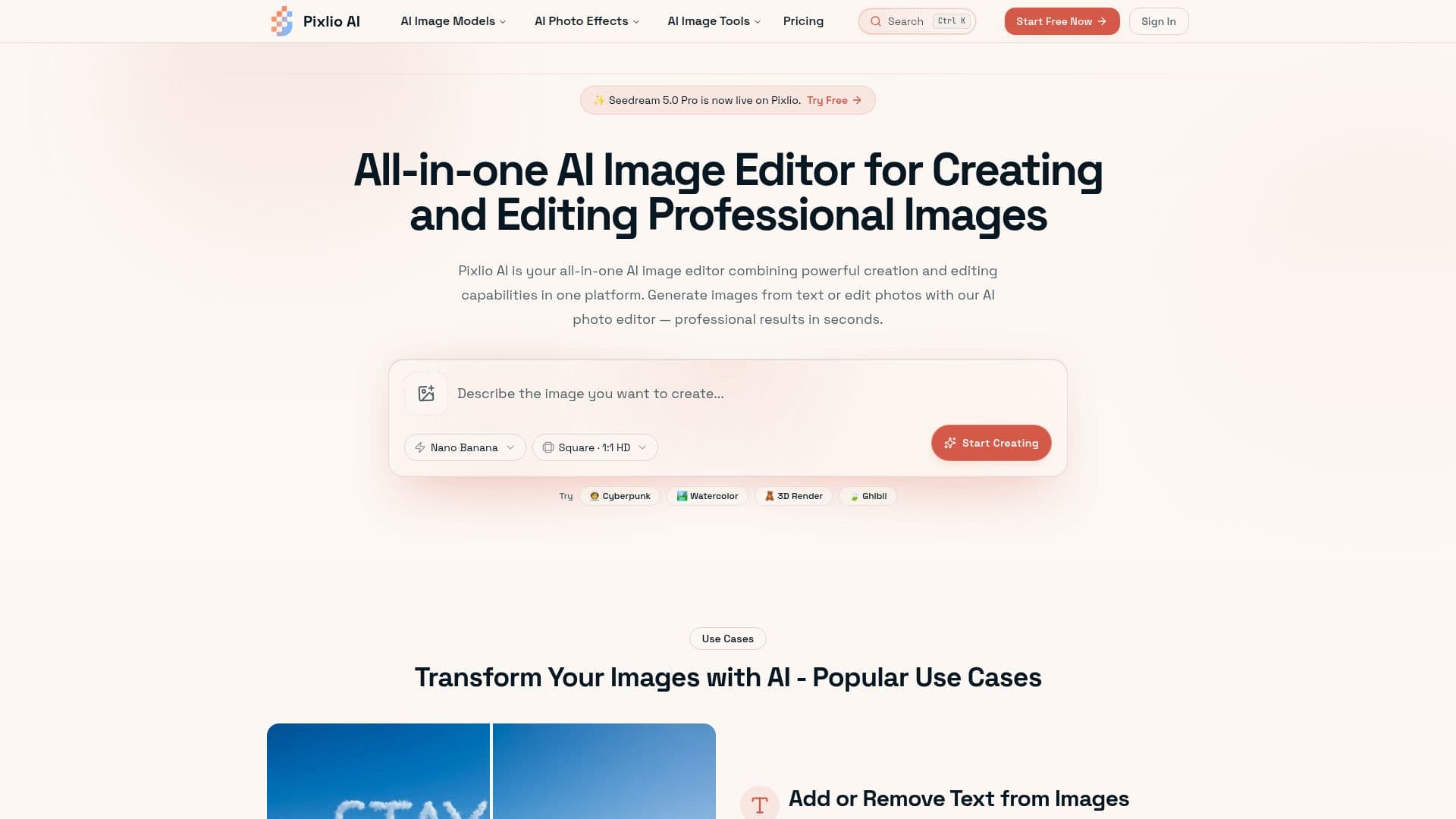
Pixlio AI is a browser-based AI image editor that combines image creation and editing in one platform. Users can generate original images from text prompts or upload photos to edit them with AI-powered tools, getting professional results in seconds without switching between separate applications. It is powered by a range of models, including Seedream (5.0 Pro, 5 Lite, and 4.5), GPT Image 2, Nano Banana 2, and Qwen Image, and lets users pick the right model for each task.
Read More
Editing features include background removal and replacement, adding and removing text, object manipulation, scene changes, style transfers, quality enhancement, and color adjustments, with context-aware fills for natural-looking results. On the creation side, it offers professional styles and presets (such as Ghibli-style anime, Pixar-style 3D, pixel art, and photorealistic), plus advanced controls for prompts, aspect ratios, seeds, negative prompts, guidance scales, and output formats. Most operations complete in under 45 seconds, and outputs are high-resolution and suitable for print, web, and commercial projects. Supported formats include JPG, PNG, and WebP.
Pixlio AI gives new users complimentary credits with no credit card required. Subscription plans, Basic (750 credits/month), Pro (2,000), and Max (5,500), add no-watermark output, longer storage, commercial use, and priority support, and one-time credit packs are available. Images created or edited with paid credits include full commercial usage rights.
- CategoryAI Photo Editors
- Pricing ModelFreemium
- DeploymentCloud
- PlatformsWeb
Pixlio AI's Core Features
AI image generation from text prompts
Multiple models including Seedream, GPT Image 2, and Nano Banana
Background removal and replacement
Add and remove text, objects, and overlays
Style transfers and professional presets
Advanced controls: aspect ratio, seed, negative prompts, guidance
High-resolution output with commercial usage rights
Browser-based with fast processing under 45 seconds
How to use Pixlio AI?
Sign up: Create an account to receive complimentary credits, no credit card required.
Create or upload: Generate an image from a text prompt or upload a photo to edit.
Choose a model or tool: Pick a model and an editing action such as background change or text removal.
Refine: Adjust prompts, styles, aspect ratio, and other settings for the result you want.
Export: Download high-resolution images in PNG or JPG for personal or commercial use.
Pixlio AI's Use Cases
- Product images
- Background editing
- Marketing graphics
- Text and object cleanup
- Styled artwork