
Description
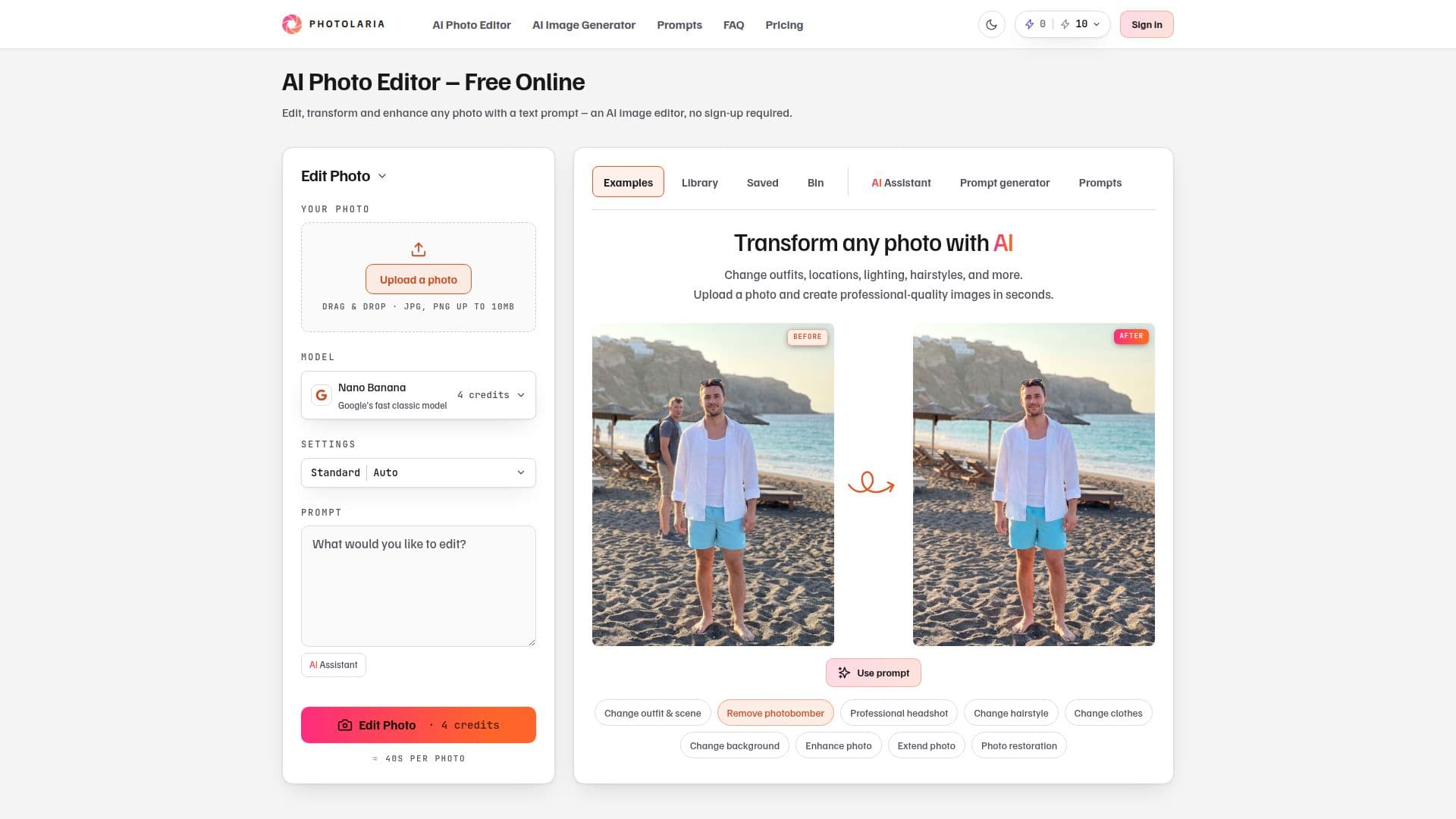
Photolaria is a free online AI photo editor and image generator that works from text prompts. Users upload a photo and describe changes such as new outfits, locations, lighting, or hairstyles, or generate original images from a prompt, getting studio-quality results in seconds with no sign-up required.
Read More
The platform offers a choice of AI models, including Nano Banana, Nano Banana 2 and its Lite variant, Nano Banana Pro, GPT Image 2, and Seedream 5.0 Pro, each with its own per-image credit cost and resolution options up to 4K. It also includes a one-tap background remover for transparent backgrounds and a free built-in AI Assistant chat that turns a plain-language request in any language into a ready-to-run prompt, can describe uploaded photos, and answers questions about how Photolaria works.
Generations are private on every plan, and users own the images they create with commercial usage rights included on every account. Data can be deleted at any time with a single click, and guest images expire after 7 days. Two generation speeds are available: Standard for everyone and Fast on paid plans and credit packs.
Photolaria uses a layered credit system: free daily credits (10 as a guest, 15 with a free account), monthly subscription credits (Starter, Pro, Studio), and one-time credit packs starting at $5.99 that never expire. Standard generations spend free daily credits first, while fast speed, higher resolutions, and premium models draw on monthly or purchased credits. Payments are handled through Stripe, with a 14-day money-back guarantee on new subscriptions.
- CategoryAI Photo Editors
- Pricing ModelFreemium
- DeploymentCloud
- PlatformsWeb
Photolaria's Core Features
AI photo editing from text prompts, no sign-up required
Text-to-image generation for original images
Multiple models including Nano Banana, GPT Image 2, and Seedream
One-tap background removal for transparent backgrounds
Free built-in AI Assistant that writes ready-to-run prompts
Resolution options up to 4K
Private gallery and commercial usage rights on every plan
Free daily credits plus non-expiring one-time credit packs
How to use Photolaria?
Upload or start fresh: Add a photo to edit or write a prompt to generate a new image.
Describe your edit: Say what to change, such as an outfit, background, lighting, or hairstyle.
Pick a model and settings: Choose an AI model, resolution, and generation speed.
Generate: Create the image in seconds.
Download or keep: Save the result, mark favorites, or continue editing.
Photolaria's Use Cases
- Photo restyling
- Image generation
- Background removal
- Prompt assistance