Description
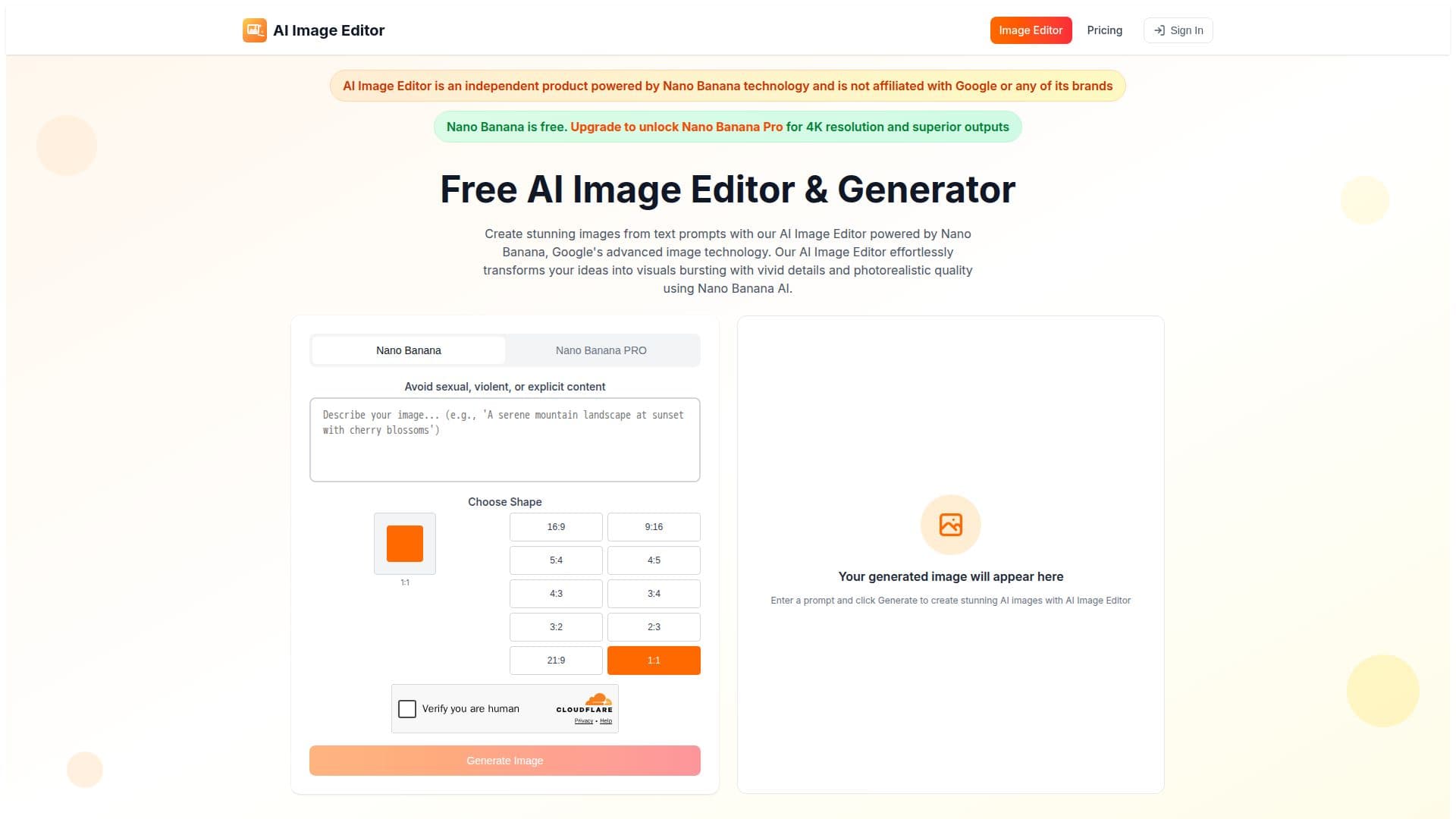
AI Image Editor is a browser-based platform for generating and editing images with Google's Nano Banana technology, built on the Gemini 2.5 Flash Image model. Users create visuals from text prompts and edit existing images through natural language, with character consistency maintained across edits.
Read More
Editing works conversationally: users describe changes in plain language and the tool applies them while preserving facial features and personal characteristics. Scene fusion blends edits into existing environments, and the model aims to resolve complex edits in a single pass.
The editor supports diverse styles including hyperrealistic, watercolor, cyberpunk, fantasy, anime, and minimalist looks, plus controls for lighting, color, composition, and depth of field. Additional capabilities include inpainting, image expansion, and background removal or replacement. Access is free with no login, and paid credits or a Pro plan unlock higher-quality outputs including 4K and increased usage.
- CategoryAI Image Generators
- Pricing ModelFreemium
- DeploymentCloud
- PlatformsWeb
AI Image Editor's Core Features
Text-to-image generation with Nano Banana (Gemini 2.5 Flash Image)
Conversational, natural-language image editing
Character and identity preservation across edits
Scene fusion for naturally integrated edits
Multiple artistic styles from photoreal to anime and watercolor
Controls for lighting, color, composition, and focus
Inpainting, image expansion, and background replacement
Free access with no login; Pro and credits for 4K output
How to use AI Image Editor?
Enter a prompt: Describe the image you want to generate.
Generate: Create the image with the Nano Banana model.
Edit conversationally: Upload or use a result and describe changes in plain language.
Refine and export: Adjust lighting, style, or background, then download.
AI Image Editor's Use Cases
- Text-to-image art
- Conversational photo editing
- Consistent characters
- Background and object edits