Description
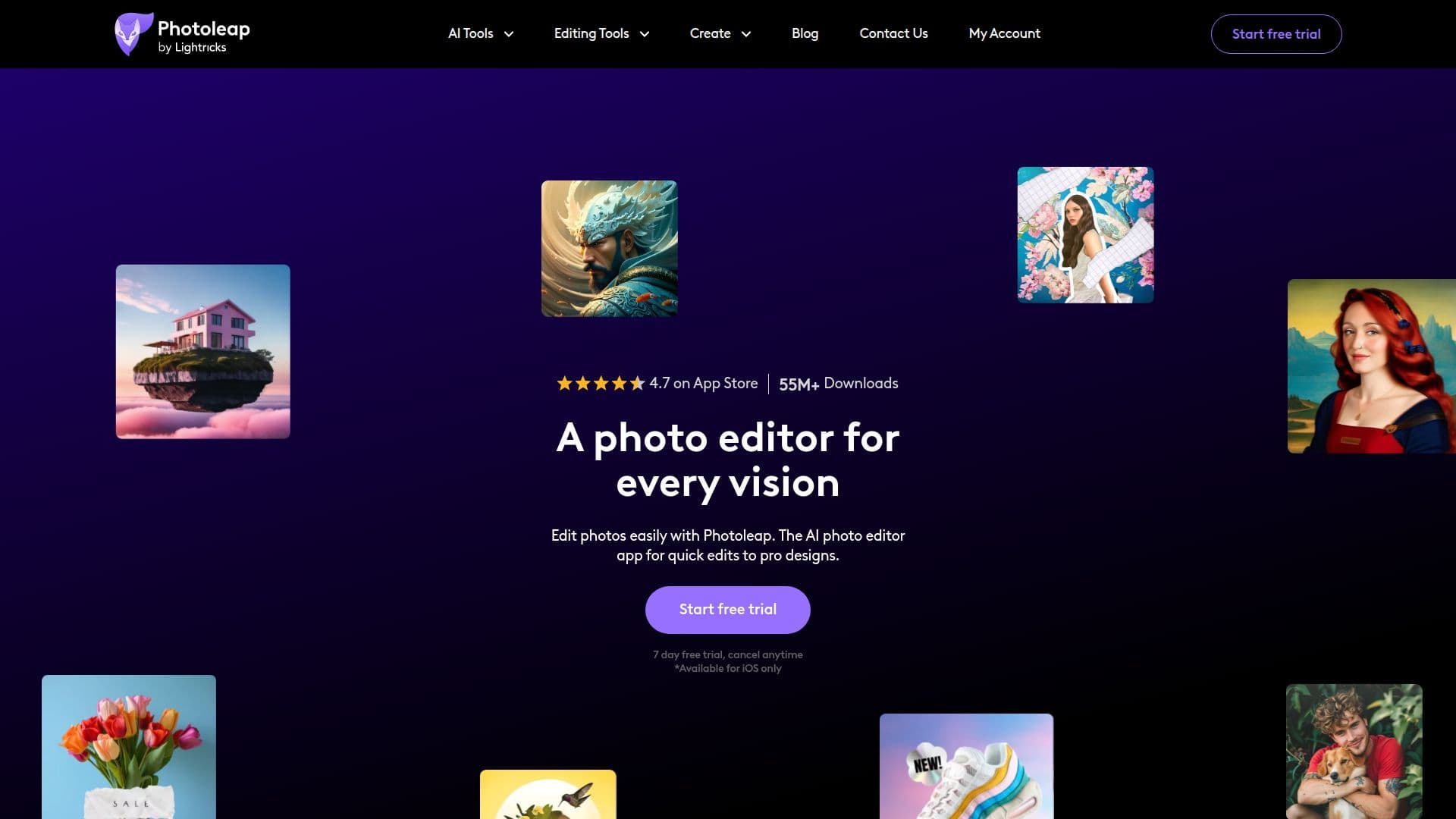
Photoleap is an all-in-one photo editing app for iPhone from Lightricks that combines everyday editing with creative AI tools. It offers one-tap edits to enhance image quality, remove unwanted objects, and swap backgrounds, along with tools to combine photos, blur images, apply filters and effects, and animate photos into short videos.
Read More
On the creative side, Photoleap includes text-to-image art generation, AI filters for trending visuals, an AI image upscaler for 4K results, style transfer, and a wide set of AI effects such as hairstyle simulation, character and portrait generation, photo-to-anime conversion, face swap, morph faces, gender swap, tattoo generation, interior design, and AI replace for adding or changing objects. It is positioned for creators making social content, memes, and standout posts, as well as for design tasks like collages and premium effects.
Photoleap requires no design experience and is available with a 7-day free trial that can be cancelled anytime. It is used by creators and businesses worldwide.
- CategoryAI Photo Editors
- Pricing ModelFreemium
- DeploymentCloud
- PlatformsiOS
Photoleap's Core Features
One-tap enhancements and object removal
Background removal and swapping
Text-to-image AI art generation
AI filters and style transfer
AI image upscaler for 4K results
Image-to-video animation
Creative AI effects like face swap, anime, and hairstyle
Collages, filters, and premium effects
How to use Photoleap?
Install the app: Download Photoleap on your iPhone and start the free trial.
Import a photo: Open the image you want to edit.
Pick a tool: Choose an edit like remove object, swap background, or apply an AI effect.
Adjust: Refine the result with one-tap edits or creative tools.
Export: Save or share your finished photo or video.
Photoleap's Use Cases
- Social content
- Background editing
- Creative AI art
- Photo cleanup