Description
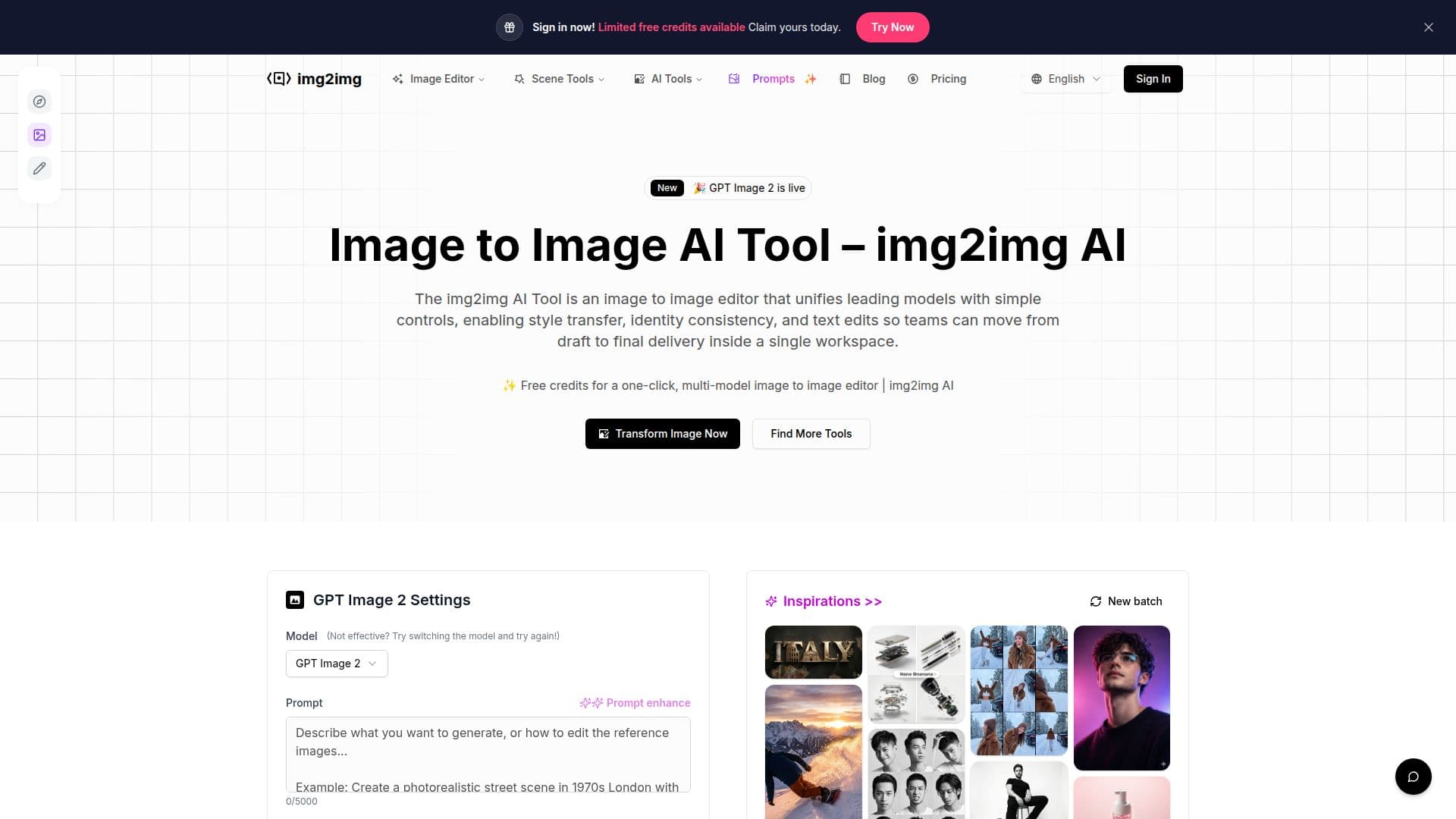
Img2Img AI is a comprehensive image-to-image editor designed to streamline the process of transforming images while maintaining detail and quality. It offers a unified platform that integrates leading AI models, allowing users to perform style transfers, background removals, upscaling, and face swaps. This tool is particularly beneficial for business teams, as it consolidates various editing capabilities into a single workspace, eliminating the need to switch between different tools or manage multiple files.
The platform supports a variety of image formats, including JPEG, PNG, and WEBP, with a maximum file size of 15MB and up to four images processed simultaneously. Img2Img AI provides ready-made presets for style, lighting, and retouching, enabling users to apply consistent edits across large image sets. Additionally, the tool allows for plain language commands, making it accessible even to those unfamiliar with complex editing software.
Img2Img AI is ideal for a range of applications, from portrait editing and style transfer to commercial design and anime creation. It ensures consistency in elements like hair color and facial features across edits, making it suitable for projects requiring character or product consistency. The tool also offers image quality enhancements, such as upscaling, sharpening, and denoising, to improve the overall appearance of images.
Pricing for Img2Img AI is structured across several tiers, including a 'Try' plan with 40 credits per month, a 'Hobby' plan with 100 credits, a 'Basic' plan with 300 credits, and a 'Pro' plan with 600 credits. Each plan includes access to multiple AI models and tools, curated prompts, and varying levels of support.
Overall, Img2Img AI is a versatile tool that caters to the needs of designers, marketers, and creators by providing a scalable and collaborative workflow for image editing. Its integration of advanced AI models and user-friendly interface makes it a valuable asset for businesses looking to enhance their visual content efficiently.
Img2Img AI Tool's Core Features
Multi-model integration for diverse editing needs
Style transfer with presets and references
Background removal and face swap capabilities
Supports JPEG, PNG, WEBP formats up to 15MB
Batch processing for consistent edits
Plain language editing commands
Image quality enhancement features
Commercial design tools for branding and marketing
How to use Img2Img AI Tool?
Upload: Add your images to the platform
Edit: Use presets or plain language commands
Transform: Apply style transfers or background changes
Export: Download the edited images in desired formats
Img2Img AI Tool's Use Cases
- Portrait Editing
- Style Transfer
- Commercial Design
- Anime Design
- Image Quality Boost