
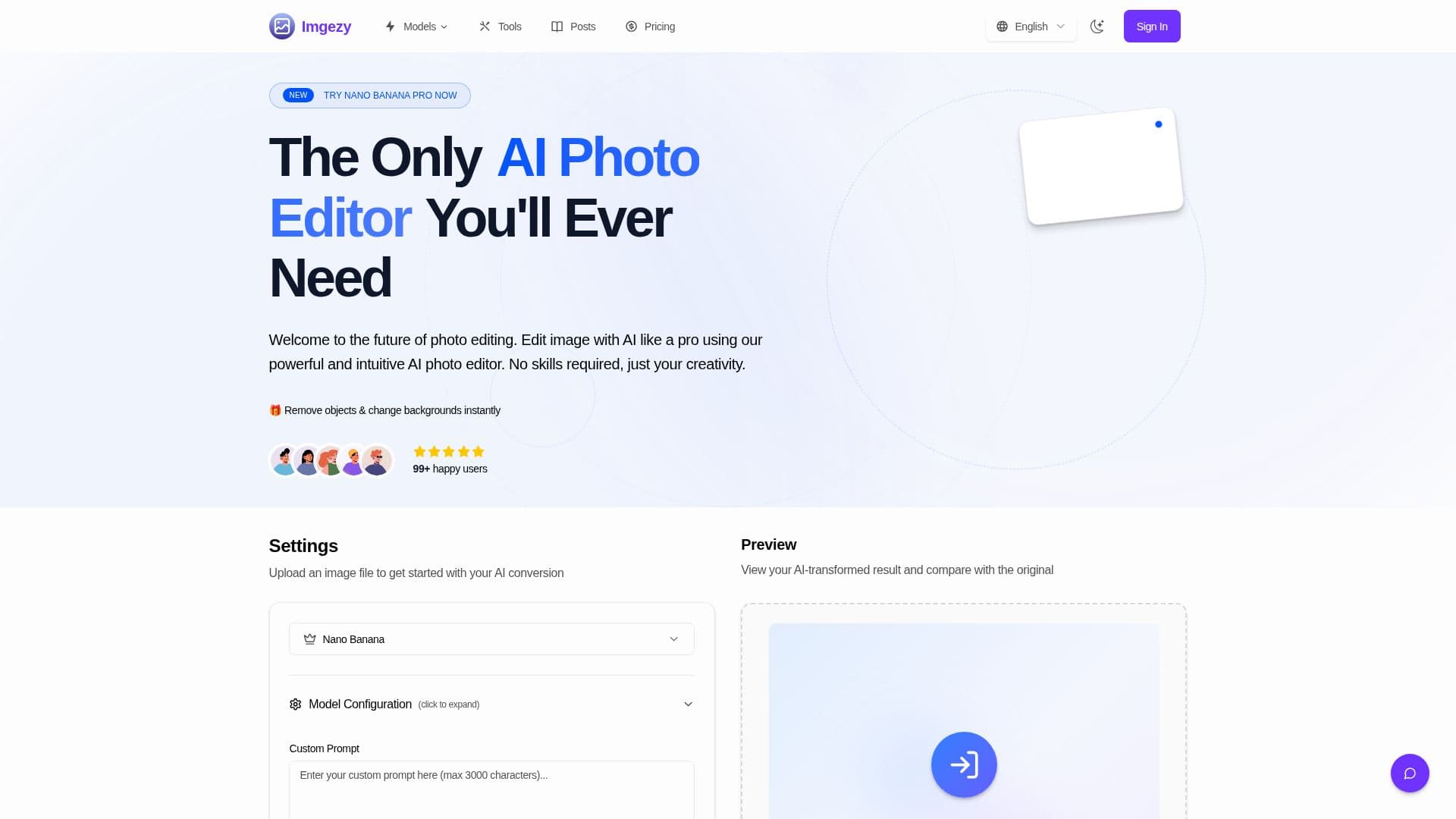
Description
Imgezy is an AI image editor for editing and enhancing photos online. Users upload an image, describe the change they want, and the AI applies it, removing unwanted objects, replacing backgrounds, and improving colors, lighting, and sharpness automatically. The platform is built to deliver professional-grade results with consumer-level simplicity and requires no design experience.
Read More
Core capabilities include object removal, background replacement, automatic photo enhancement, batch processing of multiple photos, high-resolution downloads, and smart repair of damaged or blurry areas. The AI is trained on millions of images to produce consistent results, and most edits complete within five to ten seconds. It works with common formats including JPG, PNG, HEIC, and WebP, with images up to 4K resolution recommended.
Imgezy requires an account and offers a free trial of four credits, with paid Basic and Pro plans priced monthly or annually. Generating an image typically uses two credits, and credits reset at the start of each billing cycle. The Basic plan suits personal use with images licensed for personal use only, while the Pro plan adds a commercial license, priority support, and roughly four times the credits.
Uploaded files are processed securely and automatically deleted after 24 hours. The tool is used by ecommerce stores, marketing agencies, and content creators to prepare product images and marketing materials.
- CategoryAI Photo Editors
- Pricing ModelFreemium
- DeploymentCloud
- PlatformsWeb
Imgezy's Core Features
AI object removal for people and distractions
Instant background replacement
Automatic photo enhancement of color, lighting, and sharpness
Batch processing of multiple photos
Smart repair of damaged or blurry image areas
Full-resolution downloads
Support for JPG, PNG, HEIC, and WebP up to 4K
Automatic deletion of uploads after 24 hours
How to use Imgezy?
Sign in: Create an account and receive four free credits to get started.
Upload an image: Add a photo in JPG, PNG, HEIC, or WebP, up to 4K resolution.
Describe your edit: Give clear, specific instructions such as removing an object or changing the background.
Preview and download: Compare the AI result with the original and download the edited image at full resolution.
Imgezy's Use Cases
- Ecommerce product photos
- Marketing materials
- Object removal
- Photo enhancement
- Batch editing