
Description
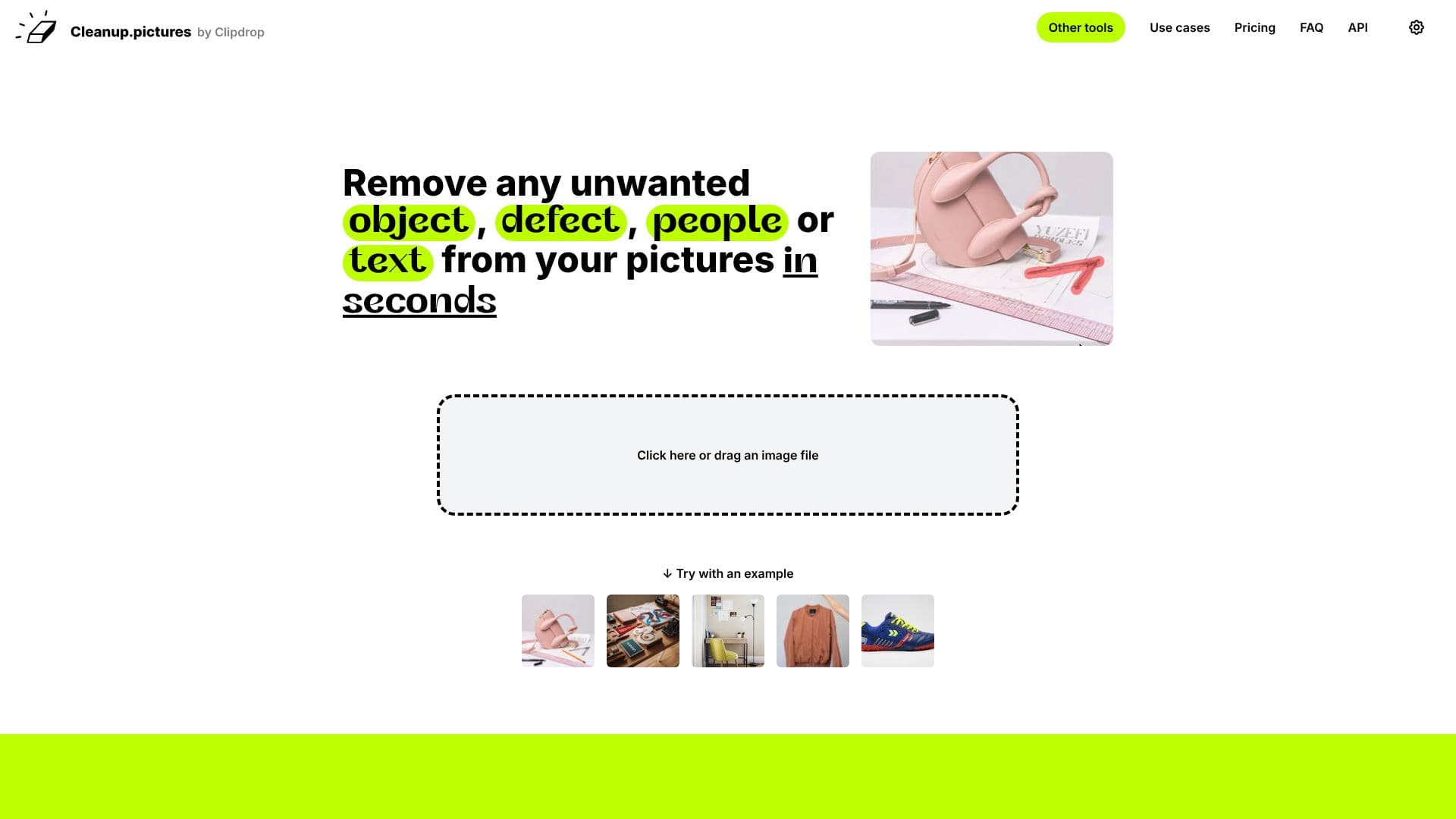
Cleanup.pictures is an advanced AI-powered editing tool designed to effortlessly remove unwanted elements from your photographs. Whether it's distracting objects, photobombing people, intrusive text, logos, watermarks, or even minor defects like cracks and blemishes, this platform provides a fast and effective solution.
Read More
The core technology behind Cleanup.pictures is inpainting, a sophisticated AI technique that not only removes the selected unwanted element but also intelligently reconstructs the background, creating a seamless and natural-looking result. Unlike traditional tools that require manual cloning and background referencing, Cleanup.pictures' AI can accurately guess what should be behind the removed object, significantly speeding up the editing process.
This tool is invaluable for a wide range of users. Photographers can use it to remove timestamps from holiday pictures, eliminate tourists from scenic shots, or perfect portrait photos for client portfolios. Real estate agents can depersonalize property images by removing clutter or personal items, making spaces appear more appealing. E-commerce businesses can create pristine product shots by removing unwanted background elements or imperfections, enhancing their online store's visual appeal and social media presence.
Creative professionals can leverage Cleanup.pictures to quickly remix existing photos, replacing elements or cleaning up visuals to maintain creative flow. Developers can integrate this powerful inpainting capability into their own applications through an accessible API, enabling high-quality image retouching within custom workflows. The platform offers a free tier for unlimited edits with resolution limitations, and a Pro version for high-resolution processing and advanced features.
Cleanup.pictures distinguishes itself by its ease of use and the quality of its AI-driven results. It eliminates the need for complex software like Adobe Photoshop for many common retouching tasks, offering a user-friendly experience that delivers professional outcomes in seconds. The free trial allows users to test the HD quality before committing to a subscription.
- CategoryAI Photo Editors
- Pricing ModelFreemium
- DeploymentCloud
- PlatformsWeb
Cleanup.pictures's Core Features
AI-powered object removal
Removes people, text, logos, watermarks, and defects
Intelligent background reconstruction
User-friendly interface with brush tool
Fast editing in seconds
High-quality results
Free tier available
Pro version for high-resolution editing
API for developers
Suitable for photographers, real estate agents, and e-commerce
How to use Cleanup.pictures?
Upload Image: Drag and drop an image file or click to load your picture.
Select Tool: Use the brush tool to draw over the unwanted object, person, or text.
Refine Selection: Adjust brush size as needed to cover the area thoroughly.
Process: The AI automatically removes the selected element and reconstructs the background.
Download: Save your cleaned-up image.
Cleanup.pictures's Use Cases
- Object Removal
- People Removal
- Text Removal
- Defect Correction
- Real Estate Enhancement
- E-commerce Product Shots
- Creative Editing
- API Integration