
Description
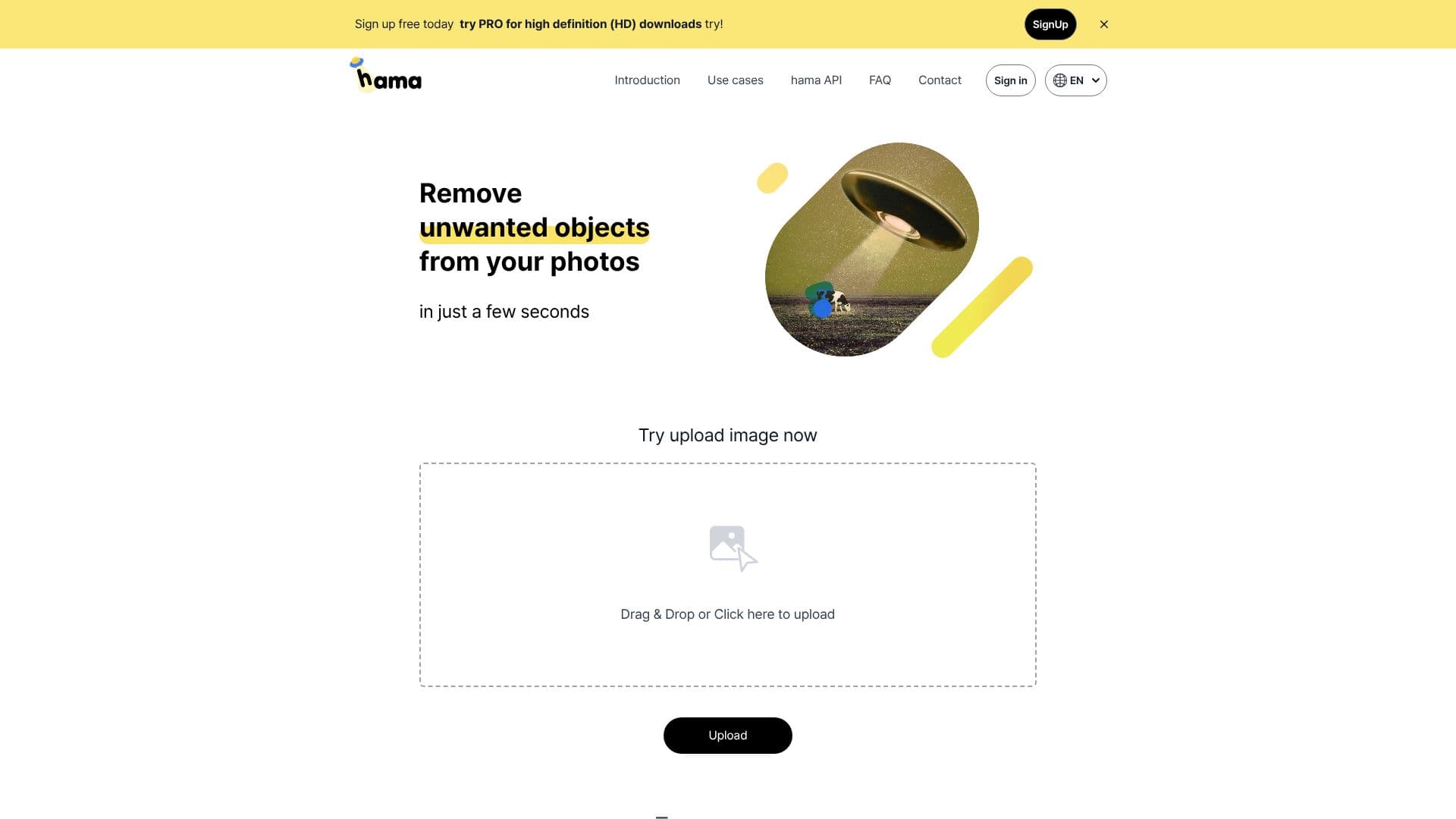
HAMA is an advanced AI object remover and image eraser that simplifies the process of cleaning up your photographs. Whether you need to eliminate distracting people, unwanted objects, or intrusive text, HAMA provides a user-friendly solution. The core functionality revolves around an intuitive brushing mechanism; users simply paint over the specific area of the image they want to remove, and the AI handles the rest, seamlessly erasing the selected portion.
Read More
This tool is particularly useful for a wide range of applications, from personal photo editing to professional content creation. For instance, in photo editing, it can remove blemishes, spots, freckles, pimples, wrinkles, and other imperfections, as well as obstructions that detract from the main subject. In e-commerce, it can help create cleaner product images by removing background clutter or unwanted elements. For web builders and template designers, it offers a quick way to refine visual assets.
The process is remarkably fast, with the tool promising results in as little as five seconds. For those looking for higher quality outputs, a PRO version offers high-definition (HD) downloads. HAMA also provides an API for developers who wish to integrate its object removal capabilities into their own applications. The API works by sending the original image and a mask image to the HAMA API, which then processes them to produce the final, cleaned image.
Tips for optimal performance include erasing repeatedly for better results, especially with complex edits. The platform offers example images for landscape and cityscape edits, showcasing its versatility. HAMA aims to deliver surprising results that exceed user expectations, making image enhancement accessible and efficient for everyone.
- CategoryAI Photo Editors
- Pricing ModelFreemium
- DeploymentCloud
- PlatformsWeb
HAMA AI Object Remover's Core Features
AI-powered object removal
Intuitive brushing tool for selection
Removes people, objects, and text
Quick processing time (seconds)
Free to use for basic edits
High-definition (HD) downloads available with PRO
API for integration into other applications
Removes blemishes, spots, and imperfections from photos
Useful for e-commerce, web design, and photo editing
Supports landscape and cityscape image enhancement
Offers example images for demonstration
How to use HAMA AI Object Remover?
Upload Image: Drag and drop your image or click to upload.
Brush to Erase: Use the brush tool to mark the unwanted object or area.
Click Erase: Initiate the AI-powered removal process.
Download Result: Save your cleaned image, with HD options available for PRO users.
HAMA AI Object Remover's Use Cases
- Photo Enhancement
- Object Removal
- Text Removal
- E-commerce Images
- Web Design Assets
- Landscape Editing
- Cityscape Enhancement