
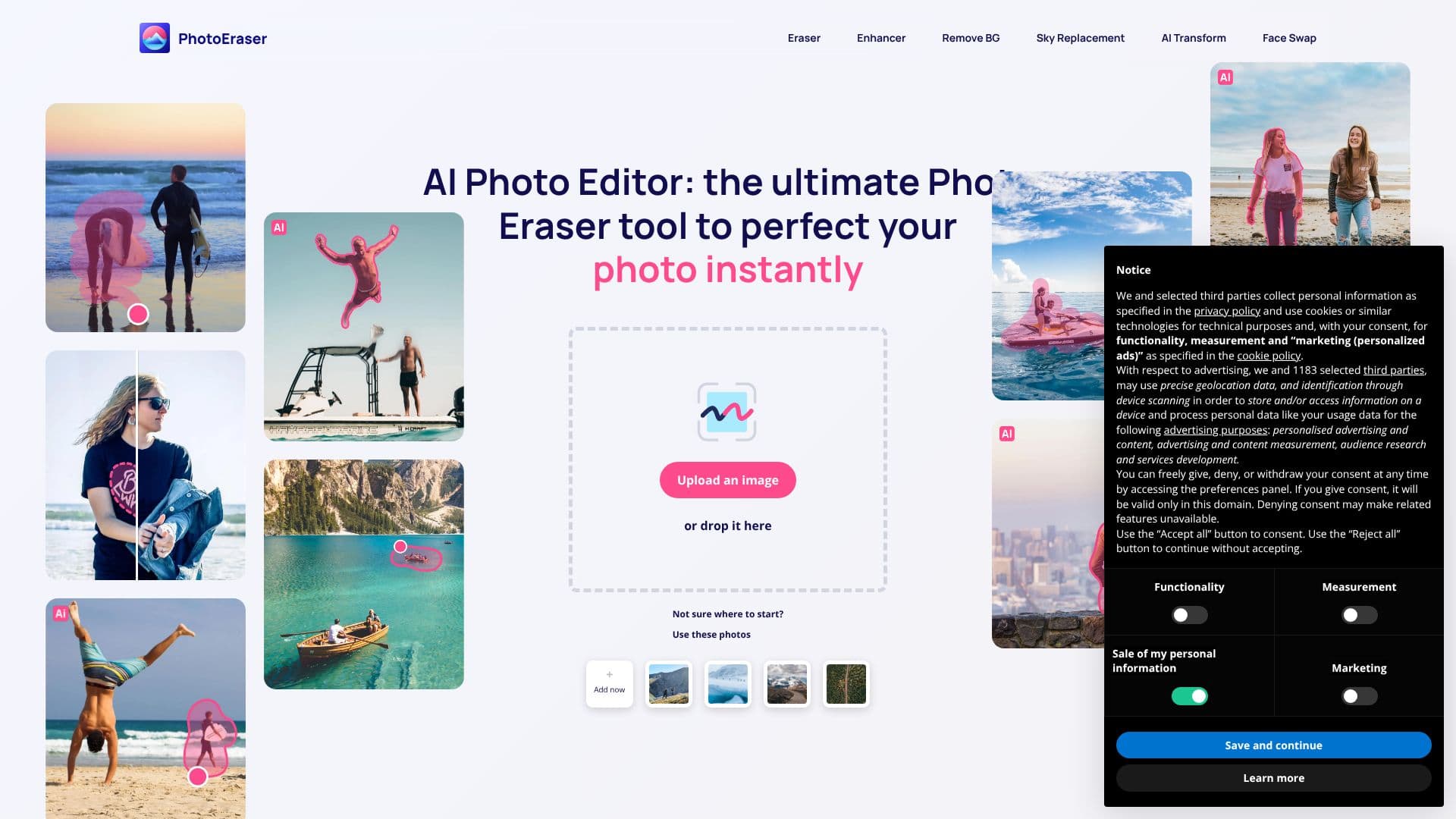
Description
Photoeraser presents a comprehensive AI Photo Editor, acting as an all-in-one tool to perfect images instantly. The platform allows users to upload or drop their photos to begin the editing process. It features a suite of magic tools, including an Eraser, Blemish remover, and Crop tool, all designed for effortless use.
Read More
The Eraser tool is central to Photoeraser's functionality, enabling users to remove imperfections and unwanted objects with just a few clicks. The Blemish tool is specifically designed for skin retouching, offering flawless skin with a single tap. The Crop tool provides advanced yet easy-to-use functionality to transform photos and achieve the perfect shot every time.
Editing with Photoeraser follows a simple four-step process: choose and upload an image, select the desired editing tool, enhance the photo, and finally, export the masterpiece. This streamlined approach ensures that users can achieve professional-quality results without extensive editing experience. The AI is powered by cutting-edge technology, analyzing every element with remarkable precision to remove unwanted objects and enhance overall photo quality.
Photoeraser emphasizes its ease of use, stating that professional results are achievable with minimal effort. The AI algorithm is designed to be highly advanced yet user-friendly, making it suitable for both beginners and experienced users. The platform also offers a downloadable app for iPhone, allowing users to edit photos anytime, anywhere.
Customer testimonials highlight the product's ease of use and the perfect results it delivers. Users appreciate its ability to easily edit out minor imperfections and consider it a top photo editing app, particularly for its AI Photo Enhancer. Frequently Asked Questions address general features, subscription details, and the specific functionality of the Eraser tool.
- CategoryAI Photo Editors
- Pricing ModelFree
- DeploymentCloud, Mobile app
- PlatformsWeb, iOS
Photoeraser AI Photo Editor's Core Features
AI-powered photo editing
Object removal tool
Blemish removal for skin retouching
Advanced cropping tool
Enhances photo quality
User-friendly interface
Step-by-step editing guide
Professional results
Downloadable iPhone app
Free to use
How to use Photoeraser AI Photo Editor?
Upload Image: Choose an image and upload it to the editor.
Select Tool: Pick the editing tool you need, such as Eraser or Blemish.
Enhance Photo: Apply the tool to make desired edits and improvements.
Export Masterpiece: Save your enhanced photo once satisfied with the results.
Photoeraser AI Photo Editor's Use Cases
- Remove unwanted objects
- Enhance photo quality
- Retouch portraits
- Perfect photo composition
- Quick photo edits
- Mobile photo editing