Description
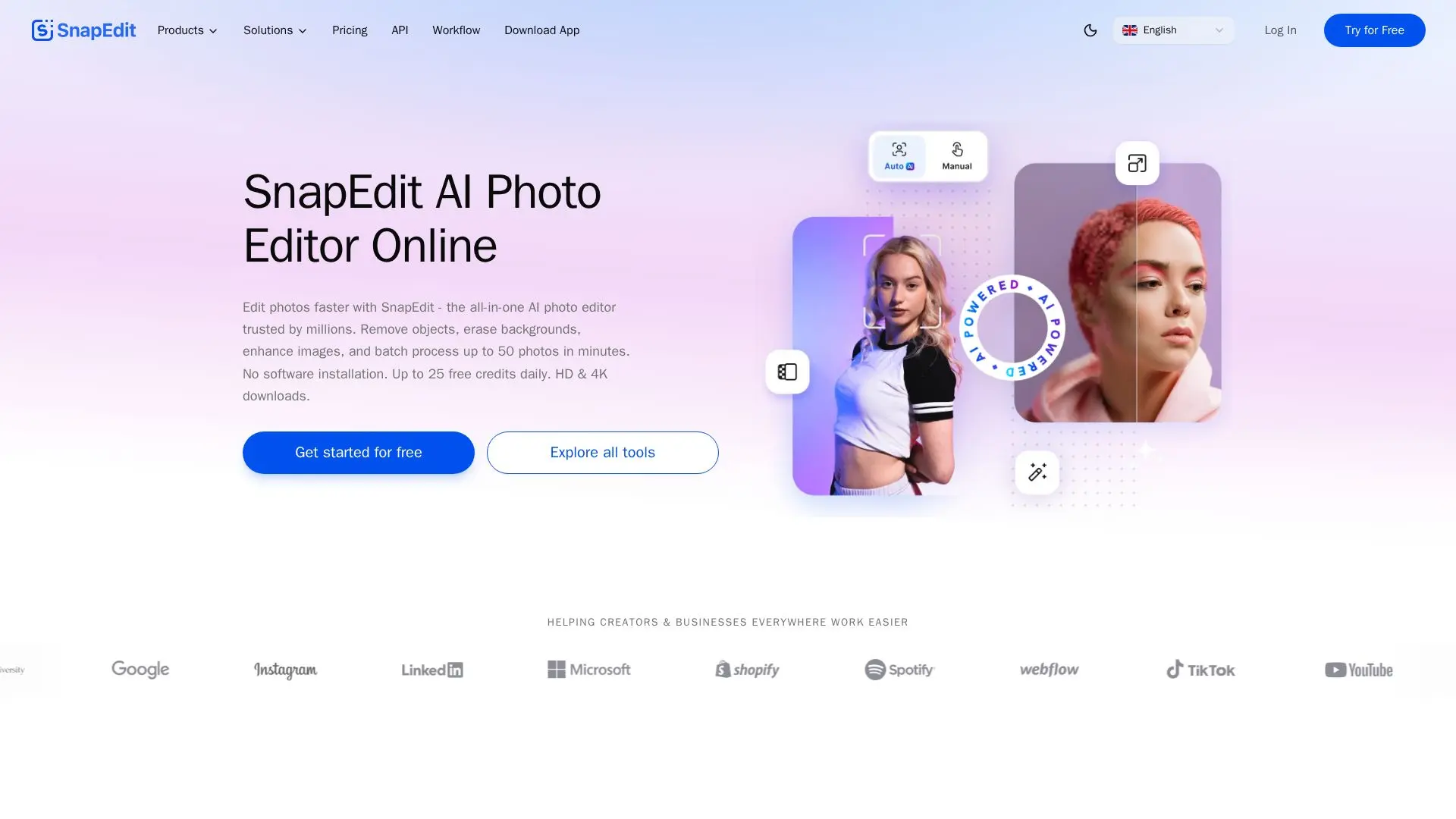
SnapEdit is an innovative AI photo editor designed to simplify the photo editing process for casual users, designers, photographers, and online entrepreneurs. With over 25 powerful tools, users can easily remove unwanted objects, erase backgrounds, enhance images to HD and 4K quality, and retouch skin without needing any prior editing skills. The platform operates on a freemium model, allowing users to access up to 25 free credits daily, making it an attractive option for those looking to enhance their photos without a financial commitment.
Read More
The SnapEdit platform is accessible via both web and mobile applications, providing a seamless experience across devices. Users can batch process up to 50 photos in minutes, streamlining workflows for businesses and content creators alike. The AI-powered features include one-touch object removal, automatic background removal, and advanced image enhancement capabilities. This makes SnapEdit not only a tool for personal use but also a valuable resource for businesses looking to optimize their product images for e-commerce and marketing campaigns.
SnapEdit's user-friendly interface allows anyone to edit photos quickly and efficiently. The drag-and-drop functionality makes it easy to upload images and apply various editing tools without the need for complex software installations. Additionally, SnapEdit offers an API for developers looking to integrate its powerful editing capabilities into their own applications and workflows. With millions of users worldwide and a high average rating, SnapEdit is trusted for its fast and effective photo editing solutions.
- CategoryAI Photo Editors
- Pricing ModelFreemium
- DeploymentCloud
- PlatformsWeb, iOS, Android
SnapEdit's Core Features
Remove Objects
Erase Backgrounds
Enhance Photos to HD & 4K
Retouch Skin
Batch Processing
No Software Installation Required
API Integration Available
Free Tier with Daily Credits
How to use SnapEdit?
Upload your images: Drag and drop your photos into the SnapEdit interface.
Select editing tools: Choose from various AI-powered tools like Remove Background or Enhance Photo.
Apply edits: Use the selected tools to make adjustments to your images.
Batch process: If editing multiple images, select the batch processing option to edit up to 50 photos at once.
Download results: Once editing is complete, download your enhanced images in your preferred format.
SnapEdit's Use Cases
- Social Media Content Creation
- E-commerce Product Editing
- Personal Photo Enhancement
- Batch Processing for Agencies
- Professional Photography Retouching