Description
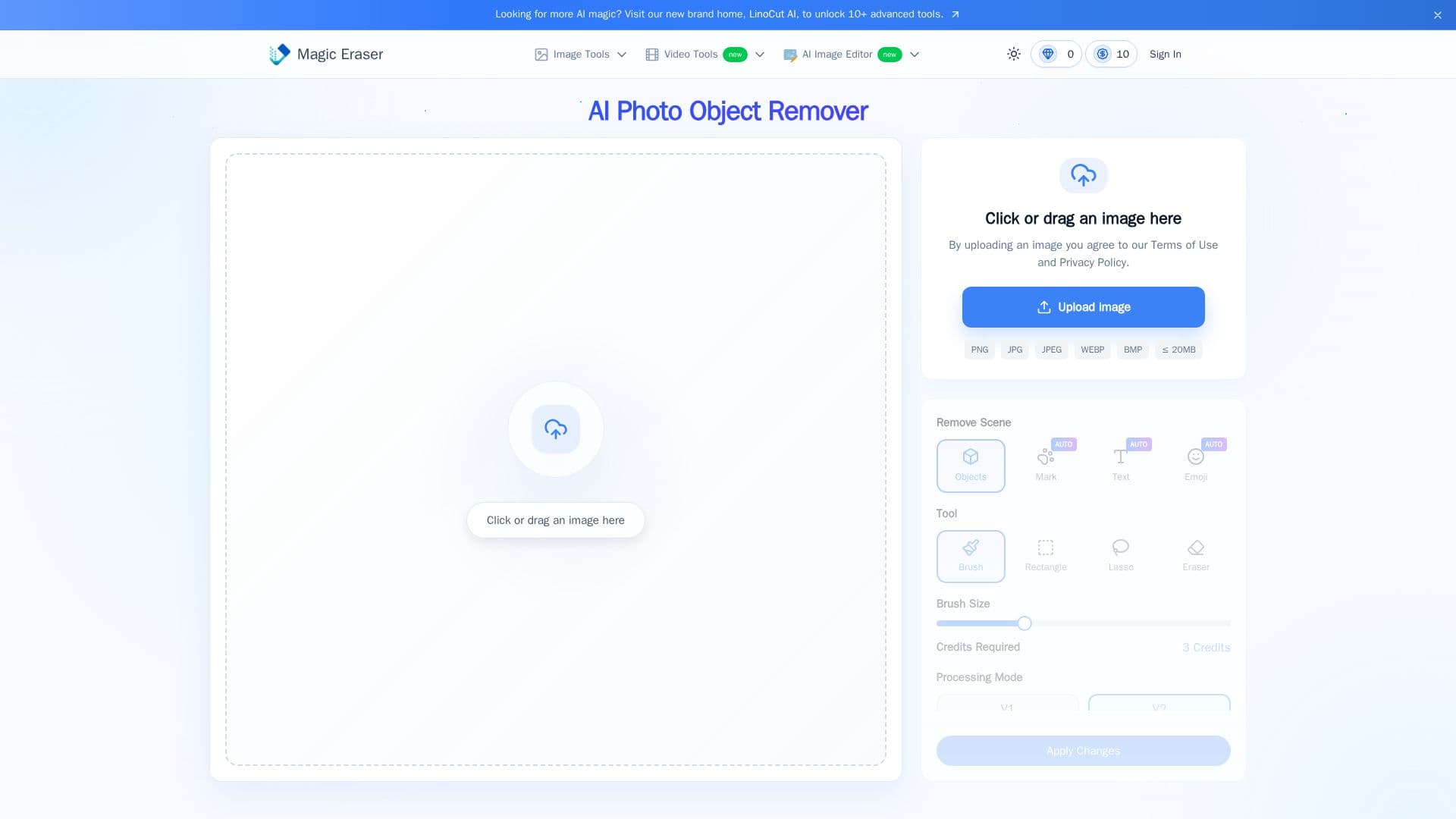
Magic Eraser is a free online AI photo cleanup tool that removes unwanted objects, people, text, logos, and watermarks from images. Users brush over what they want gone, and the AI uses deep learning to re-imagine the pixels behind the object for a seamless blend, producing clean, professional images without the learning curve of traditional editors, and with no sign-up required.
Read More
The tool covers a range of cleanup tasks: removing photobombers and background distractions from portraits and selfies, erasing crowds, signs, or clutter from travel and landscape shots, removing logos, props, and unwanted objects for clean product listings, deleting text, stickers, and overlays from memes and posters, and removing watermarks and date stamps from photos and video. It also offers a background eraser to isolate subjects and links to a companion AI image editor for advanced touch-ups.
Magic Eraser works with JPG, PNG, and WebP files and follows a simple flow: upload an image, brush to erase, let the AI fill the area naturally, and download the result. It is positioned as a free, watermark-free tool with no registration, and offers pricing options for additional use.
- CategoryAI Photo Editors
- Pricing ModelFreemium
- DeploymentCloud
- PlatformsWeb
Magic Eraser's Core Features
AI removal of objects, people, and clutter
Watermark and date-stamp removal
Text, sticker, and overlay removal
Logo and brand mark removal
Background eraser to isolate subjects
Brush-based selection with natural fill
No login required and watermark-free results
How to use Magic Eraser?
Upload your image: Drag in a JPG, PNG, or WebP file.
Brush to erase: Highlight the people, text, or objects you want removed.
Let AI remove it: The AI analyzes the scene and fills the area naturally.
Download and share: Save your clean, high-quality image.
Magic Eraser's Use Cases
- Portrait cleanup
- Product listings
- Watermark removal
- Travel photos